Best 3D Printer Deal Right Now: Where to Find Genuine Discounts in 2026
The Creality Ender 3 V3 SE (around $200) is the safest value pick for most buyers right now, while the Sovol SV08 Max (~$400) gives you the most build volume per dollar for large projects. But “best deal” isn’t a single number – it depends on what you print, how fast you want it done, and how much tinkering you can tolerate.
Here’s what that means for your next purchase decision: if you don’t already know you need a big build volume or high speed, the Ender 3 V3 SE is almost certainly the right starting point. If you find yourself often wishing your prints were bigger, the Sovol SV08 Max saves you from buying a second printer later. And if speed is your priority for small parts, the Bambu Lab A1 Mini pays for itself in time saved within a few weeks.
Best 3d printer” /> deal: Top Picks & Guide
Quick answer
- Best all-around value – Creality Ender 3 V3 SE: Auto bed leveling (CR Touch), 220 × 220 × 250 mm build volume, silent stepper drivers, strong community support. Typical street price: $200.
- Best large-format deal – Sovol SV08 Max: 400 × 400 × 450 mm, direct-drive extruder, bed heats to 120°C. Price near $400 – about half what comparable-size printers cost two years ago.
- Best budget speedster – Bambu Lab A1 Mini: Prints up to 500 mm/s, fully automatic calibration. Build volume only 180 × 180 × 180 mm. Price: $300.
None of these is perfect for every user. The real deal depends on your use case.
Comparison framework
| Printer | Price (approx) | Build volume (mm) | Max hotend temp | Max bed temp | Auto leveling | Known weakness |
|---|---|---|---|---|---|---|
| Creality Ender 3 V3 SE | $200 | 220×220×250 | 260°C | 100°C | CR Touch | Bowden tube can clog with PLA+ at high speeds; manual Z-offset still needed occasionally |
| Sovol SV08 Max | $400 | 400×400×450 | 300°C | 120°C | Inductive sensor | Heavy gantry causes ringing above 2000 mm/s²; manual firmware updates; no enclosure |
| Bambu Lab A1 Mini | $300 | 180×180×180 | 300°C | 100°C | Fully automatic | Proprietary hotend ($15 per nozzle); small bed; filament runout sensor extra $20 |
| Anycubic Kobra X (early bird) | $180 | 250×220×220 | 260°C | 100°C | Strain gauge | Inconsistent print quality; firmware glitches reported on early units; strain-gauge drift over weeks |
Prices are typical street prices in early 2026.
Best-fit picks by use case
Beginners: Creality Ender 3 V3 SE
This is the first Ender that works decently out of the box. The CR Touch probe compensates for minor bed tilt, and the silent drivers mean you can run it in a bedroom overnight. You still need to set Z-offset manually – the auto-leveling only corrects tilt, not nozzle height. To verify proper Z-offset, print a single-layer test square at 0.2 mm layer height. If the first layer has gaps between lines, lower Z-offset by 0.05 mm. If lines are transparent or the nozzle drags, raise it by 0.05 mm. You’ll know it’s right when the lines are pressed into the bed without visible gaps and the top surface is smooth.
What can go wrong: The stock PTFE-lined hotend degrades above 260°C, causing clogs if you accidentally set nozzle temp to 265°C for PETG. Strictly keep PLA at 200–215°C and PETG at 235–245°C to avoid heat-creep jams. Also, the extruder tension arm is plastic – if it cracks (common after 3–6 months), prints will under-extrude. Replace it with an aluminum arm for $8 before that happens.
Large projects: Sovol SV08 Max
The 400 mm³ build volume rivals printers that cost $800+. For cosplay helmets, RC car bodies, or large planters, this is the best deal under $500. The direct-drive extruder handles TPU (shore 95A) and PETG well. To avoid ringing on large prints, set acceleration to 1500 mm/s² and run a 0.6 mm nozzle at 0.28 mm layer height – this cuts print time by 40% compared to a 0.4 mm nozzle at 0.2 mm.
What can go wrong: The SV08 Max is heavy – 45 lbs – and needs a sturdy surface. Put it on a concrete paver on a workbench, not a flimsy Ikea desk. If you notice ghosting on vertical walls, check belt tension: they should resonate at a low bass note when plucked. Also, firmware updates require downloading a .bin file to an SD card and inserting it with the printer off – no Wi-Fi updates.
Budget speed: Bambu Lab A1 Mini
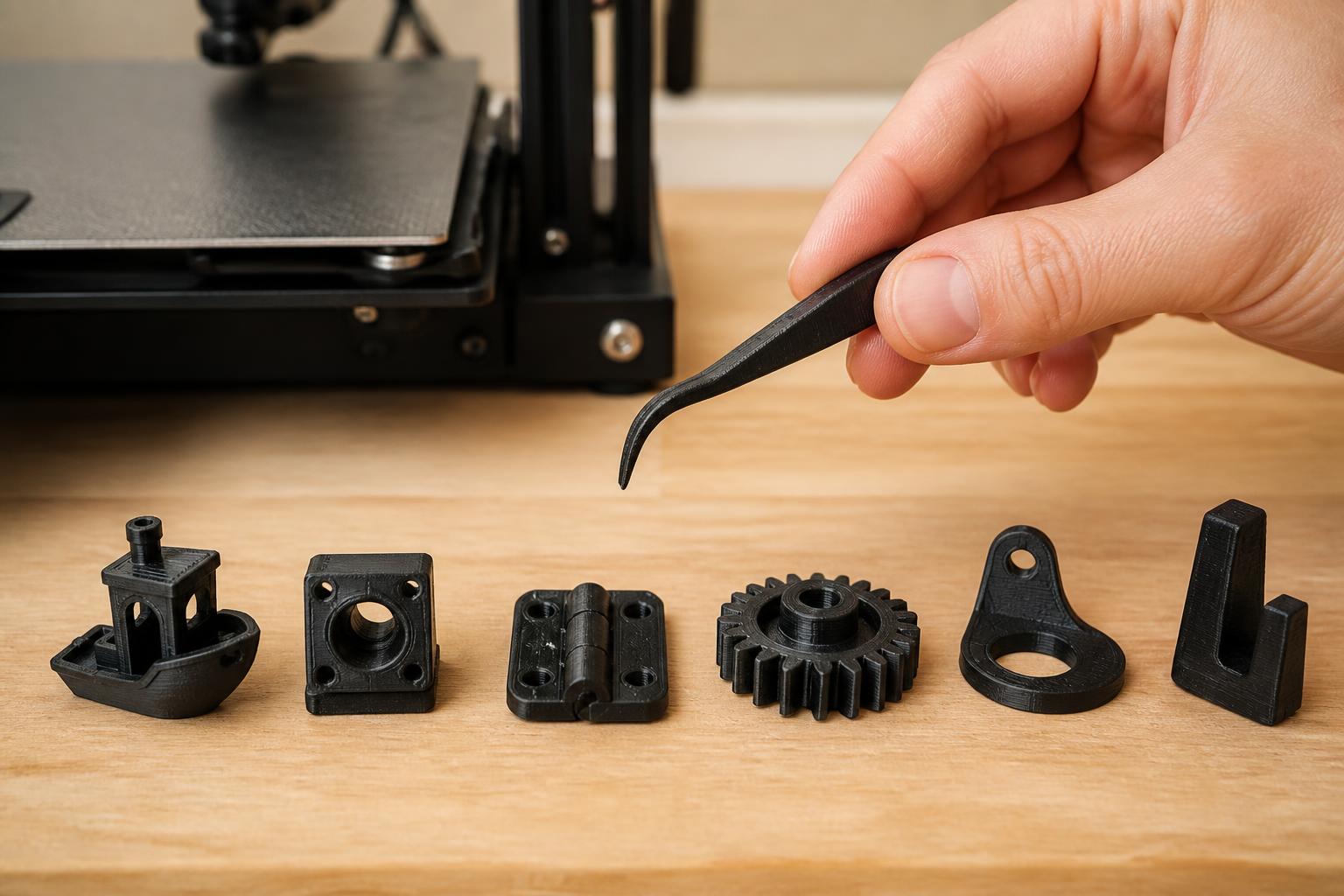
The A1 Mini’s auto-calibration is remarkable: Z-offset, flow rate, input shaping, and resonance compensation all happen automatically. For small functional parts (gears, brackets, tool holders), it’s the fastest reliable option under $400. To confirm the auto-leveling worked correctly, watch the first layer of a 20 mm calibration cube. If the brim has uniform adhesion all the way around with no lifting or elephant’s foot, you’re good.
What can go wrong: The bed is small – 180 mm³ – so you can’t print any part longer than 180 mm in any axis. The hotend is proprietary; replacement nozzles cost $15 each and only fit Bambu units. If you print abrasives (carbon-fiber nylon, glow-in-the-dark PLA), the brass nozzle wears out in 200–300 hours and costs $15 to replace. Also, the A1 Mini uses a PTFE-lined hotend, so avoid printing above 260°C.
Budget stretch: Anycubic Kobra X (early bird)
When the Kobra X drops to ~$180, it’s tempting because it offers a 250 mm Z height and strain-gauge auto-leveling. But early units had firmware bugs that caused mid-print shutdowns around hour 10–12. To check if yours is affected, update the firmware to the latest version from Anycubic’s website before your first print. If the screen freezes during a print, you’ll need to replace the mainboard (warranty covered, but takes 2–3 weeks).
Trade-offs to know
The “cheaper is better” trap
A $150 printer that produces a 30% failure rate costs you more in filament and time than a $250 printer that works reliably. Example: the Kobra X at $180 might save you $20 upfront over the Ender 3 V3 SE, but if it fails mid-print every third job, you’re burning through $12 spools of PLA and losing 5–15 hours of print time per failure. Over three months, the Ender 3 V3 SE is cheaper.
Large volume ≠ large print quality
A 400 mm³ build volume sounds amazing, but large prints introduce more warping and take longer. For PETG on the SV08 Max without an enclosure, parts over 250 mm wide will curl at the corners if bed temperature drops below 80°C. You can mitigate this by adding a draft shield (cardboard box) or printing with a brim. But if you only rarely print big items, a smaller printer that you can run multiple times is more practical.
Speed can mask core issues
The Bambu A1 Mini’s advertised 500 mm/s is achievable only for simple, squat parts. For tall models with fine detail, you’ll need to drop speed to 100 mm/s to avoid ringing. The speed advantage matters most for low-profile parts with large flat areas – gears, brackets, and base plates. For anything else, the Ender 3 V3 SE at 80 mm/s may actually produce better surface quality.
Firmware upgrades are a hidden cost
The Ender 3 V3 SE ships with a mature Marlin build that rarely needs updates. The Sovol SV08 Max requires manual firmware updates via SD card – if you skip the update that fixes the bed-screws offset bug, first-layer adhesion will be inconsistent. The Bambu A1 Mini updates over Wi-Fi automatically, so this is a non-issue. Factor in your comfort level with firmware when choosing.
Related questions
What is the best 3D printer deal under $250?
The Creality Ender 3 V3 SE at $200 is the most reliable option at that price. It lacks Wi-Fi and a touchscreen, but prints consistently with minimal tinkering.
Is the Sovol SV08 Max worth it over the Creality K1 Max?
The SV08 Max is about $150 cheaper and offers the same build volume. The K1 Max is faster and has a built-in enclosure, but the Sovol is the better deal if you don’t need enclosure and can manage a slower print speed.
Do I need a heated enclosure for large PETG prints?
Not always, but for parts over 250 mm, a simple cardboard box enclosure helps keep bed temperature stable and prevents warping. Without enclosure, set bed to 85°C and ensure ambient air isn’t below 68°F.
How much filament will a large print use?
A 400 × 400 × 50 mm solid rectangular part at 20% infill with 0.2 mm layer height uses about 600 grams of PLA – about $12 at standard filament prices. Always estimate material cost before committing to a large print.
Explore This Topic
- Back to Best 3D Printers
- Back to sc0007
Related guides in this cluster:
- Best 3d printer multicolor: Top Picks & Guide
- Best 3d printer under 400: Top Picks & Guide
- Best starting 3d printer: Top Picks & Guide

Ryan has been operating FDM 3D printers since 2017. He runs a 12-machine print farm. His daily drivers include a Bambu Lab X1 Carbon, Prusa MK4s, and Creality Ender-3 V3s that have logged over 15000 print hours. He started 3D Printer Nerd to provide structured troubleshooting guides with diagnostic order, material-specific parameters, and clear stop points.