Toybox 3D Printer Review: Is It Worth It for Young Makers?
The Toybox 3D printer fills a narrow but genuine need: a safe, low-fuss machine for young children that parents can set up in minutes and trust not to burn a finger or jam on the second print. That tight focus also means hard limits on print volume, material choice, and long-term value. If your priority is a supervised-first experience for a six- to ten-year-old, the Toybox delivers. If you want to grow into printing functional parts, flexible materials, or larger models, you will hit its ceiling fast.
Quick answer
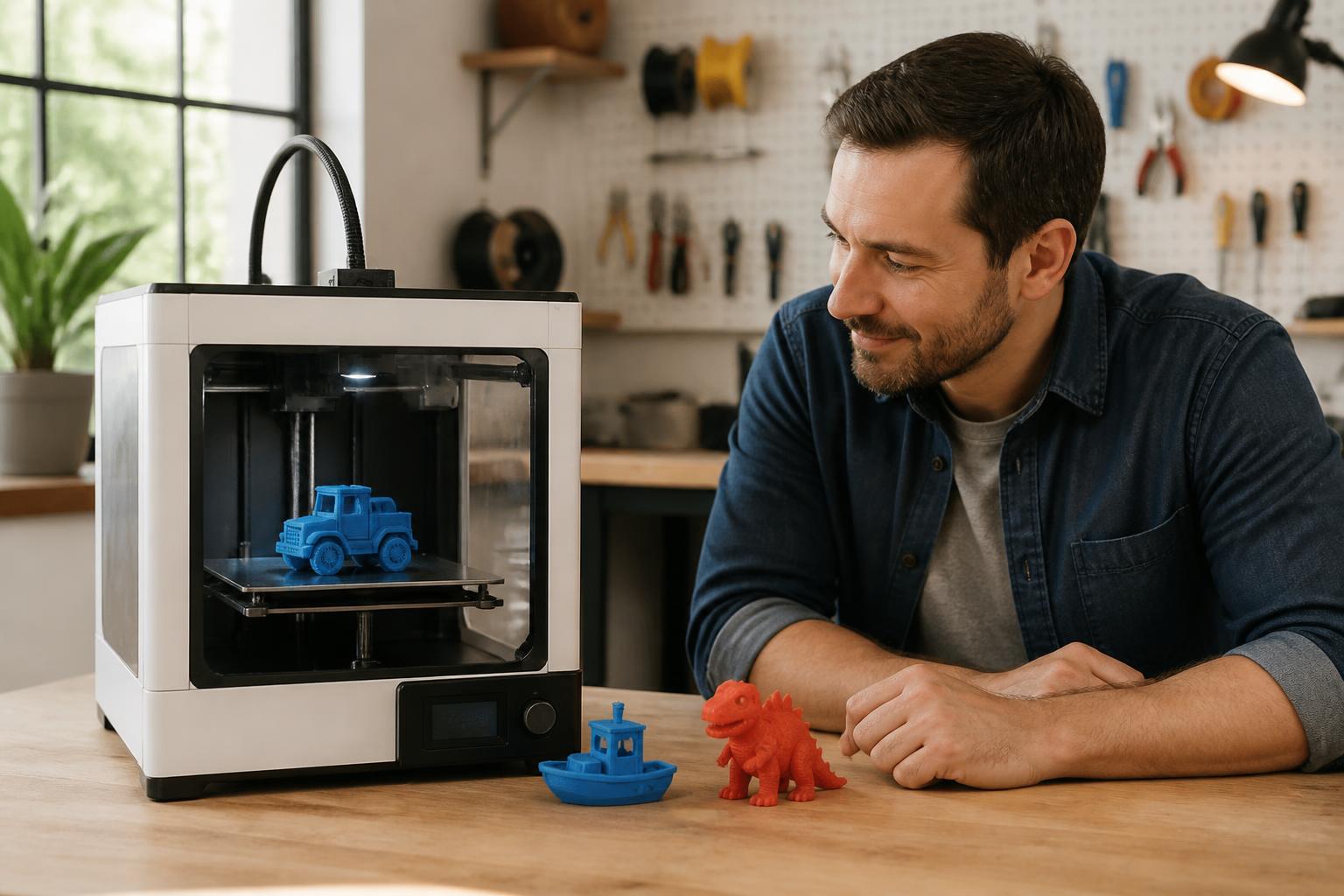
The Toybox is a closed-ecosystem, kid-oriented printer with a 5.5″ × 5.5″ × 5.5″ (140mm) build volume, a 0.4mm nozzle, 0.2mm fixed layer height, and no heated bed. It prints only Toybox’s own PLA cartridges (about $25–$30 for 500g, or $50–$60/kg). Print speed averages 30–60mm/s. The Toybox app controls slicing and model selection; you cannot load your own G-code or adjust support settings manually.
Best for: Families with children ages 6–12 who want a turnkey printer for small toys and trinkets.
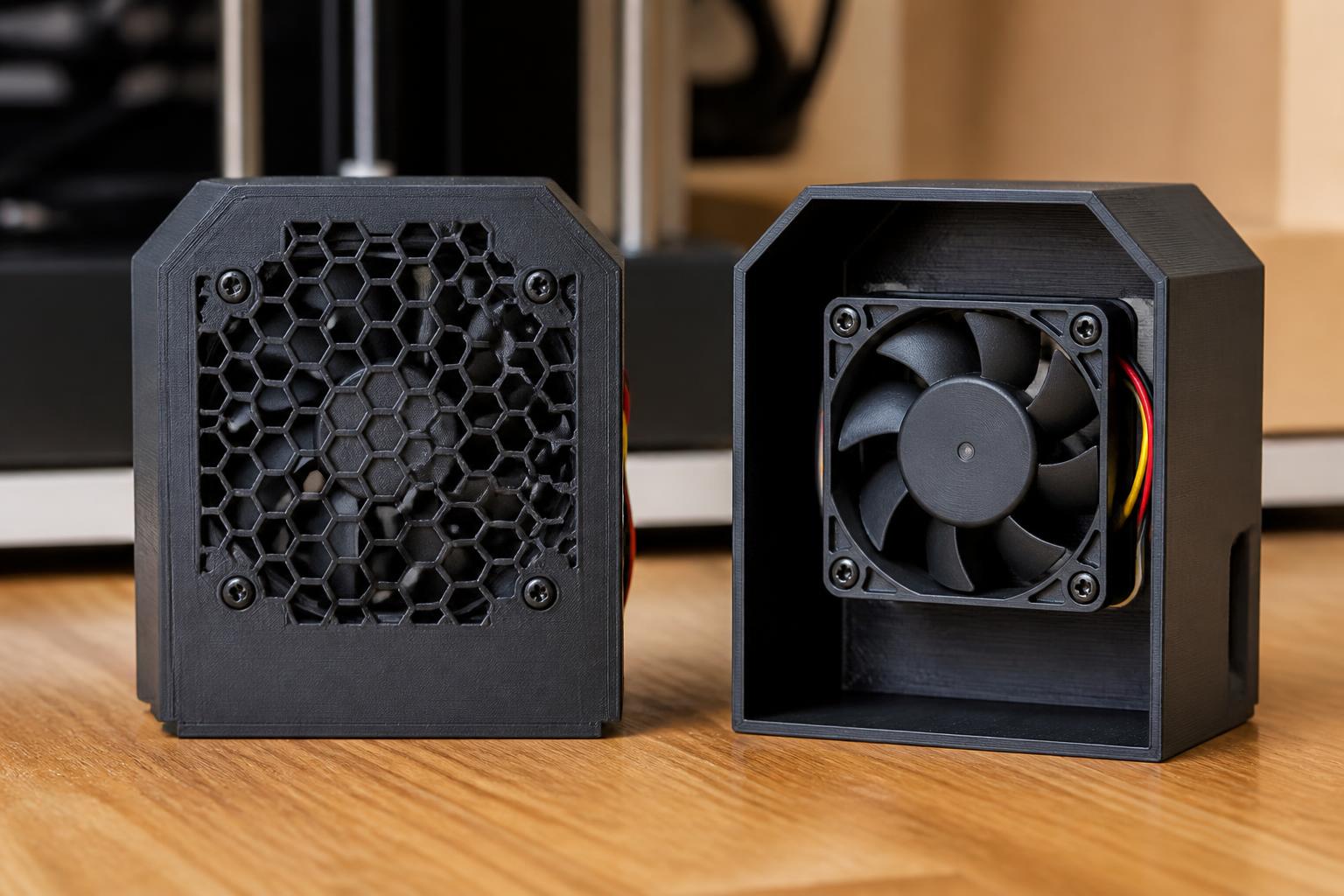
Not for: Hobbyists, cost-conscious users, anyone printing functional parts, or anyone who wants PETG, TPU, or larger than about 5″ in any dimension.
How it compares to open alternatives
| Feature | Toybox 3D Printer | Bambu Lab A1 Mini | Creality Ender‑3 V3 SE |
|---|---|---|---|
| Build volume | 5.5″ × 5.5″ × 5.5″ | 7″ × 7″ × 7″ (180mm) | 8.7″ × 8.7″ × 9.8″ (220×220×250mm) |
| Filament type | Proprietary PLA cartridges | Standard 1.75mm spools (PLA, PETG, TPU) | Standard 1.75mm spools (PLA, PETG, TPU, ABS) |
| Filament cost per kg | ~$50–$60 | ~$15–$25 | ~$15–$25 |
| Heated bed | No | Yes (up to 100°C) | Yes (up to 100°C) |
| Slicing control | App only; no manual support/ layer settings | Open slicer (Bambu Studio, Orca, PrusaSlicer) | Open slicer (Creality Print, Cura, Orca) |
| Safety features | Enclosed, auto-pause on lid open | No enclosure | No enclosure |
| Typical price | ~$350 | ~$400 | ~$220 |
What this comparison means for your next move: The Toybox costs about the same as the A1 Mini but gives you a fraction of the material options, print volume, and future upgrade path. The real premium you are paying is the safety enclosure and the app’s curated library. If that specific combination matters—an unsupervised child printing pre-approved models in a closed room—the Toybox earns its price. If an adult or teen will supervise even sporadically, the A1 Mini or Ender‑3 V3 SE delivers more capable hardware for equal or less money, though neither is safe for a child to operate alone.
Best-fit picks by use case
For a young child (ages 6–10) with minimal adult supervision
Choose the Toybox. The cartridge system eliminates filament tangles and jams. The printer auto-pauses when the lid opens, the hotend stays enclosed, and the maximum nozzle temperature (about 210°C) is lower than most open printers. The app’s design library is curated for safety and printability—no weird overhangs that fail halfway through.
- Concrete benefit: A parent can hand a tablet to the child and expect the first print to succeed without first-layer calibration. The adhesive build sheet and inductive probe handle bed leveling automatically.
- Trade‑off: A typical small articulated animal (4″ long) takes 2–3 hours at the Toybox’s default 50mm/s. The same model on an A1 Mini finishes in about 1 hour at 0.2mm layer height and looks cleaner because the Toybox’s unheated aluminum block struggles with even temperature across the nozzle. Expect visible layer lines on curved surfaces and occasional stringing on thin features like arms or legs.
For a teen or adult learning 3D printing on a budget
Skip the Toybox. Buy a Bambu Lab A1 Mini or Creality Ender‑3 V3 SE. The A1 Mini has auto-leveling and a capable mobile app, but it is not enclosed. The Ender‑3 V3 SE costs about $130 less than the Toybox and prints 2.5× the volume, but it requires manual bed leveling and occasional nozzle cleaning. Either option opens up PETG for functional parts, TPU for flexible prints, and much larger models.
- Concrete benefit: A full set of four filament spools (PLA, PETG, TPU, and a specialty silk PLA) costs about the same as three Toybox cartridges—roughly 8× more material for the same money.
- Trade‑off: Expect a few hours of setup, bed leveling adjustments (even with auto-leveling on the A1 Mini), and occasional clogs. This is real learning, not the instant-result experience the Toybox offers.
For a classroom with mixed ages
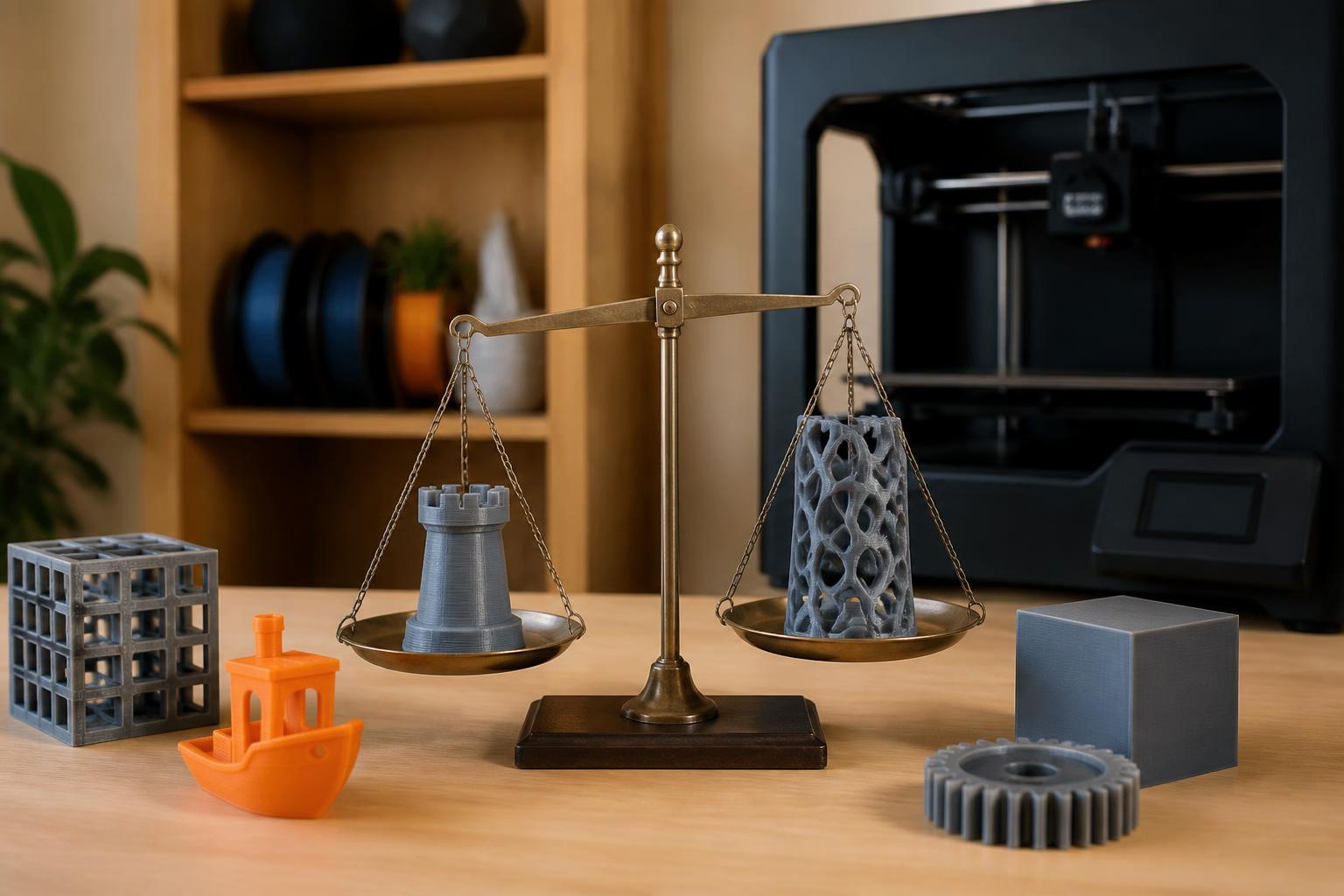
Run a Toybox station for K–5 students and one or two open printers (Creality K1, Bambu P1P) for older students. The Toybox’s enclosed build area reduces risk near young hands. The open printers can handle design projects with standard slicers, multiple materials, and larger build volumes. Keep the Toybox on a separate low table where a young child can select a design from the app without accessing the other machines.
Trade-offs to know
- Filament lock‑in. Toybox cartridges contain an RFID chip that the printer reads before printing. Spooled filament cannot be loaded without a third‑pass adapter that tricks the chip sensor. Using an adapter can trigger persistent “Cartridge not recognized” errors and may void the warranty. Cartridge cost per gram is about 2.5× that of generic PLA.
- No heated bed. Only PLA grades are feasible. You cannot print PETG (requires 60–80°C bed), TPU (needs 30–50°C bed to avoid lifting), or ABS (100°C bed plus enclosure). The Toybox relies on a disposable adhesive sheet that lasts about 25–30 prints before losing grip. Replacement sheets cost $10–$15 per two-pack.
- App‑only slicing. The Toybox app generates supports automatically with no interface-gap control. Dense support structures are common, and removing them from thin parts (arms, antennae, decorative fins) often breaks the part. There is no option to add a brim for bed adhesion, so parts with small contact areas can pull loose mid-print.
- Speed ceiling. At 50mm/s, a simple charm takes 30–40 minutes. A larger articulated animal (still under 5″) can run 2.5–3 hours. Increasing speed above 60mm/s reliably introduces under-extrusion and stringing because the hotend uses a single 30W heater in an aluminum block with no throat insulation. Retraction is fixed in the app at 2mm, which is too short for the Bowden-style setup, so stringing is common even at default speeds.
- Build plate adhesion verification. The only way to confirm good adhesion is watching the first layer through the transparent lid. The app shows a live camera feed only on some tablet models. If the first layer does not stick, there is no Z-offset adjustment available—you must clean the adhesive sheet with isopropyl alcohol and reapply pressure when placing the sheet. If the sheet is worn (glossy patches visible), replace it before attempting another print.
How to verify it fits your needs before buying
This three-step check takes about 15 minutes and prevents a purchase that feels right on paper but fails in practice.
Step 1: Measure your typical print size. Grab a ruler and mark a 5.5″ × 5.5″ × 5.5″ cube. If the objects you or your child want to print fit inside that cube, the Toybox can handle them. If you have ever said “I wish I could print a phone case” or “a replacement bracket for the closet shelf,” you already need a larger volume. Open printers in the same price bracket offer at least 50% more space.
Step 2: Calculate filament cost for your first 20 prints. A Toybox 500g cartridge costs about $28. At typical 15% infill, 20 small models (roughly 15g each) consume about 300g. You will need one cartridge, costing $28. The same 20 prints on an open printer using $20/kg PLA consume about $6 worth of filament. That $22 difference per 20 prints adds up fast if the child prints frequently.
Step 3: Check the app library for the models your child actually wants. Download the Toybox app (free, no printer required) and browse the design catalog. If the models your child likes are all there, the Toybox works. If your child wants to print models they find on Thingiverse, Printables, or a Minecraft skin generator, the Toybox cannot import them easily—the app’s “Print from URL” feature works only with simple STL files and often fails on complex geometry because it cannot add custom supports.
Stop/success signal: If your measured print volume, budget, and app library all match, buy the Toybox. If any one does not match, escalate to an open printer. A mismatch on filament cost alone will cost you roughly $100 extra per year in filament versus a spool-based printer, even with light use.
Related questions
Can Toybox use regular PLA filament from a spool?
Not without a third‑party adapter that fits into a used cartridge shell. The printer checks for an RFID chip; if the chip is missing or the signal is inconsistent, the printer stops with a “cartridge not recognized” error. Adapters are available on Etsy and from small makers, but Toybox does not support them and may refuse warranty service if the sensor port is damaged.
Is the Toybox safe for a five‑year‑old?
Toybox recommends ages 6+. The enclosed hotend and auto-pause on lid open reduce burn risk, but the internal ambient temperature inside the build area reaches about 50°C during extended prints, so the plastic parts and metal frame are warm to the touch. A five‑year‑old should be supervised and taught not to touch the print bed immediately after a print finishes.
How many prints do you get from one cartridge?
A 500g cartridge yields roughly 50–60 small prints (about 1.5″ cube or a keychain charm) at 15% gyroid infill. Larger articulated models (4–5″ long) reduce that to 20–25 prints per cartridge. You can check remaining filament in the app under the printer status screen—the cartridge weight is reported in approximately 10g increments.
Does the Toybox print multicolor?
No. The printer has a single extruder and no filament changer. You can pause a print mid-layer and swap cartridges manually via the app, but the resulting color change has a visible seam and requires precise timing within a 30-second window before the hotend cools. The app does not support prime-tower or purge-block workflows.
What happens when the adhesive sheet wears out?
First-layer adhesion degrades gradually: corners of prints start lifting, and small parts (under 1″) detach mid-print. The sheet shows glossy streaks when worn. Replace it with a new adhesive sheet (Toybox sells two-packs for $10–$15). Cleaning with isopropyl alcohol restores grip for a few more prints but cannot fix a fully worn sheet. Without a fresh sheet, the printer will fail on nearly every part with less than 2″ of bed contact.
Explore This Topic
- Back to Printer Reviews
- Back to sc0007
Related guides in this cluster:

Ryan has been operating FDM 3D printers since 2017. He runs a 12-machine print farm. His daily drivers include a Bambu Lab X1 Carbon, Prusa MK4s, and Creality Ender-3 V3s that have logged over 15000 print hours. He started 3D Printer Nerd to provide structured troubleshooting guides with diagnostic order, material-specific parameters, and clear stop points.