How to Recommend a 3D Printer: Match the Machine to the Person
If you need a single recommendation, start by deciding what materials you plan to print. An open‑frame FDM printer like the Creality Ender 3 series is the most common entry point, but it only handles PLA, PETG, and TPU well. If you need ABS, ASA, nylon, or polycarbonate, you must choose an enclosed printer such as the Prusa MK4 or a Qidi Tech model. For detailed miniatures or jewelry, a resin printer (e.g., Anycubic Photon Mono M5s) gives far better surface finish than FDM.
Below we break down the major trade‑offs so you can pick the machine that actually fits your workflow.
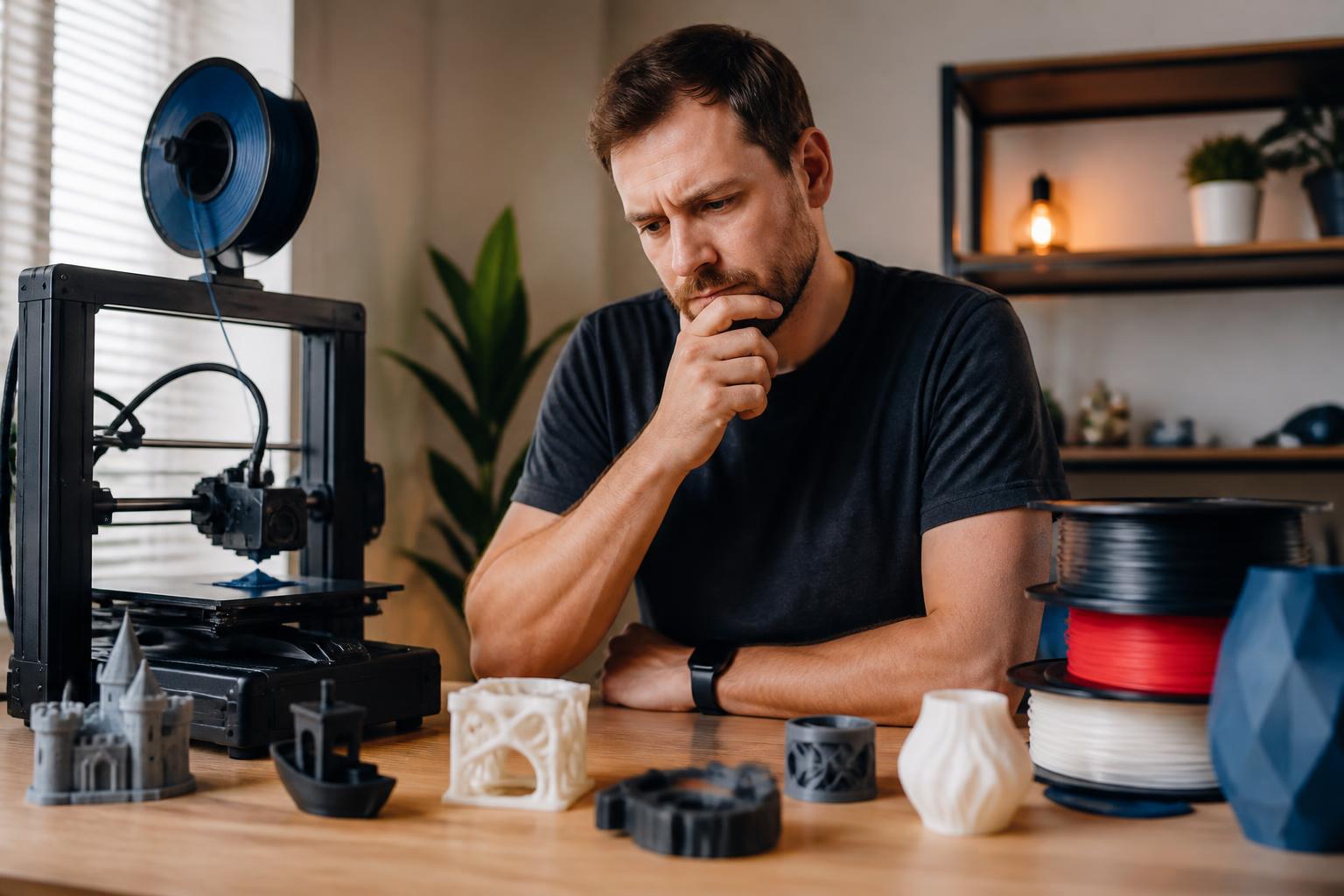
When the Standard Advice Doesn’t Apply
Most beginner guides assume you have a dedicated workspace with stable room temperature, access to returns, and the ability to store filament properly. If you print in a garage that gets below 50 °F, a basement with high humidity, or a shared living space where you cannot vent fumes, the standard open‑frame recommendation will fail. For example, PLA printed in a cold garage often warps because the bed heater can’t compensate for the ambient draft. In high‑humidity environments, nylon or PETG absorb moisture from the air and produce brittle parts with stringing.
In shared rooms, ABS fumes may trigger headaches or complaints. In these scenarios you need an enclosed printer with a heated chamber (even for PLA/PETG) or you must switch to low‑odor materials like PLA or PETG and run an air purifier. If you cannot control the environment, the cheapest $200 machine will likely frustrate you with constant failures.
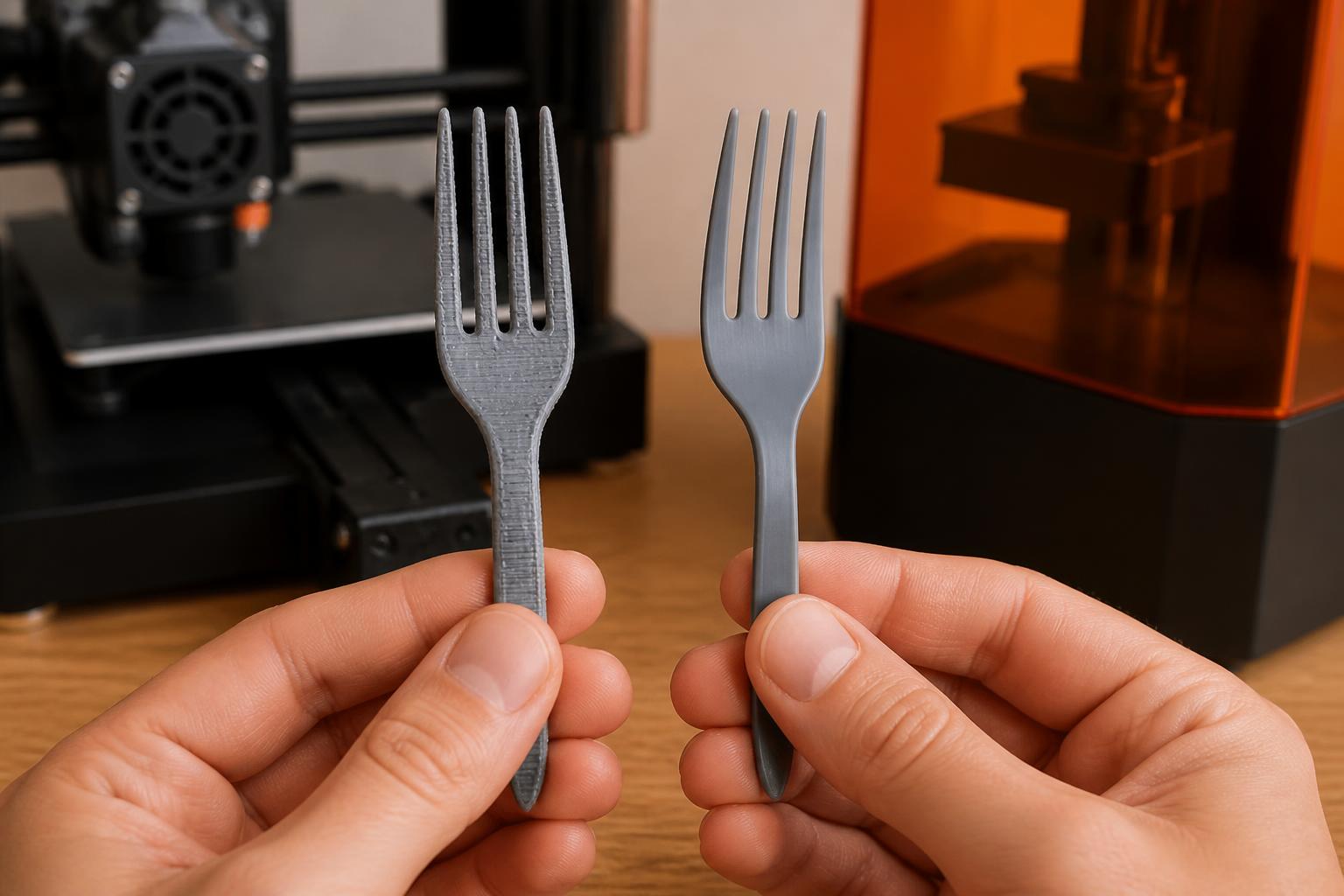
FDM vs. Resin: The First Fork
The two main printer families address completely different jobs.
| Aspect | FDM (filament) | Resin (SLA/MSLA) |
|---|---|---|
| Typical materials | PLA, PETG, TPU, ABS, ASA, nylon, PC, composites | Standard, tough, flexible, castable, dental resins |
| Layer height range | 0.04–0.32 mm (common 0.1–0.2 mm) | 0.01–0.1 mm (common 0.03–0.05 mm) |
| Build volume | Usually larger (220×220×250 mm and up) | Typically smaller (120×80×150 mm) |
| Post‑processing | Remove supports, sand, glue | Wash in IPA, cure under UV, remove supports |
| Fumes/ventilation | Open FDM: low fumes (PLA/PETG). Enclosed FDM: moderate to heavy fumes (ABS, nylon). | Strong resin odor; requires ventilation and gloves |
| Best for | Functional parts, prototypes, large objects, low‑cost per part | Miniatures, jewelry, dental models, smooth surface parts |
Decision rule: If the part must bear load, survive sunlight, or see temperatures above 60 °C, go FDM. If the part needs fine detail and you can tolerate handling liquid resin, go resin.
The Critical Criterion That Changes Your Recommendation
Most beginner guides recommend a cheap open‑frame FDM printer. That advice fails when you need to print ABS, ASA, or nylon — materials that require an enclosed chamber to prevent warping and layer‑separation. If you plan to print any material with a glass‑transition temperature above 80 °C, require an enclosure.
| Your material plan | Recommended printer style | Example models | Why |
|---|---|---|---|
| Only PLA, PETG, TPU | Open‑frame FDM | Creality Ender 3 V3 SE / Bambu Lab A1 (mini) | Cheapest entry; easy to modify; good for prototyping and toys |
| ABS, ASA, nylon, polycarbonate | Enclosed FDM | Prusa MK4 (with optional enclosure), Qidi Tech X‑Plus 3, Bambu Lab X1 Carbon | Stable chamber temp (45–60 °C) eliminates warping; better for engineering parts |
| Mostly miniatures / jewelry | Resin (any) | Anycubic Photon Mono M5s, Elegoo Saturn 3 Ultra | High resolution (0.01 mm); wash‑and‑cure station highly recommended |
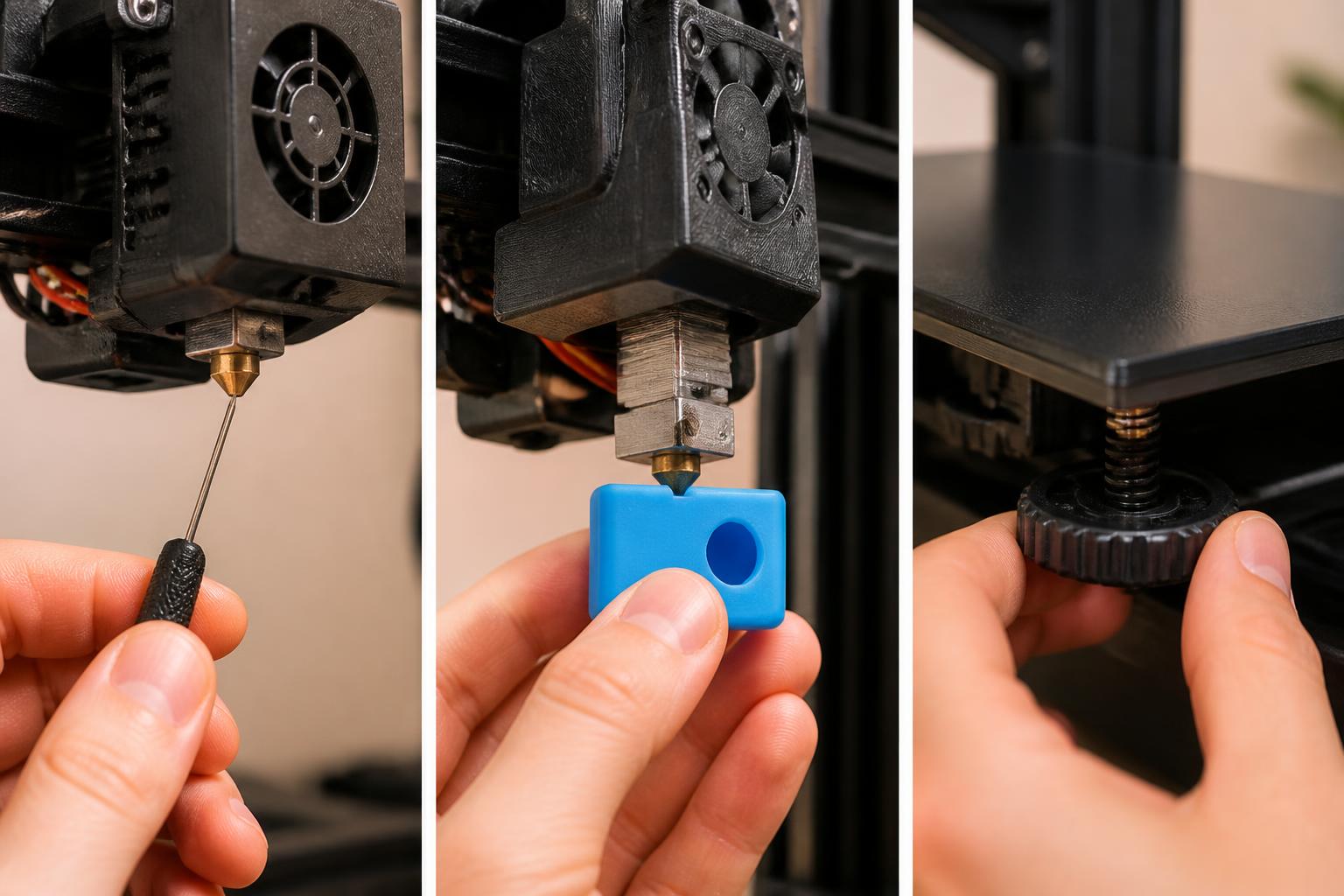
This one criterion — material temperature requirement — changes the recommendation from a $200 machine to a $500–$1,200 machine. Ignore it and you will deal with constant print failures.
Three Recommendations for Common Use Cases
1. Hobbyist / First Printer (PLA, PETG, TPU)
Bambu Lab A1 Mini or Creality Ender 3 V3 SE
Both print PLA and PETG reliably at 0.1–0.2 mm layer height. The A1 Mini is faster and nearly plug‑and‑play; the Ender 3 V3 SE is cheaper but requires more manual tuning (bed leveling, e‑steps calibration). If you enjoy tinkering, the Ender is fine. If you want prints the day you open the box, get the A1 Mini.
Realistic limitation: The A1 Mini’s build volume (180×180×180 mm) won’t fit parts larger than a 150 mm cube after adding a brim. If you plan to print helmets, cosplay props, or large brackets, you’ll need a bigger machine like the Ender 3 V3 SE (220×220×250 mm) or a Bambu Lab P1S. Failure to account for that means buying again within months.
2. Engineering / Functional Parts (ABS, ASA, Nylon)
Prusa MK4 (with enclosure) or Bambu Lab X1 Carbon
The Prusa MK4 delivers consistent parts with its load‑cell bed leveling and direct‑drive extruder. Heated chamber (optional) reaches 45 °C. The X1 Carbon goes further with a 60 °C chamber, hardened nozzle for abrasive filaments, and a LiDAR‑assisted flow calibration. Expect to pay $800–$1,200.
Practical implication: If you currently own an open‑frame printer and experience warping with PETG or ABS, do not try to buy a cheap enclosure kit — many don’t seal well, causing temperature fluctuations that still lead to failures. Instead, either upgrade to a dedicated enclosed printer or switch entirely to PLA/PETG. The extra $400–$600 saves hours of troubleshooting and wasted filament.
3. Detail‑Oriented Work (Miniatures, Jewelry, Models)
Anycubic Photon Mono M5s
With a 10‑inch monochrome LCD and 0.01‑mm XY resolution, this resin printer reproduces fine features (0.2 mm layers) well. The included air‑purifier reduces odor slightly, but you still need a wash‑and‑cure station (sold separately). For larger build volume, the Elegoo Saturn 3 Ultra (12‑inch) is a comparable step‑up.
What can go wrong: Resin prints require careful orientation and supports. If you skip the wash‑and‑cure station, prints remain tacky and fail to properly cure, leading to weak parts that break under light pressure. The resin itself has a short shelf life (6 months unopened) and must be stored in a cool, dark place. Ignoring this means wasted prints and a messy cleanup.
Segment‑Fit: Who Should Spend More?
- Educators / Makerspaces – Buy a few Bambu Lab A1 Minis and one Prusa MK4 with enclosure. The A1s handle student projects in PLA; the Prusa handles higher‑temp materials for advanced projects.
- Engineers prototyping on a deadline – The Bambu Lab X1 Carbon saves time with its auto‑calibration and fast print speeds (up to 500 mm/s). The extra cost pays for itself in fewer failed prints.
- Hobbyists who only print PLA – Stick with the Ender 3 V3 SE or A1 Mini. Adding an enclosure or a resin printer later is cheaper than overbuying now.
Common Misconception: Food‑Safe Printing
No standard 3D printer filament is certified food‑safe. Even using a stainless‑steel nozzle and a dedicated “food‑grade” filament, the layer lines create crevices that harbor bacteria. Manufacturers follow strict regulations for parts contacting food or drink. If you need a utensil or container, treat the print as a disposable mold or buy an injection‑molded alternative. This affects your printer choice only if you plan to print food‑contact items: you must use a dedicated machine with a hardened nozzle and PETG filaments that meet FDA standards (e.g., FormFutura HDglass), but still no guarantee — check the manual and consult the manufacturer. Realistic trade‑off: Even with the right setup, repeated washing and scraping will degrade the surface over time, potentially leaching microplastics. Use a silicone mold made from the 3D‑printed positive instead.
What This Means for Your Next Purchase
Decide on your most demanding material first. If it’s PLA/PETG only and you have a stable indoor environment, buy a Bambu Lab A1 Mini or an Ender 3 V3 SE. If it’s ABS, ASA, or nylon, save up for an enclosed printer. If it’s fine detail, go resin. For any machine, confirm the build volume fits your largest intended part (add 20 mm clearance for brims and supports). Then purchase from a retailer that accepts returns within 30 days — first‑printer learning curves are real.
If you already own a printer but are considering an upgrade, the practical takeaway is this: do not replace the printer until you’ve ruled out the environment. A simple enclosure upgrade (about $50–$100) can turn an open‑frame Ender into a usable PETG or ABS machine for many small parts. Only upgrade the printer itself when you consistently need a larger build volume, faster speed, or more reliable auto‑leveling.
Explore This Topic
- Back to Best 3D Printers
- Back to sc0007
Related guides in this cluster:
- What 3d printer
- Best 3d printer multicolor: Top Picks & Guide
- Best 3d printer under 400: Top Picks & Guide

Ryan has been operating FDM 3D printers since 2017. He runs a 12-machine print farm. His daily drivers include a Bambu Lab X1 Carbon, Prusa MK4s, and Creality Ender-3 V3s that have logged over 15000 print hours. He started 3D Printer Nerd to provide structured troubleshooting guides with diagnostic order, material-specific parameters, and clear stop points.