Best 3D Printer Sites: Where to Buy, Learn, and Download Models
Not every 3D printing website serves the same purpose, and picking the wrong one can waste hours on outdated reviews, counterfeit filament, or models that never print right. This guide ranks the top destinations based on what you’re actually trying to do—vet a printer, buy parts, find working STL files, or spec an industrial machine—so you can land on a site that matches your need and get back to printing.
Best 3d printer” /> site: Top Picks & Guide
Quick answer
For independent, hands-on printer reviews that test real behavior (first-layer adhesion, stringing, Z-offset quirks), Wirecutter and All3DP are the most reliable. For buying a printer or filament with support, MatterHackers beats Amazon on verified stock and specialist knowledge. For free STL files that actually print, Printables outpaces Thingiverse in curation and file quality. For industrial large-format gear, BigRep’s official site provides specs you can trust.
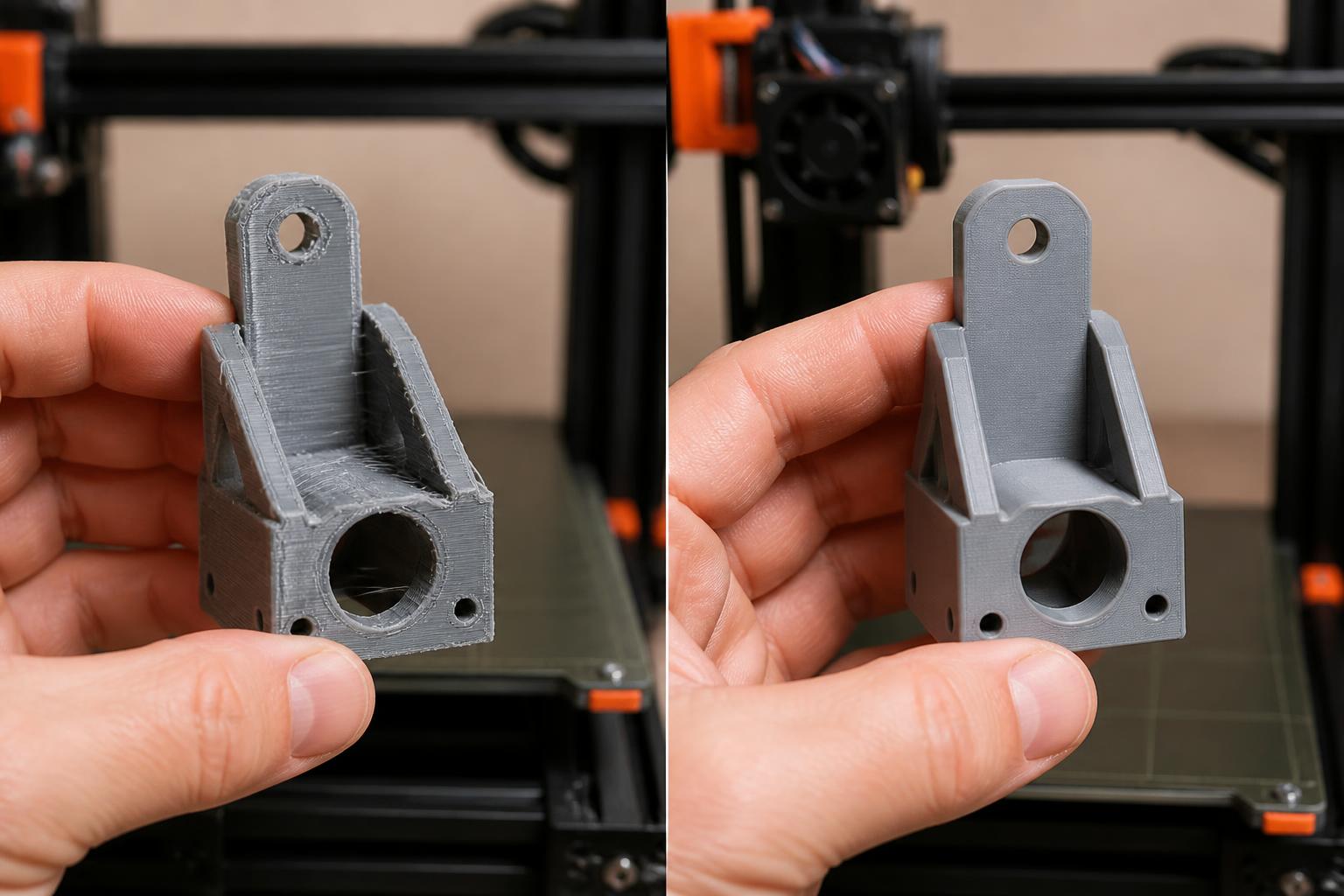
But this only holds if you match the site to your exact task. The best site for reviews is rarely the best site for buying, and the best site for models is useless for industrial specs. Here’s how the choice flips by use case.
Comparison framework
| Site | Best for | Key strength | Key weakness |
|---|---|---|---|
| Wirecutter (NYT) | Printer reviews (FDM/resin) | Tests with printer’s own preloaded models; long-term reliability notes | Covers only ~10 printers; no industrial gear |
| All3DP | Printer comparisons & news | Large database with filterable specs (build volume, max nozzle temp); user reviews | Affiliate bias can push higher-priced picks; ads clutter navigation |
| MatterHackers | Buying printers & filament | Own-brand filament (Pro Series) with temp ranges; live support from knowledgeable staff | Higher prices than Amazon; limited stock on some newer brands |
| Amazon | Buying printers & filament quickly | Fast shipping; wide selection; easy returns | Counterfeit filament and nozzles common; fake reviews; no specialized help |
| Printables | Free STL files | Curation; uploaded files include recommended layer height, infill, supports; active community | Smaller total library than Thingiverse |
| Thingiverse | Free STL files | Largest repository; many classic designs | Broken search; orphaned files; low quality control on uploads |
| BigRep official site | Large-format industrial (1 m³) | Verified dual-extrusion stats; aerospace-grade specs; no third-party misinformation | Very expensive; limited to enterprise buyers; filament vendor-locked |
Best-fit picks by use case
When you need a review that tells you the truth
Wirecutter is the gold standard for consumer FDM and resin printers. Their test process starts with the preloaded model that ships with the machine—because those files are optimized for that printer’s hotend, bed leveling, and retraction settings—so you see real out-of-box quality, not a tuned profile that took hours. They also run the same torture prints (overhangs, bridges, retraction towers) across every model, measuring layer shift and stringing at 0.12 mm and 0.2 mm layer heights. The practical catch: Wirecutter only keeps about ten printers in rotation. If you’re evaluating a niche model like the Qidi Tech X-Plus 3 (300°C max nozzle, direct drive), you’ll need to cross-reference with All3DP.
All3DP fills that gap. Their comparison tool lets you filter by build volume, bed type (PEI, glass, flexible steel), maximum hotend temperature (up to 300°C), and even auto-leveling type. Their printed benchmarks include actual warping photos and side-by-side stringing comparisons. But watch the publish date—a “best budget” pick from 2023 may already be obsolete by a newer model with better linear rails or a higher-flow hotend. How to verify on your machine: before buying based on a review, go to the manufacturer’s site and check that the current revision of the printer matches the reviewed unit. Some printers (e.g., Creality Ender 3 V2) have silent board upgrades or different hotend variants that aren’t clearly labeled on Amazon listings.
When you’re buying a printer or filament
MatterHackers is the safest choice because their customer support actually knows what a heat creep or clog looks like. Every filament listing shows the recommended nozzle temp and bed temp (e.g., Pro Series PLA+ at 210–230°C / 60–70°C, PETG at 240–260°C / 75–85°C). If you call them about a part that keeps warping, they’ll ask your nozzle diameter and layer height. The downside: you’ll pay $5–10 more per spool than Amazon, and they don’t always stock the latest Creality or Bambu Lab release immediately.
Amazon works for consumables if you filter ruthlessly. Stick to brand-listed sellers (Hatchbox, Overture, eSUN) and read the most recent one-star reviews—those usually mention counterfeit spools that jammed at normal temperatures or had inconsistent diameter. Verification step: Before adding to cart, check that the filament’s listed temperature range matches your hotend’s specs. A PTFE-lined hotend (common on cheap printers) can’t safely exceed 240°C; if the filament label says 250–270°C, you risk a melted liner and toxic fumes. Also confirm the nozzle size listed on the product page matches your printer’s nozzle (0.4 mm is standard; 0.6 mm or 0.8 mm needs slicer adjustment).
When you need a free model that prints without rework
Printables now leads because every file upload includes a recommended layer height, infill percentage, and support type. The community votes down designs that warp at standard tolerances or fail at 0.2 mm layer height. Thingiverse still has the most models, but its broken search and orphaned files mean you’ll spend more time fixing STLs than printing. For functional parts like cable clips, fan ducts, or end-stops, Printables’ parametric search lets you jump to designs that other users have already confirmed work with a 0.4 mm nozzle and 50 mm/s speed.
Realistic mismatch: Even on Printables, many files are designed for older printers with small build plates and slow accelerations. If you run a modern high-speed printer (e.g., Bambu X1C with 300 mm/s), you may need to reduce infill and add supports to prevent layer adhesion failure at those speeds.
When you need industrial specs (1 m³ build volume)
BigRep’s official site is the only source for verified data on the ONE.5: 1 m³ build volume, dual extrusion (optional), and print speeds up to 30 mm³/s. Aerospace and automotive shops use it for full-scale tooling and jigs. The trade-off: proprietary filament is vendor-locked, the printer starts well above $50,000, and you cannot test the machine on a third-party site. Verification step: Before engaging a sales rep, confirm your intended material on BigRep’s material compatibility chart—some nylon-based filaments require a hardened nozzle upgrade they don’t include standard.
Trade-offs to know
Review sites lag behind hardware releases. A “best in class” printer from six months ago may now have a direct competitor with an all-metal hotend (no PTFE liner) or a revised build plate with better adhesion. Always check the review date and scan the comments for owners reporting print quality after three months of use. Practical implication: If you rely solely on a review from 2024 for a 2025 purchase, you’ll likely miss a cheaper, better-specced alternative. Cross-reference with the manufacturer’s current specs.
Amazon’s counterfeit problem isn’t just filament. Knockoff brass nozzles can clog at 240°C because the inner diameter is undersized or the threading is slightly off. Stick to verified brands: E3D, Slice Engineering, Micro Swiss. What happens if you ignore this: a counterfeit nozzle can cause a jam that requires a full hotend disassembly, often ruining the PTFE tube or heater block in the process.
Free model sites reward old printer designs. Many Thingiverse files were optimized for early 2010s printers (0.4 mm nozzle, 50 mm/s, 200°C PLA). On a modern printer with higher acceleration, the same file may warp due to insufficient brim width or fail because of poor bridging angle. Always run a layer preview in your slicer at your machine’s actual speed and layer height before committing to a print.
No single site covers every material. If you work with specialty filaments (nylon, polycarbonate, flexible TPU at 95A shore hardness), check dedicated forums like r/3Dprinting first—they’ll point to the best suppliers and the temperature profiles that actually work.
Related questions
Is Amazon a good place to buy a 3D printer?
For new printers from major brands (Creality, Prusa, Bambu Lab), yes—if the seller is the brand’s official store or has a long positive track record with >95% feedback. Avoid unknown resellers, and unbox immediately to check for damage.
Which 3D printing site has the best community for troubleshooting?
Printables has a more active and helpful community than Thingiverse, with direct file feedback. Reddit’s r/3Dprinting remains the best for specific print defects (warping, stringing, layer shifts) because you get real setting advice from other users who own the same machine.
Should I trust user reviews on retailer sites?
Partially. Many reviews are written after the first successful benchy, not after 50 hours of printing. Look for reviews that mention specific settings (e.g., “printed at 210°C with a 60°C bed, 0.16 mm layer height”) and that describe problems they solved—those are far more reliable than star ratings alone.
What’s the best site for buying replacement parts?
MatterHackers and Prusa’s spare-parts store are the most reliable for genuine parts (hotends, belts, thermistors). Amazon is faster for generic parts like silicone socks or magnetic build plates, but you risk low-quality knockoffs that can cause heat creep or poor adhesion.
Explore This Topic
- Back to Best 3D Printers
- Back to sc0007
Related guides in this cluster:
- Best 3d printer multicolor: Top Picks & Guide
- Best 3d printer under 400: Top Picks & Guide
- Best starting 3d printer: Top Picks & Guide

Ryan has been operating FDM 3D printers since 2017. He runs a 12-machine print farm. His daily drivers include a Bambu Lab X1 Carbon, Prusa MK4s, and Creality Ender-3 V3s that have logged over 15000 print hours. He started 3D Printer Nerd to provide structured troubleshooting guides with diagnostic order, material-specific parameters, and clear stop points.