Best Entry-Level 3D Printer: Why Auto Bed Leveling and Direct Drive Matter
If you’re after your first 3D printer, the safest bet is a machine with auto‑bed leveling and a direct‑drive extruder. Most “best budget” lists steer beginners toward the base Creality Ender 3 ($120), which requires manual bed leveling every few prints and a separate filament‑feeding tube (Bowden) that causes stringing. That combination frustrates a lot of newcomers into quitting. For nearly the same money, the Ender 3 V3 SE (around $200) solves both problems. If you can stretch a bit further, the Bambu Lab A1 Mini ($400) removes nearly every headache entirely.
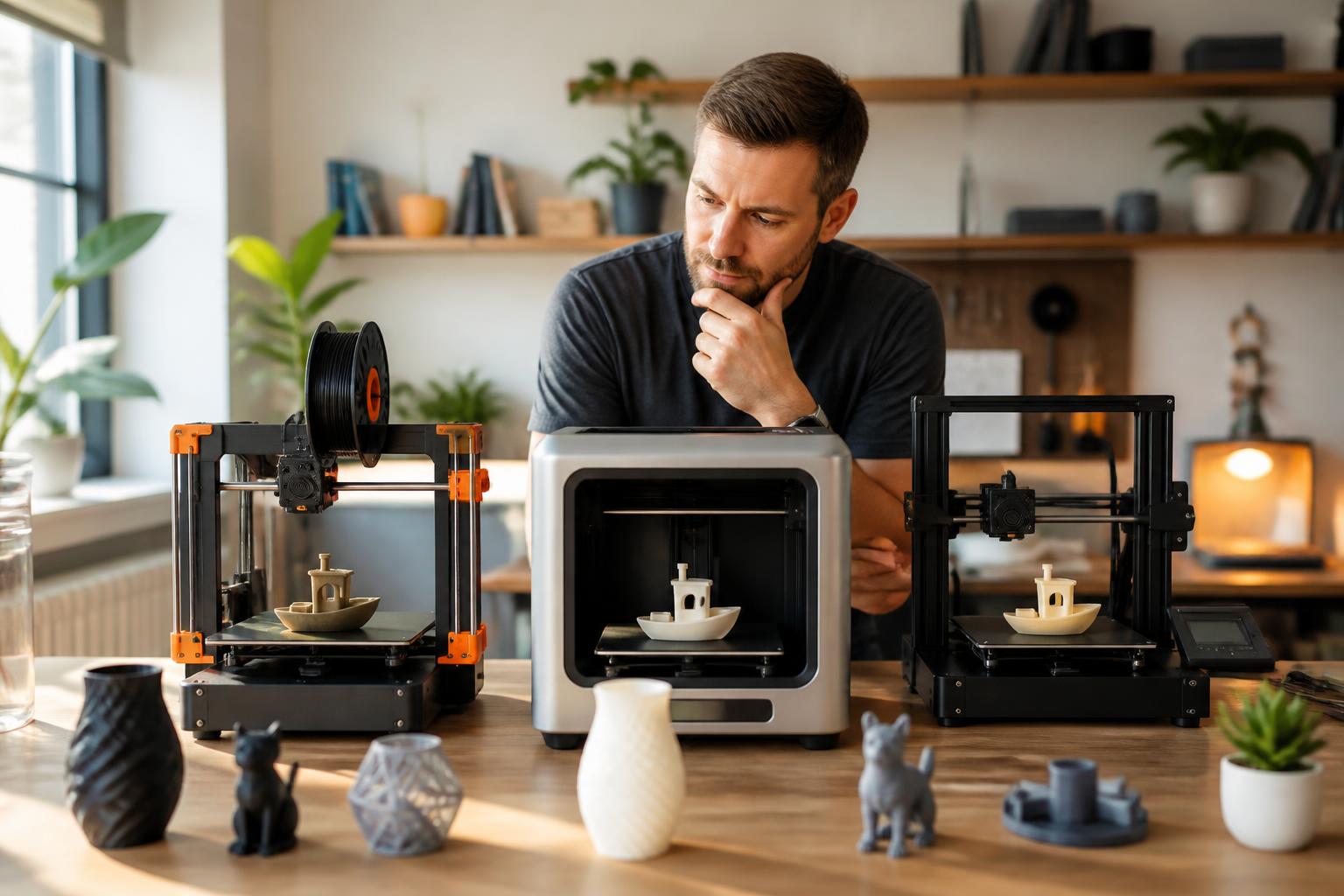
How to decide: the three deal‑breaker features
Skip anything that lacks these unless you genuinely enjoy mechanical tinkering:
- Auto‑bed leveling – a sensor (inductive or strain‑gauge) measures the bed surface and adjusts the Z‑offset automatically. Without it, you’ll be turning knobs and sliding paper under the nozzle to find a consistent first layer. That’s the #1 failure point for beginners. The Ender 3 V3 SE uses a strain‑gauge sensor that’s less prone to temperature drift than the inductive sensor on the original Ender 3 V2.
- Direct‑drive extruder – the motor pushes filament directly above the hotend. It reduces stringing and makes flexible filaments (TPU) possible. Older Bowden setups (like the base Ender 3) push filament through a long PTFE tube, which often introduces retraction issues – you’ll need retraction distances of 5–7 mm on Bowden versus 0.5–1.5 mm on direct drive, and stringing is much harder to tune out.
- Removable spring‑steel PEI build plate – flexible sheets that pop off to release prints. Glass or acrylic plates require scraping and risk damaging the surface. A PEI sheet also provides better first‑layer adhesion for PLA at 60°C bed temperature, while glass needs glue stick or hairspray for the same result.
Verification step: When you unbox a candidate printer, look for a small metal sensor board next to the nozzle (auto‑leveling), a motor mounted directly on the print head (direct drive), and a magnetic sheet with a textured surface (PEI). If you see a glass plate and a separate Bowden tube on the side, you’re buying an older design that demands manual calibration.
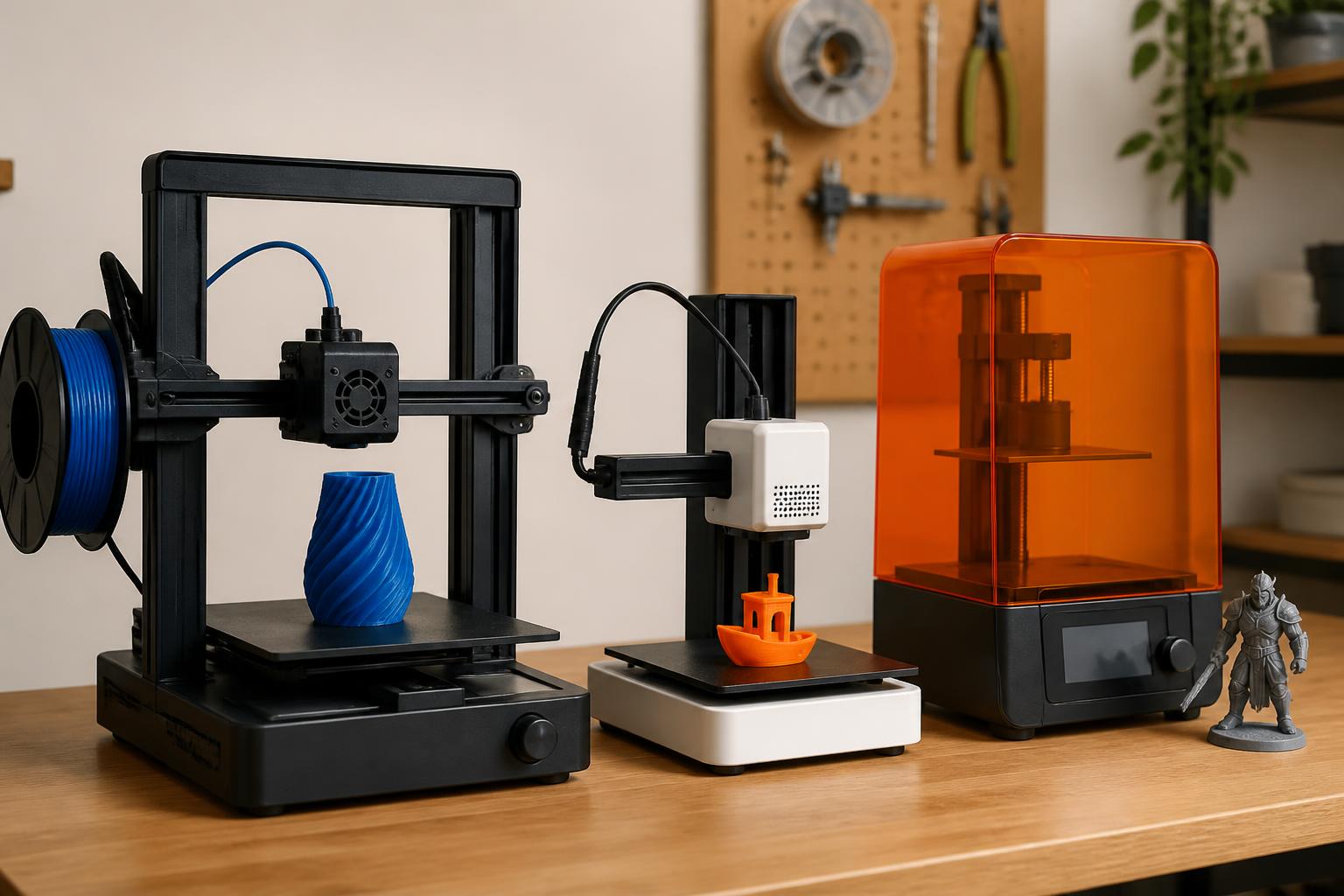
Practical implication for your choice: If the printer you’re eyeing lacks even one of the three features above, plan to spend several extra hours on manual calibration and possibly buying upgrades (a $20 metal extruder arm, a $30 bed leveling sensor). A $200 printer that includes all three will cost less overall than a $130 kit plus those add‑ons. For example, the base Ender 3 needs a $30 BLTouch upgrade plus a $10 metal extruder lever just to reach parity, pushing the real cost to $160 – and you still have a Bowden setup.
Best entry‑level printers compared
| Printer | Price range | Build volume | Key features | Best for |
|---|---|---|---|---|
| Creality Ender 3 V3 SE | $180–$220 | 220×220×250 mm | Auto leveling (strain‑gauge), direct‑drive extruder, removable PEI bed | Budget‑focused beginners willing to tweak slicer settings |
| Bambu Lab A1 Mini | $400–$450 | 180×180×180 mm | Fully automatic, cloud printing, fast (300 mm/s), quiet (<45 dB) | People who want to print immediately with minimal fuss |
| **Anycubic Kobra 2** | $250–$280 | 220×220×250 mm | Self‑leveling (inductive), fast print speeds (150 mm/s), solid build | Modelers who want decent speed without breaking the bank |
| **Sovol SV06** | $200–$230 | 220×220×250 mm | Dual Z‑axis, all‑metal hotend (up to 300°C), auto leveling | Users planning to print PETG or higher‑temp filaments later |
All four printers use a 0.4 mm nozzle by default and work with PLA at 190–220 °C extruder / 50–65 °C bed. PETG typically needs 230–250 °C extruder and 70–80 °C bed; the all‑metal hotend on the SV06 handles that safely without PTFE tube degradation. The Kobra 2 also has a PTFE-lined hotend, so it’s fine for PETG but not for long‑term use above 245°C.
Best‑fit picks by use case
If you want to print a model right after unboxing: The Bambu Lab A1 Mini. It auto‑levels, auto‑feeds filament, and the slicer profiles are pre‑tuned. You’ll have your first benchy in about 45 minutes without touching a screwdriver. The trade‑off is a smaller build plate (180 mm cube) and a non‑removable nozzle – changing size or cleaning clogs requires a supplied spanner wrench, and the hotend assembly has a specific removal sequence (four screws, disconnect fan wires). For most starter prints – phone stands, keychains, small figurines – the size is fine.
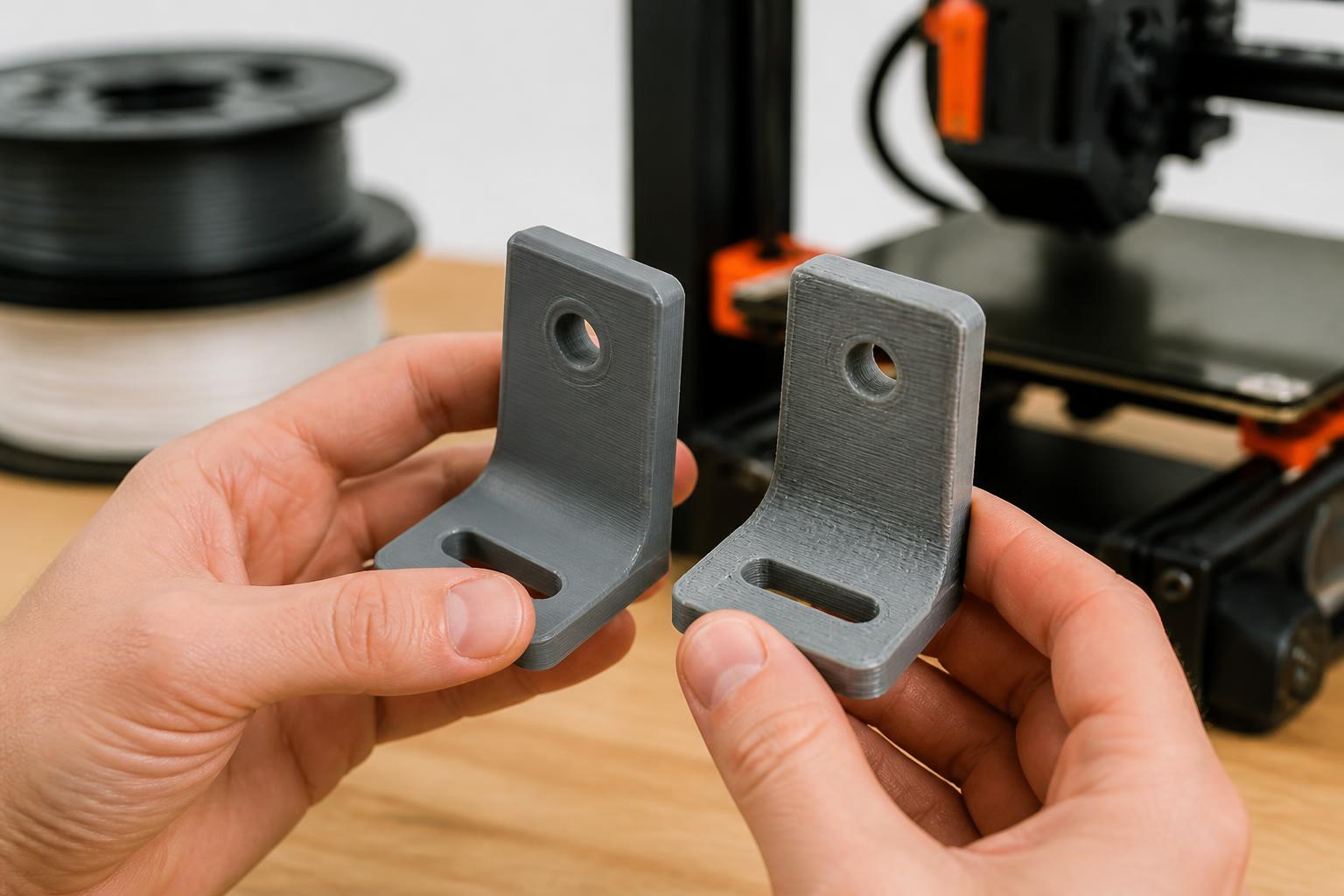
If you’re on a tight budget and like tinkering: The Creality Ender 3 V3 SE. It’s the sweet spot between price and features. The direct‑drive extruder reduces stringing compared to older Bowden models, and the auto‑leveling works well after a quick Z‑offset tune. Plan for a few hours of setup and occasional minor adjustments (e.g., belt tension check every 10 prints). You can upgrade the hotend later (the standard one struggles above 250°C), and the aftermarket offers all‑metal heatsinks for under $15.
If you want to print larger objects or more materials without swapping printers: The Sovol SV06. The dual Z‑axis gives better layer consistency on tall prints – less Z‑banding than single‑lead‑screw designs. The all‑metal hotend lets you print PETG, TPU, or even polycarbonate (with an enclosure). It’s not as fast as the A1 Mini (max ~100 mm/s stable), but it’s more flexible. Example: you can print a functional PETG gear at 0.2 mm layer height, 235°C extruder, 75°C bed, and get consistent interlayer adhesion.
Trade‑offs to know
- Speed vs. quality. The A1 Mini prints fast (up to ~300 mm/s) but sacrifices fine detail on small features. For miniatures or jewelry, a slower printer like the SV06 at 50 mm/s gives cleaner layers. At 0.12 mm layer height, the SV06 produces nearly invisible layer lines on a 20 mm tall figurine; the A1 Mini will show slight ringing on sharp corners above 200 mm/s acceleration.
- Proprietary vs. open ecosystem. Bambu Lab uses a closed slicer and cloud‑dependent firmware. If the company goes under or changes terms, your printer may lose features. Creality and Sovol are fully open‑source – you can use any slicer (Cura, PrusaSlicer, Simplify3D) and repurpose the machine later. The Ender 3 V3 SE, for example, can be flashed with Klipper firmware for real‑time tuning.
- Upgrade path. The Ender 3 V3 SE has a huge aftermarket (metal extruder arms, dual‑Z kits, enclosures, filament runout sensors). The A1 Mini has almost no third‑party parts. If you enjoy modding, the Creality is the better long‑term platform. Even something simple like adding a filament dryer feeding tube is easier on the open‑frame design.
- Noise. All four are relatively quiet at normal speeds (under 50 dB), but the A1 Mini is the quietest because of its coreXY motion system and silent stepper drivers. Bed‑slingers like the Ender 3 V3 SE can get louder with fast movements – at 150 mm/s infill, you’ll hear a distinct Y‑axis “swoosh.” For a bedroom printer, the A1 Mini wins.
- Build volume reality. The A1 Mini’s 180 mm cube means you can’t print a full‑size helmet or laptop stand in one piece. You can split models, but that requires learning how to add alignment pins and glue – extra work. The 220 mm cube on the other three printers covers most practical hobby projects.
Counter‑intuitive angle: Many “best entry printer” lists recommend the basic Ender 3 (non‑SE). That printer lacks auto‑leveling and requires manual bed leveling before every print. It’s cheap at $120, but the learning curve frustrates many people into quitting. Spending an extra $60–$80 for auto‑leveling saves hours of failed first layers and makes the hobby enjoyable from day one. You’re not “learning” a manual skill – you’re fighting a machine that should just work.
Related questions
Can a beginner use a resin printer instead of FDM?
Resin printers produce higher detail, but they require messy post‑processing (washing, curing, ventilation) and the resin itself is toxic. For a first printer, FDM is safer and easier to maintain. Stick with PLA filament – it’s non‑toxic and prints without a heated chamber. If you later need miniatures, a resin printer like the Elegoo Mars 4 ($150) is an add‑on, not a starter.
How much filament should I buy with my first printer?
One 1‑kg spool of PLA ($18–$25) lasts about 30–40 small models (phone stand, cable clips, a few benchies). Don’t stock up until you know you’ll keep using the printer. PLA+ is a slightly tougher alternative that prints at the same temperatures (210°C nozzle, 60°C bed) and has better layer adhesion for functional parts.
Do I need an enclosure?
Not for PLA. PLA doesn’t warp and prints fine in a room‑temperature environment. An enclosure helps with ABS and nylon, but those materials are advanced – ABS needs 100°C bed and a warm chamber to prevent cracking; nylon needs drying before printing. Skip the enclosure for your first printer.
What slicer should I use?
For Creality and Sovol machines, Cura (free) or PrusaSlicer (free) are solid choices. Bambu Lab forces you to use Bambu Studio (also free) for full features. All are beginner‑friendly after a few trial prints. Start with the default profile and adjust layer height (0.2 mm) and print speed (50 mm/s) for reliability. Once you’re comfortable, experiment with ironing on top layers for a smoother finish.
What happens when the nozzle clogs?
All these printers have a 0.4 mm brass nozzle that can be replaced with a spare (included with most). For a cold‑pull (atomic) cleaning: heat the nozzle to 200°C, push filament through, then let it cool to 100°C and pull. That clears most jams. If that fails, swap the nozzle – three minutes with a socket wrench. On the A1 Mini, nozzle changes require unplugging the hotend fan connector; Creality and Sovol use simple threaded nozzles.
Explore This Topic
- Back to Best 3D Printers
- Back to sc0007
Related guides in this cluster:
- Best entry level 3d printer: Top Picks & Guide
- Best 3d printer multicolor: Top Picks & Guide
- Best 3d printer under 400: Top Picks & Guide

Ryan has been operating FDM 3D printers since 2017. He runs a 12-machine print farm. His daily drivers include a Bambu Lab X1 Carbon, Prusa MK4s, and Creality Ender-3 V3s that have logged over 15000 print hours. He started 3D Printer Nerd to provide structured troubleshooting guides with diagnostic order, material-specific parameters, and clear stop points.