Toy Box 3D Printer Review: Safe Kids’ Printer, Honest Verdict
The Toy Box 3D printer delivers on its core promise: a safe, enclosed machine that lets children print toys from a curated library with minimal adult involvement. But the subscription model, proprietary filament cartridges, and closed ecosystem create real trade-offs. For a parent who wants zero hassle and a child aged 6–12 who simply wants to print action figures on demand, it works. For anyone who values design freedom, lower long-term cost, or the ability to grow into more advanced printing, a conventional hobby printer is the better choice. The decision hinges on one question: do you value locked-down safety and convenience over flexibility and lower recurring costs?
First-Time Setup
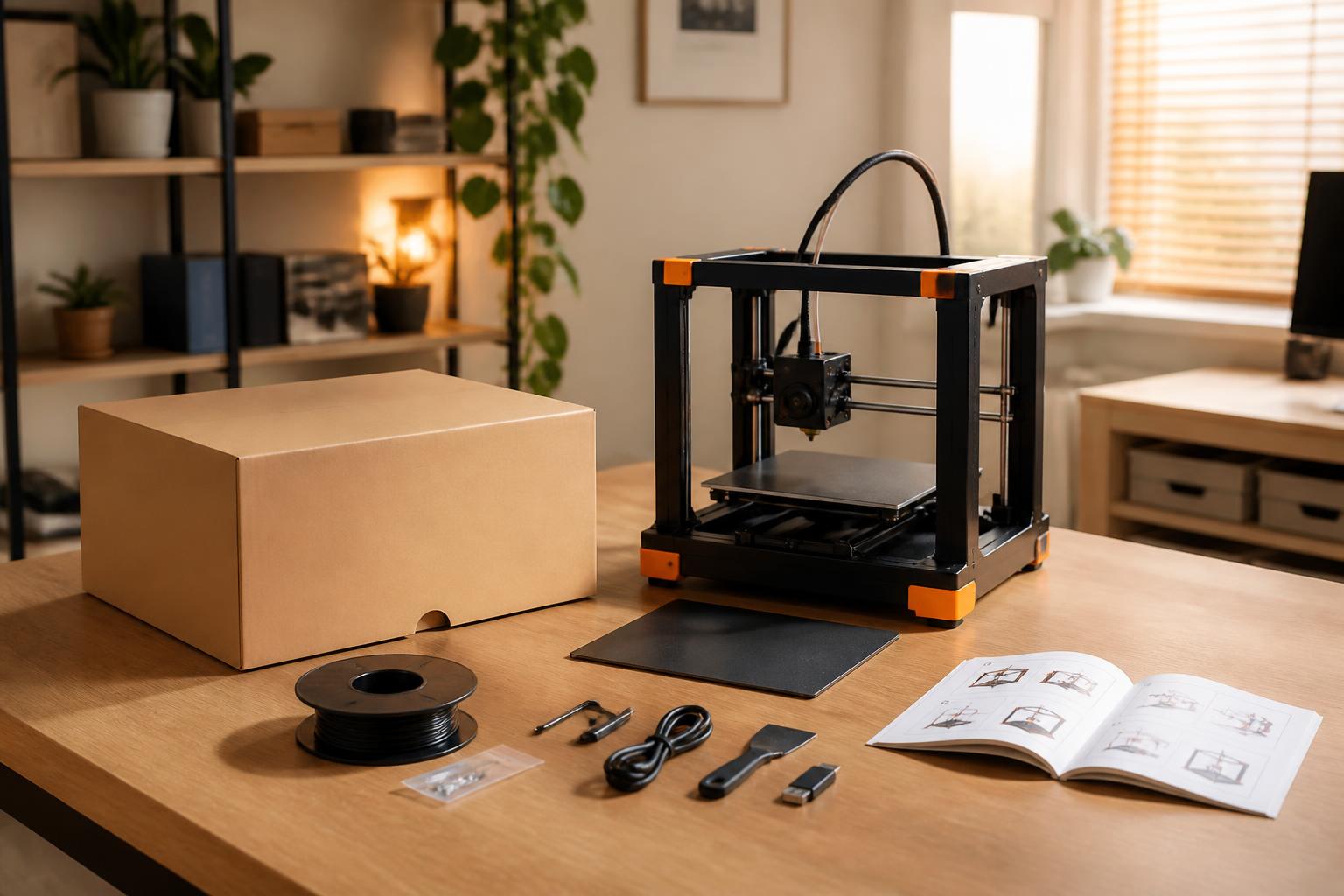
Getting the Toy Box ready takes about 15 minutes. The steps are simple, but one early checkpoint saves most reprints.
1. Unpack and level the bed. The printer uses four thumbscrews for manual leveling. Follow the on-screen prompts. Use a piece of standard printer paper as a feeler gauge – it should slide between the nozzle and the build plate with slight drag. If it passes freely or catches, adjust the corresponding thumbscrew and recheck.
2. Insert the filament cartridge. The proprietary cartridge clicks into the rear holder. No threading or feeding is required; the printer auto-feeds to the hotend. The keyed design prevents loading the wrong material.
3. Connect to Wi‑Fi and pair the app. Download the Toy Box app, create an account, and enter the printer’s serial number. This step is mandatory for accessing the full library. Without it, the printer can only reprint previously downloaded models.
4. Print a test model. Start with the recommended small ring or token (roughly 20 minutes). Watch the first layer go down – look for even extrusion without gaps or stringing. If the filament lifts or drags, stop the print, clean the PEI-coated bed with isopropyl alcohol, and re-level.
Early checkpoint: Most first-layer failures are caused by an oily or uneven bed. A quick wipe with alcohol and a leveling recheck fixes the majority of adhesion issues.
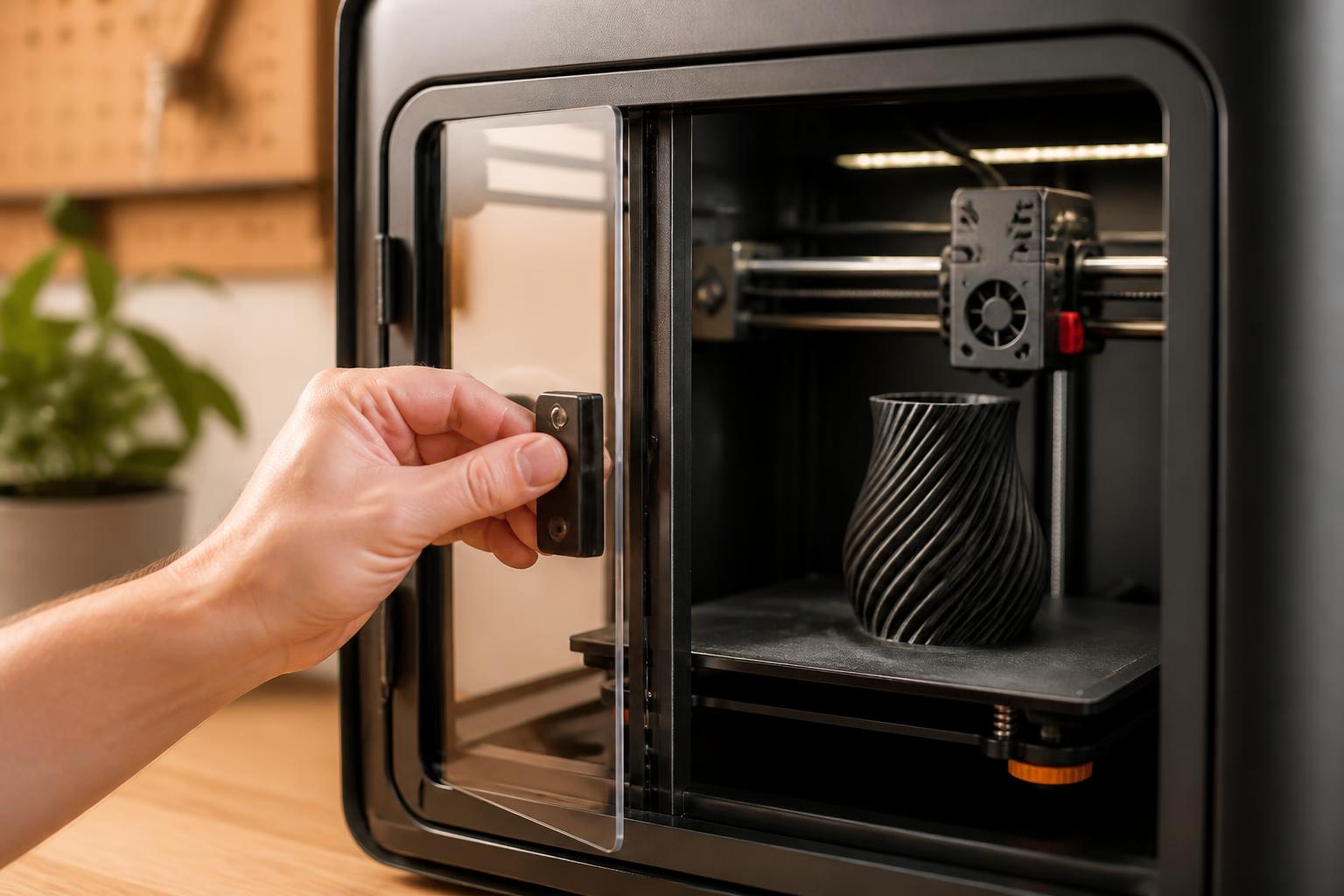
Success check: After the test print finishes, inspect for gaps, blobs, or lifted corners. If the surface is clean and the form is complete, you’re ready for longer prints.
Safety and Enclosure
The Toy Box is fully enclosed with a magnetically locked door and a filtered air intake. The hotend runs at typical PLA temperatures (190–210°C), and the bed heats to 50–60°C. The enclosure keeps small hands away from moving parts and reduces fume exposure. It carries UL and FCC certifications, making it one of the safer consumer 3D printers for young children. Adult supervision is still recommended during the first few prints and when cleaning the nozzle.
Ease of Use
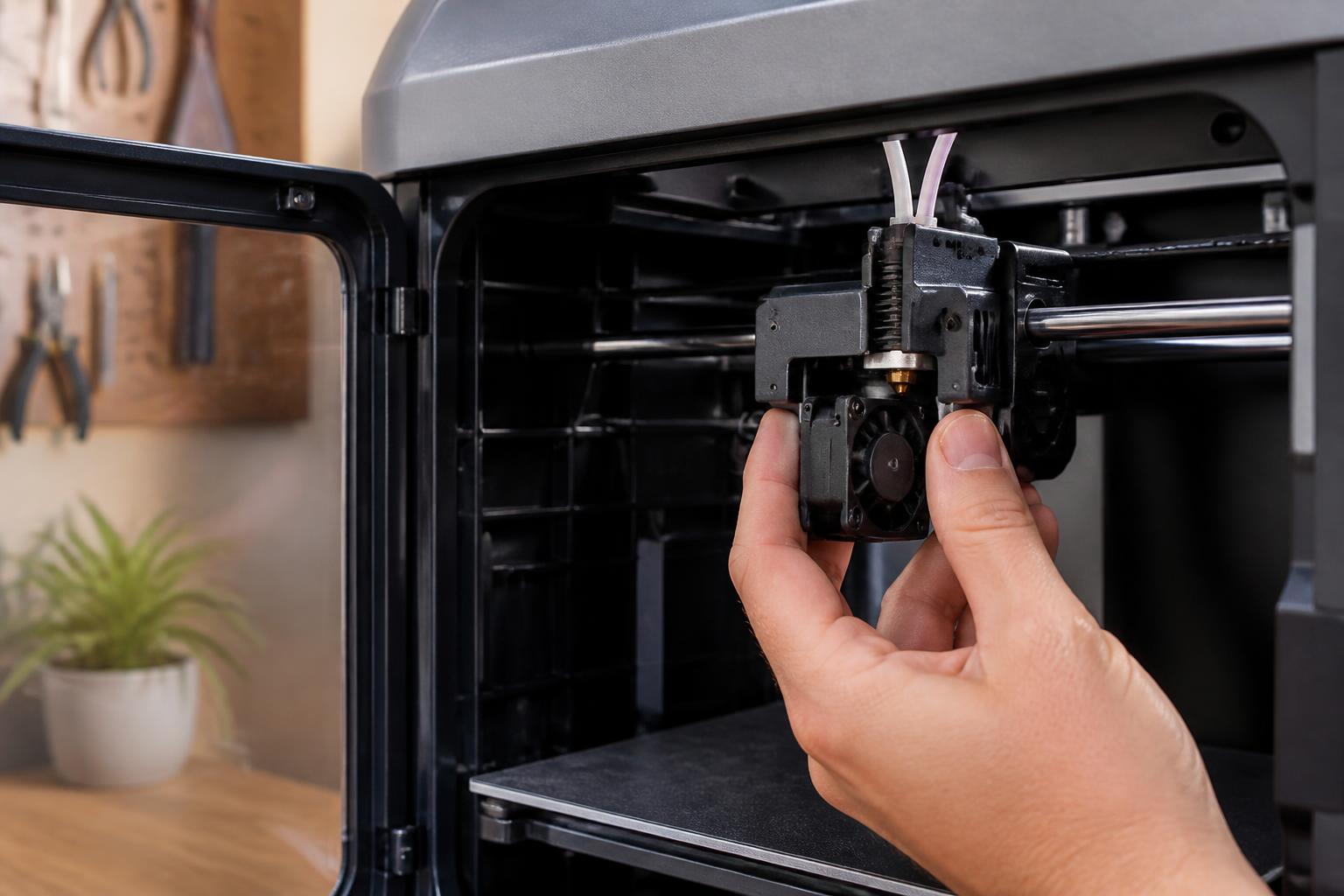
The touchscreen interface uses large icons, and the app organizes toys by difficulty and print time. There is no slicing, no manual G‑code, and no temperature adjustment. The user simply selects a toy, taps print, and the machine runs. The filament cartridges are keyed, eliminating the risk of loading the wrong material. This is the simplest 3D printing experience available at this price point.
Curated Library and Subscription
The subscription (around $50 per year) grants access to hundreds of toy designs that are tested by Toy Box for printability. Categories include action figures, puzzles, vehicles, and seasonal items. New designs are added monthly. For a child who enjoys the surprise of new toys, this can feel like a subscription box. The library is large but finite – niche interests such as specific characters, custom parts, or educational models may not appear.
Practical implication: Without an active subscription, the printer reverts to “reprint only” mode. You can reprint any toy you have already downloaded, but you cannot browse or download new designs. The printer does not become a brick, but it loses its primary value. Over three years, the subscription cost adds roughly $150 to the total cost of ownership.
Subscription Cost and Proprietary Filament
| Cost Factor | Toy Box | Typical Hobby Printer (e.g., Anycubic Kobra X) |
|---|---|---|
| Printer price | $300–$400 | $200–$300 |
| Annual subscription | $49.99 | None |
| Filament cost | ~$25 per 300g cartridge | ~$15–$20 per kg spool |
| Effective filament cost per gram | ~$0.083/g | ~$0.015–$0.020/g |
| 3-year total (printer + sub + 10 kg filament) | $850–$1,000 | $350–$500 |
Mismatch to watch for: The Toy Box uses proprietary cartridges that cost roughly 4–5× more per gram than standard 1.75 mm PLA spools. If you run out of filament mid-print, you cannot substitute a standard spool – you must order a new cartridge. Third-party adapters exist but are not officially supported and may void the warranty. Over the printer’s lifetime, filament costs alone can exceed the purchase price of a hobby printer.
Print Quality and Limitations
At the default 0.2 mm layer height, prints show visible layer lines. Overhangs steeper than 45 degrees require supports, which can leave surface marks. The printer locks print speed at roughly 40 mm/s and does not allow user control of cooling fan speed or nozzle temperature. Fine details such as small text, sharp edges, or intricate geometry are less crisp than what a Bambu Lab A1 Mini or Prusa Mini can produce at similar layer heights. For a 7‑year‑old, the quality is acceptable; for a teen or adult expecting hobby-grade output, it will disappoint.
Concrete verification step: Before subscribing, browse the Toy Box library online to see if the available designs match your child’s interests. If the library lacks the types of toys your child actually wants, no amount of convenience will make the printer useful. Also, check the maximum print size (roughly 150 × 140 × 140 mm) against the toys your child hopes to print – anything longer than a hand will require splitting into parts that the printer cannot assemble.
Trade-Offs to Know
| Criterion | Toy Box | Anycubic Kobra X (budget hobby) | Bambu Lab A1 Mini (all-round) |
|---|---|---|---|
| Build volume | ~150 × 140 × 140 mm | 250 × 220 × 220 mm | 180 × 180 × 180 mm |
| Max print speed | ~40 mm/s (locked) | 60–100 mm/s | 150+ mm/s |
| Design flexibility | Library only | Any STL via slicer | Any STL via Bambu Studio |
| Parent involvement | Minimal after setup | Moderate (slicing, leveling, troubleshooting) | Moderate (slicing, supervision) |
| Recurring cost | $50/yr + $25/cartridge | Filament only | Filament only |
| Multi-color option | No | No | Yes (AMS mini add-on) |
| Enclosed | Yes (magnetic door) | No (open frame) | Optional enclosure |
Decision criterion that changes the recommendation: If your primary goal is to minimize adult supervision and you accept a closed ecosystem, the Toy Box is a reasonable choice. If you want a printer that allows kids to explore design, use standard materials, or eventually move to functional parts (brackets, organizers, repairs), skip the Toy Box and buy a hobby printer with parental guidance.
Best Fit vs. Alternatives
The Toy Box is a good fit for:
- A family with children aged 6–12 who treat the printer as a toy dispenser and have no interest in design.
- Classroom or library settings where staff need a low-maintenance, safe machine that requires minimal training.
- Parents willing to pay a premium for convenience and understand the subscription cost over 2–3 years.
The Toy Box is not a good fit for:
- Teens or adults who want to learn CAD, slice their own models, or print functional parts.
- Budget-conscious buyers who will keep the printer for more than one year (the subscription + filament markup push total cost well above a hobby printer).
- Anyone who needs build volume larger than a 6‑inch cube – the Toy Box cannot print helmets, large puzzles, or board game organizers.
Stronger alternatives by use case:
- Best budget for a child who can design with adult help – Anycubic Kobra X (~$200). Larger build volume (250 × 220 × 220 mm), open source, standard filament. Requires parent setup and a slicer, but costs less than the Toy Box over one year and offers vastly more flexibility.
- Best all-round for a family – Bambu Lab A1 Mini (~$300). Faster, optional multi-color with AMS Mini, supports STL files via Bambu Studio. Needs supervision but delivers higher print quality and a larger community. An optional enclosure is available.
- Best for massive build volume – Sovol SV08 (600 × 600 × 600 mm, ~$400–$600 via Kickstarter). Intended for large prototypes or decorations, not for young children without experienced adult supervision.
Applicability boundary: The Toy Box is designed exclusively for children aged 6–12 who will use the library as-is. If your child is under 6, consider a 3D pen as a safer, lower-cost introduction. If your child is over 12 or shows interest in designing their own models, the Toy Box will become a limitation within months, and you should buy a hobby printer from the start.
Related Questions
Is the Toy Box 3D printer safe for young children?
Yes. The fully enclosed design, low-temperature PLA operation, and UL/FCC certifications make it one of the safest consumer 3D printers for children aged 6 and up. Adult supervision is still recommended during nozzle cleaning and first prints.
Can you use standard 1.75 mm PLA filament with the Toy Box?
No. The printer uses proprietary keyed cartridges. Third-party adapters exist but are not officially supported and may void the warranty. Running out of filament mid-print means you must order a replacement cartridge; standard spools cannot be used as a backup.
What happens if your subscription expires?
The printer remains functional for reprinting any toy you have already downloaded. You cannot browse or download new designs until the subscription is renewed. The printer does not stop working entirely.
How long does a typical toy take to print?
Small rings or tokens: 20–40 minutes. Medium action figures: 1–3 hours. Larger vehicles or puzzles: 4–6 hours. Print speed is locked at roughly 40 mm/s for reliability.
Can you adjust print settings such as layer height, infill, or supports?
No. The Toy Box app and firmware control all slicer settings with no user access. If a design fails repeatedly, the library team updates it remotely. There is no way to increase infill for durability or reduce layer height for better detail.
Explore This Topic
- Back to Printer Reviews
- Back to sc0007
Related guides in this cluster:

Ryan has been operating FDM 3D printers since 2017. He runs a 12-machine print farm. His daily drivers include a Bambu Lab X1 Carbon, Prusa MK4s, and Creality Ender-3 V3s that have logged over 15000 print hours. He started 3D Printer Nerd to provide structured troubleshooting guides with diagnostic order, material-specific parameters, and clear stop points.