Best Multicolor 3D Printer for Beginners: Bambu Lab A1 Mini with AMS Lite
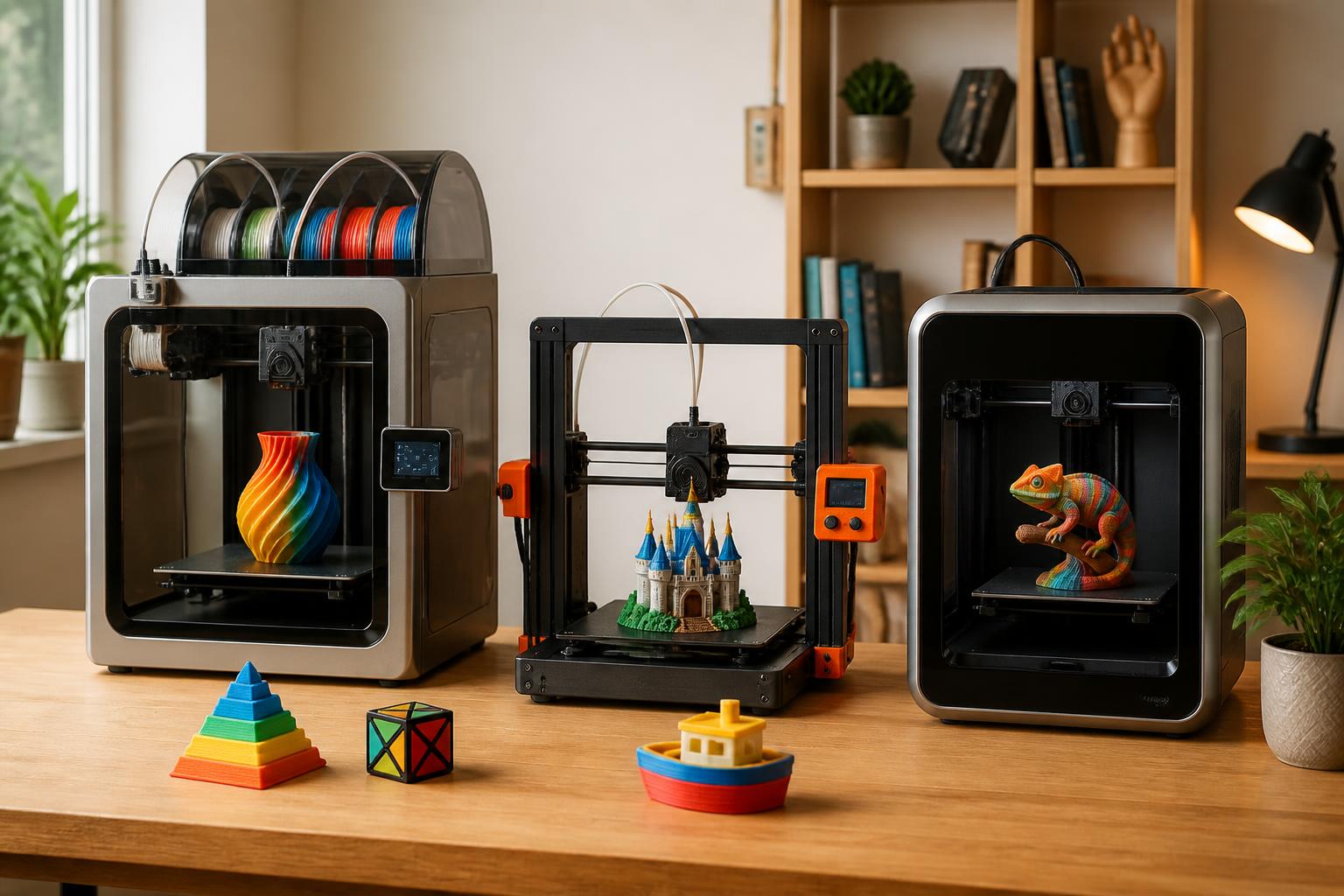
If you want a multicolor 3D printer without spending weeks debugging color changes, the Bambu Lab A1 Mini with AMS Lite is your fastest path to success. It auto-levels, auto-calibrates for each filament type, and handles four spools with minimal waste. If your budget is tighter and you need to print larger objects, the Creality K1 Max with the Creality Filament System (CFS) gives you a bigger build volume and an enclosed chamber for high‑temp materials. And if you value long‑term reliability and are comfortable with assembly, the Prusa MK4 with the MMU3 offers the most maintainable open‑source system.
But this recommendation changes depending on your primary material and typical model size. If you mostly print PLA and small decorative items, the Bambu is a no‑brainer. If you need ABS, ASA, or polycarbonate, you must pick an enclosed machine (K1 Max or an enclosed Prusa). If you want to print helmets, large vases, or multi‑part objects in one go, the K1 Max’s 11.8‑inch cube build volume is nearly five times the A1 Mini’s space. Know your typical print before choosing.
Quick answer
| Model | Multicolor system | Max colors | Build volume (in) | Price range | Ease of use |
|---|---|---|---|---|---|
| Bambu Lab A1 Mini + AMS Lite | Filament swapping (single nozzle, 4 input buffers) | 4 | 7.1 × 7.1 × 7.1 | $400–$500 | Excellent |
| Creality K1 Max + CFS | Filament swapping (single nozzle, 4‑spool external unit) | Up to 4 per unit (stackable) | 11.8 × 11.8 × 11.8 | $800–$1,000 | Good |
| Prusa MK4 + MMU3 | Filament swapping (single nozzle, 5 spools via selector) | 5 | 9.8 × 8.3 × 8.3 | $1,100–$1,300 | Moderate |
All three use single‑nozzle filament swapping — the simplest multicolor approach for beginners. The printer loads one filament at a time, purges the previous color, and continues printing. This is far easier to maintain than dual‑extruder or IDEX systems.
What this means for your next move: If you want to start printing multicolor this weekend, buy the Bambu A1 Mini + AMS Lite. Load PLA at 210°C nozzle / 60°C bed, select a preloaded multicolor model, and hit print. For larger parts in ABS, buy the Creality K1 Max + CFS and be ready to spend an hour dialing in first‑layer Z‑offset — use a 0.05 mm feeler gauge or the built‑in calibration wizard.
Comparison framework: what to look at beyond the specs
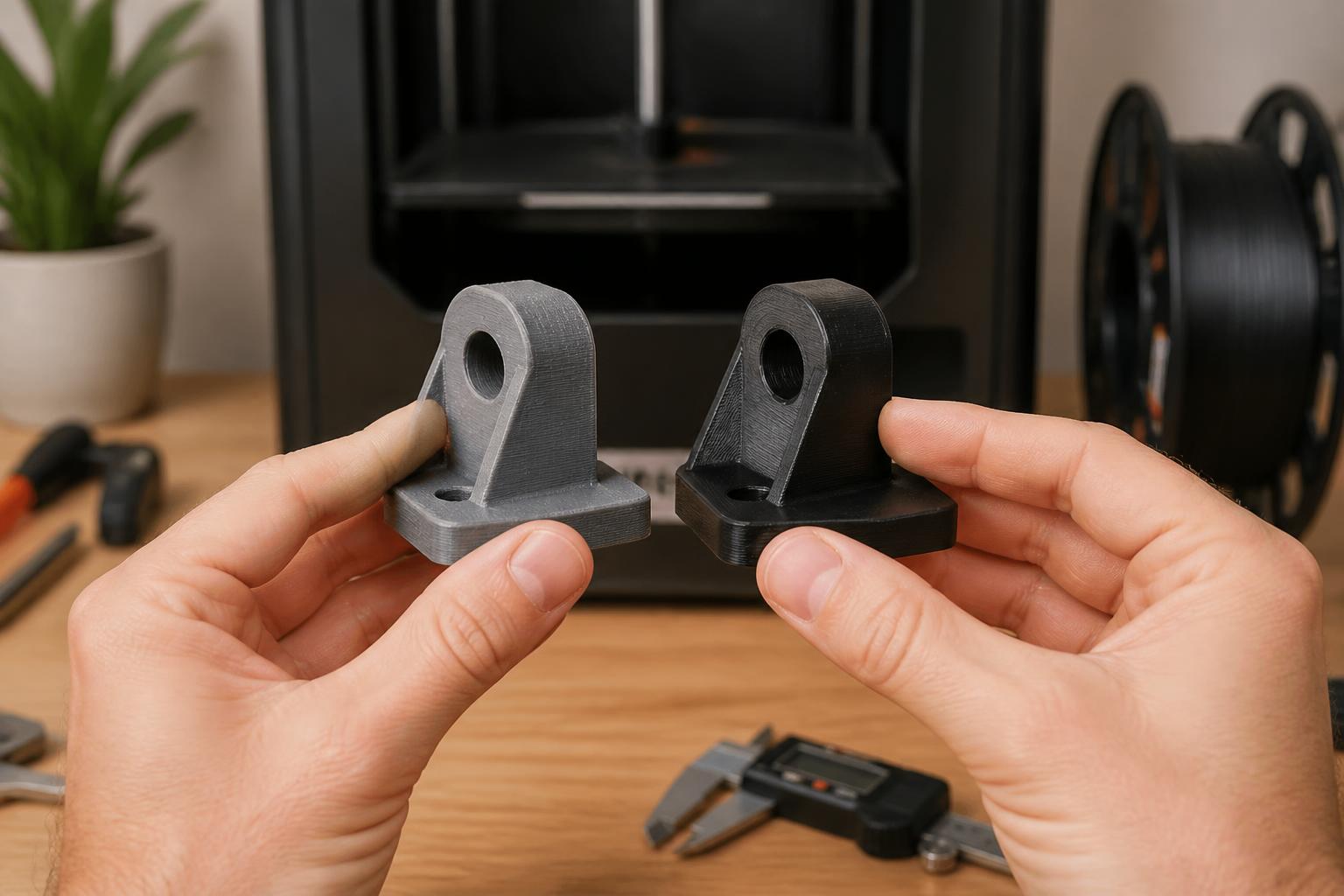
A table helps, but three hidden factors separate a beginner‑friendly multicolor printer from a frustrating one.
1. Purge waste vs. model size. Every color change dumps 5–10 g of filament as purge lines and a prime tower. On the Bambu A1 Mini, a four‑color keychain might waste 15–20 g — that’s 20–30% of the total filament used. On the Prusa MMU3, you can adjust purge volumes per extruder in PrusaSlicer to claw back some waste, but you’ll still lose 10–15 g per swap. For tiny prints, that waste ratio stings. Stick to single‑color functional parts; save multicolor for items with at least 50 g of material.
2. Slicer complexity. Bambu Studio and Creality Print have one‑click multicolor support — just assign colors to STL parts and the slicer handles everything. PrusaSlicer’s MMU profile works well but requires you to set a “tool change” g‑code and sometimes manually assign extruders per layer. Expect an extra 10–15 minutes of setup on your first few multicolor models with the Prusa.
3. Color change speed. The Bambu A1 Mini swaps colors in about 15 seconds (from purge to printing). The K1 Max takes 20–25 seconds per swap. The Prusa MK4 with MMU3 is slower at 30–40 seconds because the selector physically moves the filament spool racks. Over a 10‑color‑change print, that’s an extra 2–3 minutes of wasted time.
How to verify fit on your machine: Before committing, open your printer’s slicer and check the “filament change” or “tool change” settings. On Bambu Studio, go to Process → Multimaterial → Enable. On Creality Print, look for Filament Management. If these options are greyed out, your firmware may need an update — check the manufacturer’s website for the latest version.
Best-fit picks by use case
Best overall for PLA and small prints: Bambu Lab A1 Mini + AMS Lite
- Why it wins: Auto‑leveling, auto‑calibration for each filament, and the AMS Lite detects runout and can resume mid‑print. The purge bucket is easy to clean — remove it, empty the waste, click back in.
- Concrete details: Nozzle temp 190–230°C (PLA), bed 60°C. Default layer height 0.2 mm; go down to 0.1 mm for detail. Print speed up to 500 mm/s on infill. The printer ships with three preloaded models — print one as your first multicolor test.
- Trade‑off: Build volume is small (7.1‑inch cube). A multicolor helmet or vase won’t fit. Also, it’s open‑frame — no enclosure for high‑temp materials.
Best for larger builds and high‑temp materials: Creality K1 Max + CFS
- Why it wins: Nearly 1,645 cubic inches of build space (11.8‑inch cube) lets you print full‑size models. The heated chamber (up to 60°C) keeps ABS and PETG from warping. The CFS can expand to eight spools by daisy‑chaining two units.
- Concrete details: Nozzle temp 220–300°C, bed up to 100°C. Layer height 0.1–0.3 mm. Advertised print speed 600 mm/s. The CFS handles PLA, ABS, PETG, and TPU (shore hardness 95A or higher; stiff TPU may slip).
- Trade‑off: Initial setup requires belt tension adjustment and first‑layer calibration. The CFS has a known issue with high‑gloss or very flexible filaments — the spool feed rollers can lose traction. If you mostly print matte PLA, this is less of a worry.
- Practical implication: If you need to print a multicolor ABS bracket for a functional part, the K1 Max is the only pick on this list that works out of the box. Expect to spend 30 minutes dialing in the first layer using the Z‑offset calibration.
Best for reliability and future expandability: Prusa MK4 + MMU3
- Why it wins: Prusa’s community support is unmatched. The MMU3 moves the filament spools, not the print head, keeping moving mass low. Color changes are consistent — fewer jams over hundreds of prints.
- Concrete details: Nozzle temp 170–300°C, bed 60–120°C. Layer height 0.05–0.3 mm. Max print speed 200 mm/s (slower but smoother than the others). The MK4 can be enclosed with aftermarket panels for high‑temp materials.
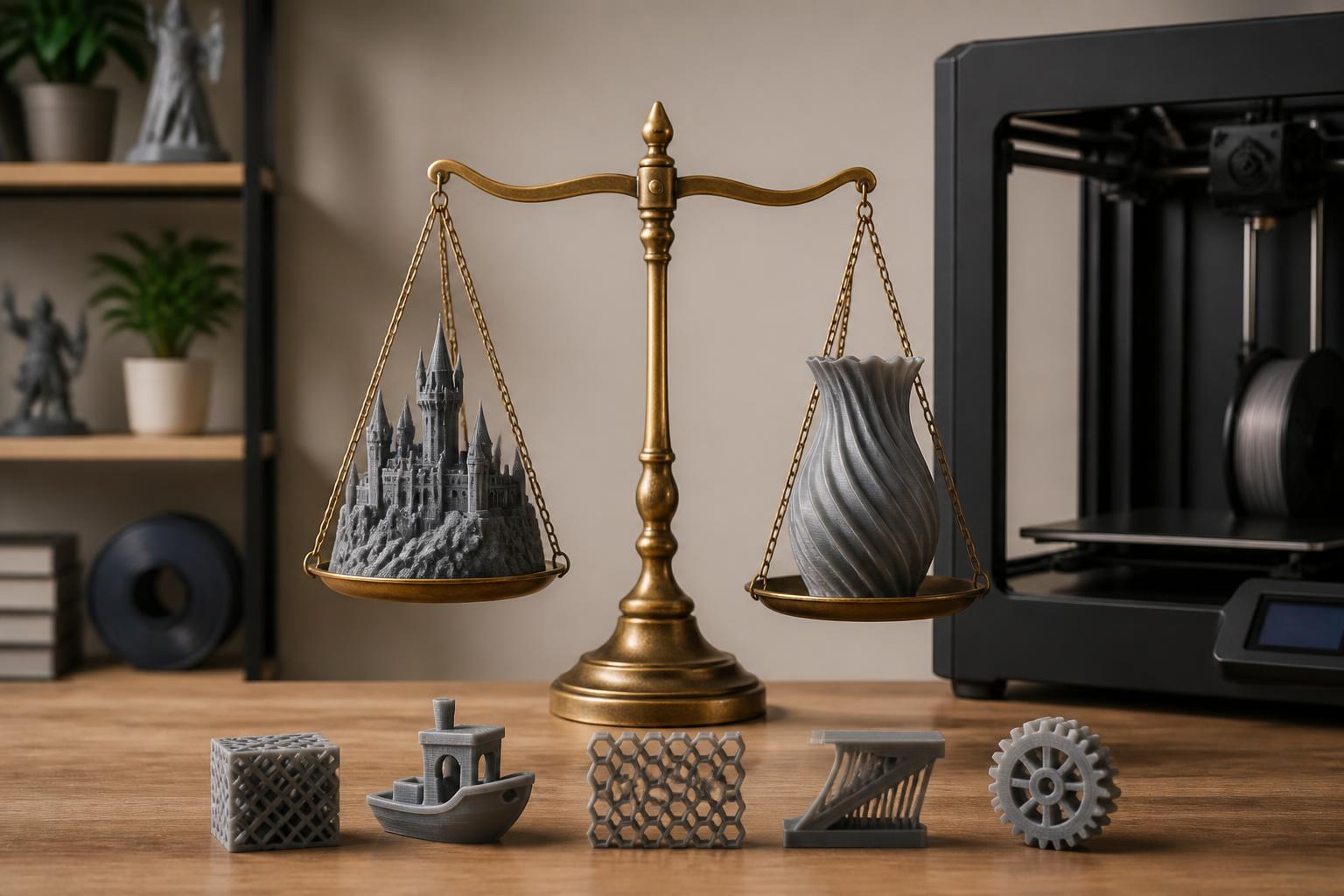
- Trade‑off: You assemble the printer (1–2 hours) and the MMU3 PTFE tubes need careful routing — a misrouted tube causes retraction jams. The whole setup costs over $1,100. For that money you get a system that rarely fails mid‑print, but only if you’re willing to read the manual cover to cover.
- Verification step: After assembly, run the “MMU3 calibration” test in the printer menu. If all five spools load and retract without clicking or dragging, your PTFE tubes are correctly aligned. If you hear a clicking sound, check the tube path for sharp bends.
Trade‑offs to know
Filament waste is real and model‑dependent
Every color change purges leftover material from the nozzle. On the Bambu A1 Mini with AMS Lite, a simple four‑color print (like a 30‑g chess pawn) wastes 15–25 g in purge lines and prime tower — that’s 40–60% waste. On the Prusa MMU3, you can reduce waste by setting purge volumes manually in PrusaSlicer (e.g., reduce from 20 mm³ to 10 mm³ per swap), but you risk color contamination. Consequence: If you plan to print many small multicolor items, the waste ratio makes the cost per print high. Stick to single‑color for functional parts; save multicolor for models over 50 g.
Color changes add failure points
A clog from a retracted filament tip, a jam in the PTFE tube, or a misaligned color selector can ruin a 12‑hour print two hours in. The Bambu system minimizes this with spring‑loaded idlers and auto‑loading, but no system is perfect. Likely cause: On the K1 Max CFS, the most common failure is a filament end slipping back past the drive gears during retraction — the printer shows “filament not detected” even though the spool has material. Fix: Trim the filament tip to a clean 45° angle before inserting. Escalation signal: If you see a “tool change timeout” on any printer, the color swap failed; cancel the print and check for jams before restarting.
Speed versus surface finish
The Bambu A1 Mini can finish a small multicolor bust in 3 hours. The Prusa MK4 may take 5–6 hours for the same model, but layer lines are more consistent and there’s less ringing. If you prioritize speed for iterative prototyping, the Bambu wins. If you want gallery‑quality surface finish, the Prusa is worth the wait — use layer height 0.1 mm and slow down outer walls to 60 mm/s.
One decision factor that changes the recommendation: your primary material
If you print PLA only, the Bambu A1 Mini is the best choice — it’s open‑frame and ideal for PLA’s low bed temperature. If you need ABS, ASA, or polycarbonate for strength, you must use an enclosed printer. The Creality K1 Max is enclosed and ready for ABS at 100°C bed / 60°C chamber. The Prusa MK4 can be enclosed with aftermarket panels but adds $100–$150 and 30 minutes of assembly. The Bambu A1 Mini is unsuitable for high‑temp materials — the open frame will cause warping and layer separation.
Related questions
Can I add multicolor printing to an existing single‑color printer?
Yes, but it’s usually more expensive and finicky than buying a dedicated multicolor printer. The Palette 3 works with many Bowden‑drive printers but costs $400–$600 and requires a separate splicing station. Prusa’s MMU3 can upgrade earlier MK3S+ models, but you need to install a filament buffer and realign the selector. For a beginner, a purpose‑built multicolor printer like the Bambu A1 Mini is less frustrating.
Do multicolor printers cost more to operate?
Yes. Besides filament waste, electricity usage goes up because the printer keeps the hotend and bed heated during color changes (the bed stays at 60°C for PLA), and the total print time is longer. Expect a 15–25% increase in filament consumption compared to single‑material prints of the same volume. A typical four‑color 100‑g model consumes 120–130 g of filament including waste.
Is multicolor printing worth it for a beginner?
Only if you’re willing to learn about purge volumes, prime tower settings, and filament retraction. Many beginners start with single‑color to master basics like bed adhesion and stringing. When you feel confident, multicolor adds a satisfying new dimension — especially for decorative figures, signage, or multi‑material prints with dissolvable supports. Start with a preloaded model (all three printers come with one) to see if the extra setup and waste are worth it for your projects.
Explore This Topic
- Back to Best Printer by Use Case
- Back to sc0006
Related guides in this cluster:
- Best 3d printer for beginners: Top Picks & Guide
- Best 3d printer for the money: Top Picks & Guide
- Best 3d printer for the price: Top Picks & Guide

Ryan has been operating FDM 3D printers since 2017. He runs a 12-machine print farm. His daily drivers include a Bambu Lab X1 Carbon, Prusa MK4s, and Creality Ender-3 V3s that have logged over 15000 print hours. He started 3D Printer Nerd to provide structured troubleshooting guides with diagnostic order, material-specific parameters, and clear stop points.