Best 3D Printer for the Price: What a $200 Printer Actually Delivers
If you’re chasing the best 3D printer for the price in 2025, the Anycubic Kobra X hits the value sweet spot: under $200 you get a 250×250×260 mm build volume, auto‑bed leveling, a direct‑drive extruder, and reliable PLA/PETG/TPU output. Need larger prints? The Sovol SV08 Max packs a 350×350×400 mm Core‑XY frame for ~$400. Want near‑zero tinkering? The Bambu Lab A1 (~$320) trades size for foolproof first layers. Below we explain why each wins for specific use cases, what to check before buying, and the hidden trap that sends many budget printer owners back to the drawing board.
Best 3d printer” /> for the price: Top Picks & Guide
Why the Anycubic Kobra X Wins for Most Shoppers
The Kobra X avoids the common budget‑printer pitfalls at this price point: a flimsy frame that introduces Z‑banding, a Bowden extruder that makes TPU stringy, and manual bed leveling that wastes your first hour. Instead you get an all‑metal hotend (260 °C max), an inductive auto‑leveling sensor, and a direct‑drive extruder ready for flexible filaments out of the box. Assembly takes 30–45 minutes, and early‑bird pricing often lands at $199.
Practical implication for your next move: If your largest part fits within 10″×10″×10″ and you don’t need enclosed printing for ABS/ASA, the Kobra X is the safest bet under $250. It delivers 90% of the Bambu Lab A1’s print quality at two‑thirds the price.
Verification step before you click “buy”: Measure your actual biggest intended print against the Kobra X’s build volume — a full‑size Mandalorian helmet (≈ 270 mm Z) may not fit. Also check that your work space has a stable table; the printer’s lightweight frame can amplify ringing on wobbly surfaces.
Mismatch to watch for: The auto‑leveling uses an inductive sensor that can fail on non‑magnetic build plates (e.g., bare glass). If the first layer looks uneven after the auto‑level routine, you’ll need to manually adjust the Z‑offset via the touchscreen — a five‑minute fix but a surprise if you expected a fully hands‑off machine.
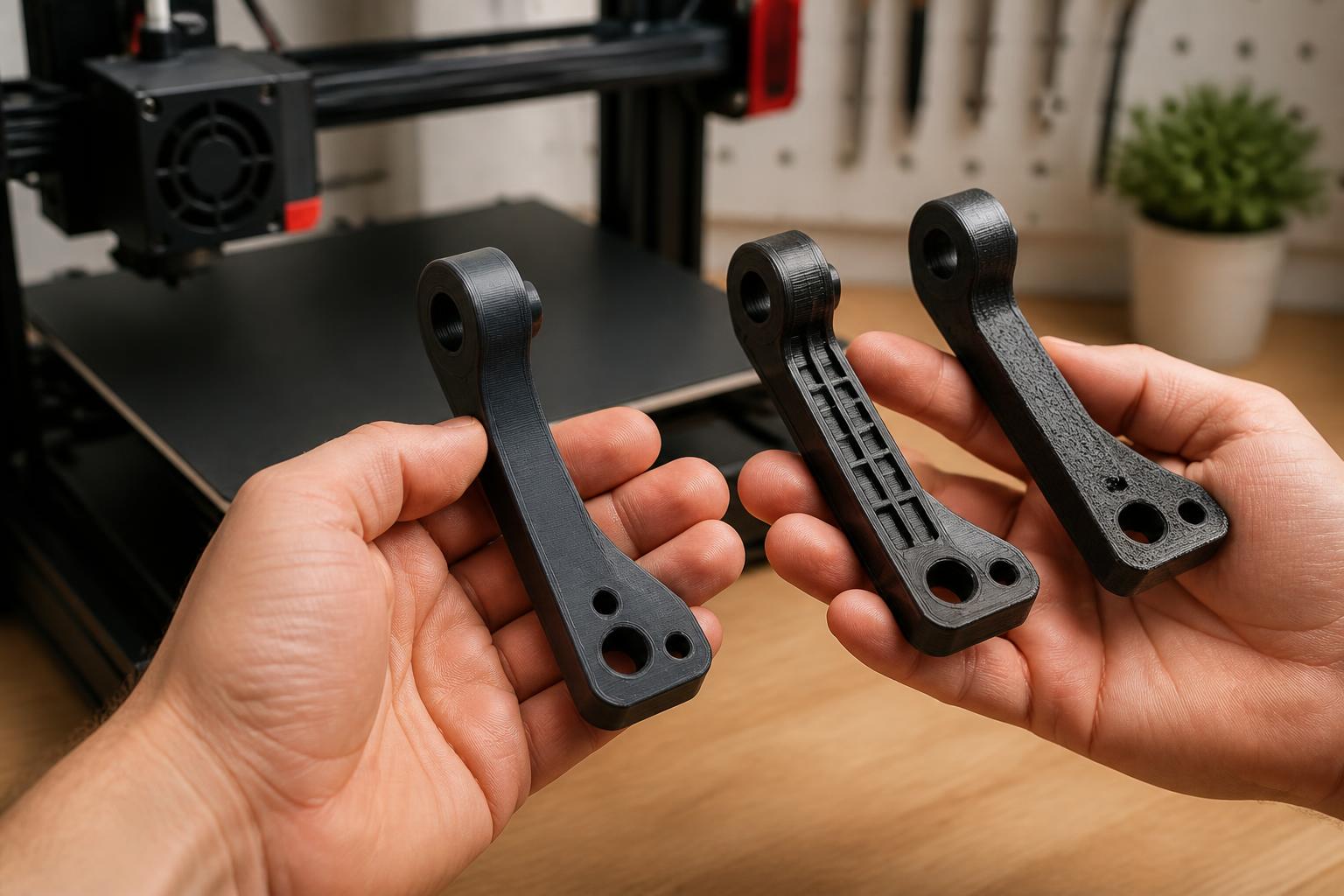
How the Top Contenders Compare by Use Case
Best Budget Starter – Anycubic Kobra X
Who it fits: Beginners who want a capable first printer without overspending. The direct‑drive extruder means you can try TPU and PETG without mods. The included slicer profiles (Cura and PrusaSlicer) give good results for PLA at 0.2 mm layer height and 60 mm/s.
Verification: Unbox and check the Z‑offset calibration print (a 50×50 mm single layer). If the lines don’t fuse into a smooth sheet, adjust the Z‑offset by –0.05 mm and rerun.
Skip it if: You plan to print nylon or polycarbonate — you need a 300 °C+ hotend and enclosure. Look at the Sovol SV08 or Creality K1 instead.
Best Large‑Format Value – Sovol SV08 Max
Who it fits: Users who need a print volume larger than 300 mm in any dimension. The 350×350×400 mm bed fits cosplay armor pieces, architectural models, and large functional brackets. Core‑XY motion keeps quality consistent at higher speeds, and the 300 °C all‑metal hotend handles ABS/ASA (with an enclosure you’ll need to add).
Practical implication: At ~$400, the SV08 Max costs more than the Kobra X but still undercuts similarly sized printers by $100–200. Budget at least 1.5 hours for assembly plus another hour for belt tensioning and PID tuning.
Verification: Before your first large print, run a 200 mm cube at 0.2 mm layer height and 80 mm/s. Check the top surface for ringing — if it appears, reduce acceleration to 2000 mm/s².
Mismatch to watch for: The gantry is heavy; on a cheap desk the printer will wobble enough to ruin tall prints. Place it on a concrete paver or a rigid workbench. Also, the inductive sensor is identical to the Kobra X’s and has the same glass‑plate limitation.
Best Premium Value – Bambu Lab A1
Who it fits: Anyone who values reliability over the absolute lowest price. The A1’s load‑sensor auto‑leveling is near‑perfect; you can print dozens of hours without a Z‑offset tweak. The included slicer (Bambu Studio) comes with curated profiles that eliminate most stringing and adhesion guesswork.
Practical implication: At ~$320, you pay a $120 premium over the Kobra X for time saved on calibration and failed prints. That’s a good trade if your time is valuable or you’re teaching a child/classroom.
Verification: Before committing, measure your tallest intended model. The A1’s 256 mm Z limit means a 270 mm helmet is a no‑go — you’d have to print it in two parts and glue.
Skip it if: You need enclosure‑required materials (ABS, ASA) without building a tent — the A1 is open‑frame. Also skip if you’re on a strict $200 budget; the Kobra X gives 90% of the reliability.
Trade-offs That Can Change Your Decision
Auto‑leveling isn’t one‑size‑fits-all. The inductive sensors on the Kobra X and SV08 Max can be fooled by dirty build plates or aftermarket spring‑steel sheets. The Bambu Lab A1’s load sensor is more robust, but it adds cost. Detect the failure early: If your first layer looks patchy (high spots) or too squished (low spots), run a 9‑point mesh and check the deviation. Anything over ±0.2 mm means the sensor is reading wrong — clean the bed and try again.
Speed vs. surface finish. The SV08 Max can theoretically print at 200 mm/s, but at that speed overhangs above 50° will droop and bridges will sag. For appearance‑critical parts, drop to 60–80 mm/s and 0.12 mm layer height. The Kobra X and A1 are less prone to ringing because of their lighter gantries, so they can run 80–100 mm/s with decent quality.
Filament temperature limits. All three printers handle PLA, PETG, and TPU. For ABS, ASA, or nylon you need both a 300 °C+ hotend and an enclosure. The SV08 Max has the hotend (300 °C) and a 120 °C bed, but the enclosure is an extra $30–50. The Kobra X and A1 cap at 260 °C / 100 °C, which is fine for PETG but not for high‑temp materials.
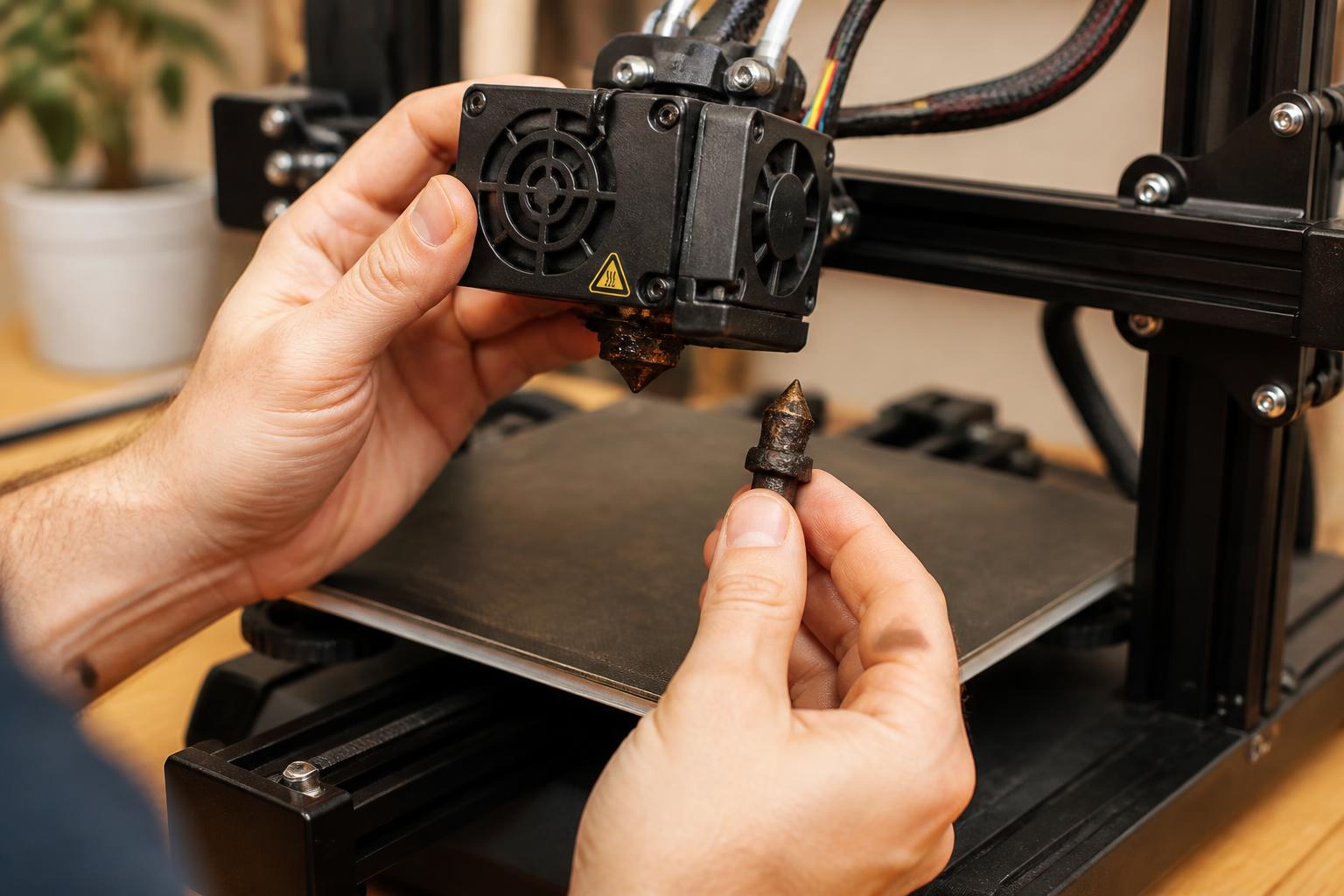
Warranty and support. Bambu Lab offers faster RMA and parts shipping than Sovol or Anycubic. A dead extruder on a Kobra X means a 2‑ to 3‑week wait for a replacement from China. If you can’t afford downtime, the A1’s premium may be worth it.
A Common Trap with Budget Printers (and How to Spot It Early)
The failure mode most first‑time “best‑value” buyers hit: underestimating tuning time. They see a $200 price tag and expect it to print perfectly out of the box. In reality, even the best budget printers need 30–60 minutes of initial calibration (Z‑offset, belt tension, e‑steps, flow rate) plus occasional tweaks. That tuning time eats into the upfront savings.
How to detect this trap before you buy: Scroll the first three pages of the printer’s subreddit or Facebook group. If the top ten posts are “first layer help” and “stringing fix,” the out‑of‑box experience is rough. The Kobra X has moderate complaints; the SV08 Max has more (due to its larger, fussier gantry). The Bambu Lab A1 has few. Your takeaway: If you have less than two hours to spare on setup, increase your budget to the A1. If you enjoy tinkering, the SV08 Max gives you a bigger canvas for the same price as the A1.
Related Questions
Can the Kobra X print ABS without an enclosure?
Not reliably — ABS warps badly in ambient drafts. The 100 °C bed is marginal, and the open frame lets in cool air. You’d need to build a makeshift enclosure (plywood or cardboard box) to hold a 60 °C ambient temp, and even then expect warping on large parts.
What’s the real cost of the SV08 Max beyond the $400 price?
Expect to spend an extra $30–50 for an enclosure if printing ABS/ASA, plus $15 for a glass bed or PEI sheet if the stock plate wears out. Filament waste from tuning prints can add another $10–20 in the first week.
How do I confirm my printer choice fits my space?
Measure the printer’s footprint (all three are roughly 15″×15″) plus clearance for the filament spool above and cable movement behind. Verify the table can support 10–15 lbs without wobbling — a heavy solid‑core desk or concrete paver is best.
Explore This Topic
- Back to Best Printer by Use Case
- Back to sc0007
Related guides in this cluster:
- Best 3d printer for the money: Top Picks & Guide
- Best 3d printer for prototyping: Top Picks & Guide
- Best 3d printer for starters: Top Picks & Guide

Ryan has been operating FDM 3D printers since 2017. He runs a 12-machine print farm. His daily drivers include a Bambu Lab X1 Carbon, Prusa MK4s, and Creality Ender-3 V3s that have logged over 15000 print hours. He started 3D Printer Nerd to provide structured troubleshooting guides with diagnostic order, material-specific parameters, and clear stop points.