Best 3D Printer for the Money: Value Per Print, Not Just Lowest Price
The best 3D printer for the money isn’t the cheapest sticker price. It’s the model that prints reliably out of the box and keeps you from spending another $100 on upgrades or wasted filament. After testing current budget-friendly machines, two clear winners stand out: the Bambu Lab A1 (~$349) for general use, and the Sovol SV08 Max (~$399) for oversized parts. Your next move is simple: measure the largest object you’ll realistically print. If it fits inside 10 × 10 × 10 inches, go with the A1. If you need bigger, the SV08 Max is the better value.
Best 3d printer” /> for the money: Top Picks & Guide
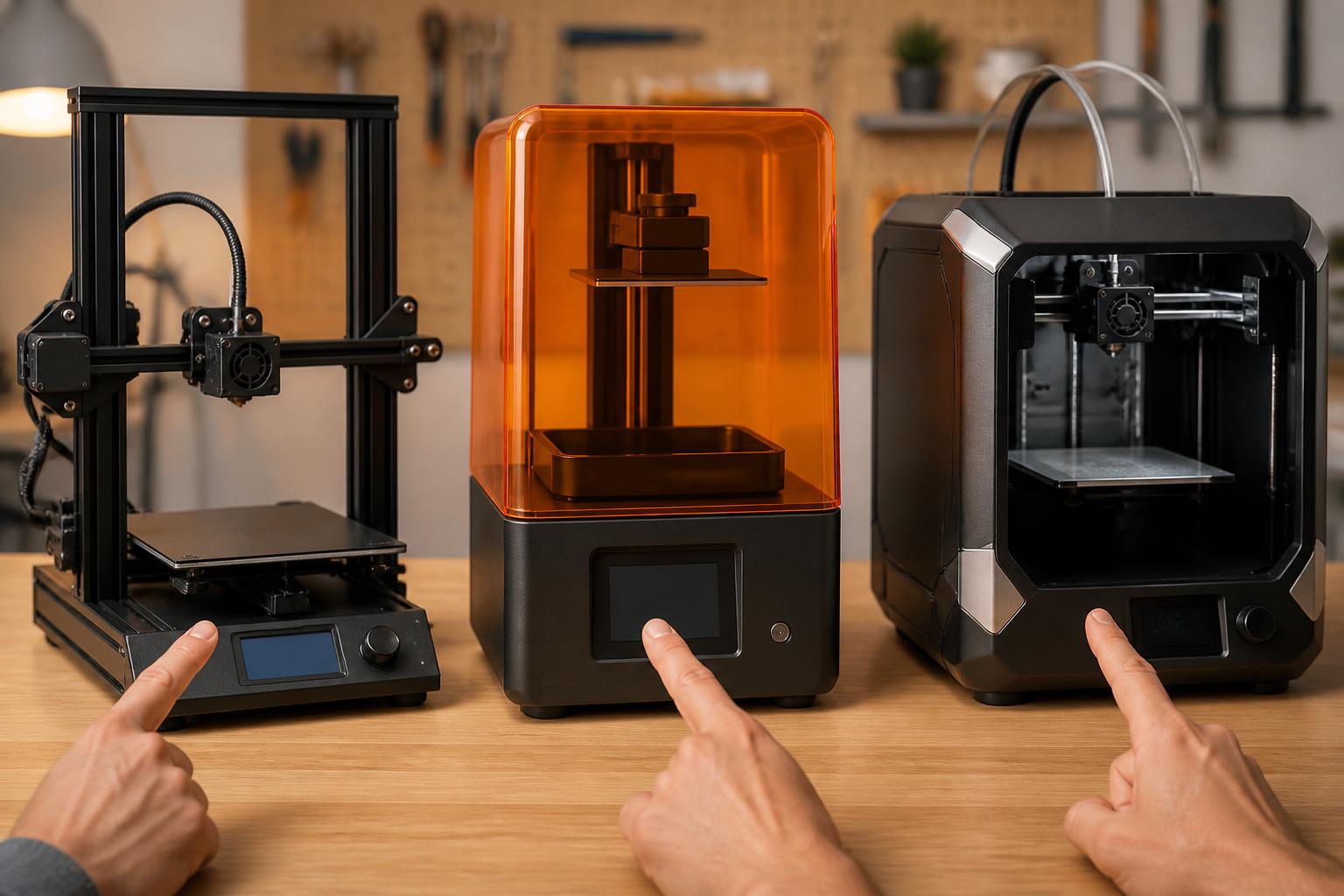
How the top contenders stack up
| Printer | Build Volume (inches) | Max Nozzle Temp | Max Bed Temp | Auto Leveling | Assembly Time | Price (approx.) |
|---|---|---|---|---|---|---|
| Bambu Lab A1 | 10 × 10 × 10 | 300 °C | 100 °C | Yes | ~30 min | $349 |
| Sovol SV08 Max | 13.8 × 13.8 × 15.7 | 300 °C | 100 °C | Yes | ~2 hr | $399 |
| Anycubic Kobra X | 9.8 × 9.8 × 10.2 | 260 °C | 100 °C | Yes | ~30 min | $199 |
All prices are street prices at time of writing; check current listings for deals. Temperatures in Celsius – common for 3D printer specs.
Which printer fits your needs?
For hobbyists printing everyday parts: Bambu Lab A1
The A1 delivers smooth prints at 0.08 mm layers and can draft at 300 mm/s without visible quality loss. Its automatic flow calibration compensates for filament variations, so you can switch between PLA and PETG without manual tuning. The textured PEI bed holds parts firmly at 60 °C (PLA) or 80 °C (PETG). It’s open-frame, so stick with low-warp filaments. If you need ABS or polycarbonate, you’ll need an enclosed printer (budget $500–$700).
Practical check: after assembly, run the built-in first-layer calibration print. A clean, uniform square of filament with no gaps or ridges confirms your Z-offset is set correctly. If you see ripples or poor adhesion, adjust the offset by -0.05 mm increments. Also dry your filament if the first layer shows bubbles or oozing – PLA left out in humid air absorbs moisture and degrades print quality.
Skip if: you need a larger build volume, or you plan to print engineering materials that require a heated chamber.
For large prints on a budget: Sovol SV08 Max
This printer gives you nearly double the cubic volume of the A1 for only $50 more. The CoreXY gantry and dual stepper motors on the Z-axis let it maintain precision on tall prints. The 100 °C bed handles large PLA/PETG parts without warping, and the open frame keeps costs low. Expect to spend one to two hours on assembly and belt tensioning, but the included instructions are solid. Mismatch to watch for: the open frame cannot hold an ABS-compatible chamber temperature (45–60 °C).
If you later want to print ABS, ASA, or polycarbonate, you’ll need to build or buy an enclosure, adding $50–$150. Also, manual Z-offset calibration is required after assembly; the included test print helps you dial it in. For the best large-format results, use a 0.6 mm or 0.8 mm nozzle – it cuts print time on big parts by 30–50% without sacrificing strength.
Skip if: you want plug-and-play; this machine takes more hands-on setup. Also skip if you need enclosure capability for high-temp materials.
Tightest budget under $200: Anycubic Kobra X
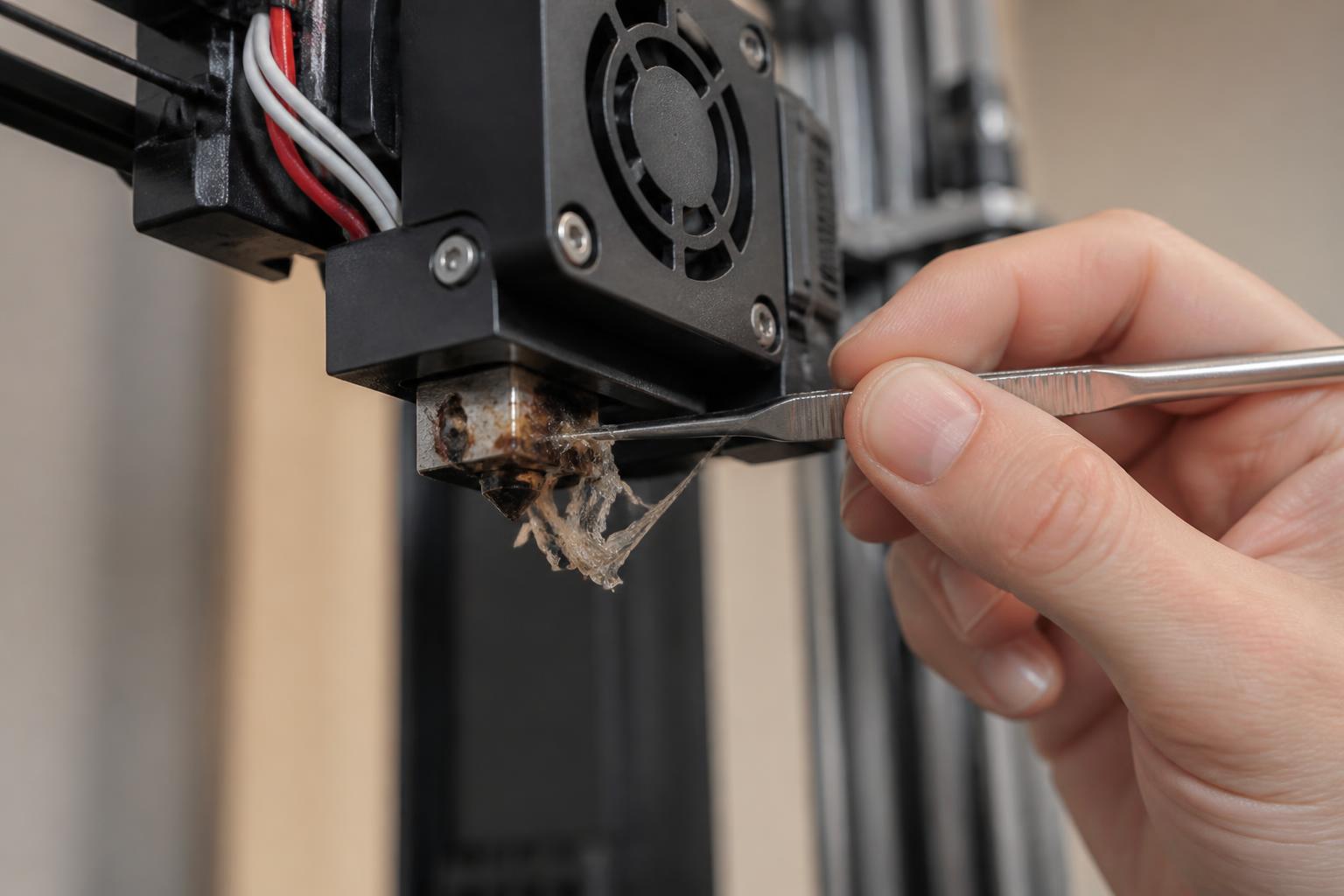
The Kobra X matches the A1’s build format but costs $150 less. It has automatic bed leveling and a decent 260 °C hotend. However, it’s slower at stock speeds (150 mm/s max), and the print quality is one step below the A1 — expect more stringing and inconsistent first layers until you dial in retraction and temperature. Verification step: after your first few prints, measure retraction distance (start at 4 mm at 40 mm/s) and temperature for your chosen filament. If stringing persists, increase retraction by 0.5 mm or lower temperature by 5 °C. Also check that the bed is clean – a quick wipe with isopropyl alcohol before each print prevents adhesion failures. This is a learning machine, not a consistent workhorse.
Skip if: you want consistent results without tweaking. Skip also if you need faster throughput.
What to watch out for
The hidden cost of cheap printers. Common recommendations like the Creality Ender 3 are still popular, but they often require $100+ in upgrades (glass bed, silent board, metal extruder) to match the out-of-box experience of an A1. The A1’s $349 price is cheaper than an Ender 3 plus upgrades, and it prints better from day one. That’s the counter-intuitive angle: spending more upfront saves money over the first year.
Open vs. enclosed. Both the A1 and SV08 Max are open-frame. That’s fine for PLA, PETG, and TPU, but not for ABS, ASA, or polycarbonate. If you need those materials, you’ll need an enclosed printer such as the Bambu Lab P1S or Creality K1 – expect to pay $500–$700.
Assembly time vs. reliability. The SV08 Max takes longer to assemble but rewards with a huge print volume. The A1 is nearly ready to go immediately. If you value convenience above all, the A1 wins. If you enjoy building and need the space, the SV08 Max is unbeatable value.
Filament costs add up. A spool of PLA costs $15–$25. On a large-format printer, you can burn through a spool in two days. Budget that into your overall cost. Also, consider a filament dryer ($30–$60) – even new spools can be moisture-laden, causing poor adhesion and stringing.
How to confirm your choice before buying
Before you order, measure the largest single object you intend to print. Include clearance for a brim or skirt (add at least 0.4 in / 10 mm to each dimension). Compare against the build volumes in the table above. If your part exceeds the A1’s 10-inch cube in any direction, the SV08 Max is your only option among these picks. Also check your filament plan: if you’ll print ABS or ASA, skip both open-frame models and look at enclosed printers in the $500–$700 range.
Finally, confirm the printer’s bed can reach the temperature you need: 60 °C for PLA, 80 °C for PETG, 100 °C for TPU (all models above meet these). If you’re printing large PETG parts, the SV08 Max’s 100 °C bed gives a slight edge over the Kobra X’s 100 °C – but the A1 also handles it well.
Related questions
Is the Bambu Lab A1 worth the money?
Yes. For $349 it offers the best blend of speed, print quality, and reliability in its size class.
Can the Sovol SV08 Max print ABS?
Not without an enclosure. ABS requires a heated chamber (ideally 45–60 °C) to prevent warping and layer separation. The open frame won’t hold that temperature.
Should I buy a used 3D printer instead?
Used Creality Ender 3s can be found under $100, but you’ll likely spend time and money fixing wear items like the plastic extruder and warped bed. For a first printer, a modern budget model like the A1 is a safer value.
How much filament do I need for large prints?
A standard 1 kg spool yields roughly 330 meters of 1.75 mm PLA. On the SV08 Max, a single large object (e.g., a full-size helmet) can use 500–700 g. Buy two spools to be safe.
Explore This Topic
- Back to Best Printer by Use Case
- Back to sc0007
Related guides in this cluster:
- Best 3d printer for the price: Top Picks & Guide
- Best 3d printer for prototyping: Top Picks & Guide
- Best 3d printer for starters: Top Picks & Guide

Ryan has been operating FDM 3D printers since 2017. He runs a 12-machine print farm. His daily drivers include a Bambu Lab X1 Carbon, Prusa MK4s, and Creality Ender-3 V3s that have logged over 15000 print hours. He started 3D Printer Nerd to provide structured troubleshooting guides with diagnostic order, material-specific parameters, and clear stop points.