Best Affordable 3D Printers in 2026: Under $500, No Compromises
If you’re looking for a capable 3D printer under $500 in 2025, the short answer is: the Anycubic Kobra X offers the best balance of print quality, speed, and price (~$200 early bird), while the Sovol SV08 Max delivers an enormous build volume for about $400. Neither is perfect, but both beat the Bambu Lab A1 on value for most users.
When does this advice change? These picks assume you print primarily PLA, PETG, or occasional TPU. If you need engineering-grade materials (polycarbonate, nylon with high-temp demands, or composite filaments), step up to a heated-chamber printer in the $600–$800 range. Likewise, if multi-material printing is essential, the Bambu Lab A1 with AMS Lite is the only truly affordable option, despite its proprietary lock-in. For the typical hobbyist printing one color at a time, the Kobra X and SV08 Max deliver the most usable space and print quality per dollar.
What this means for your next move: If you buy the Kobra X, budget 30–40 minutes for initial Z‑offset tuning and first‑layer calibration. If you buy the SV08 Max, set aside $30–$50 for a simple acrylic enclosure and a filament dryer before you attempt ABS or nylon. You can start printing PLA out of the box on either machine, but you’ll get consistent results faster if you address these prep steps early.
Best affordable 3d” /> printer 2025: Top Picks & Guide
Comparison framework
The table below shows the three printers that define the affordable segment in 2025. All prices are approximate street prices as of early 2025.
| Printer | Price | Build Volume (mm) | Max Print Speed | Auto Bed Leveling | Filament Type |
|---|---|---|---|---|---|
| Anycubic Kobra X | ~$200 | 250 x 220 x 220 | 150 mm/s | Yes (induction probe) | PLA, PETG, TPU |
| Bambu Lab A1 | ~$320 | 256 x 256 x 256 | 200 mm/s | Yes (load cell) | PLA, PETG, TPU, ABS |
| Sovol SV08 Max | ~$400 | 350 x 350 x 400 | 120 mm/s | Yes (BLTouch clone) | PLA, PETG, ABS, Nylon |
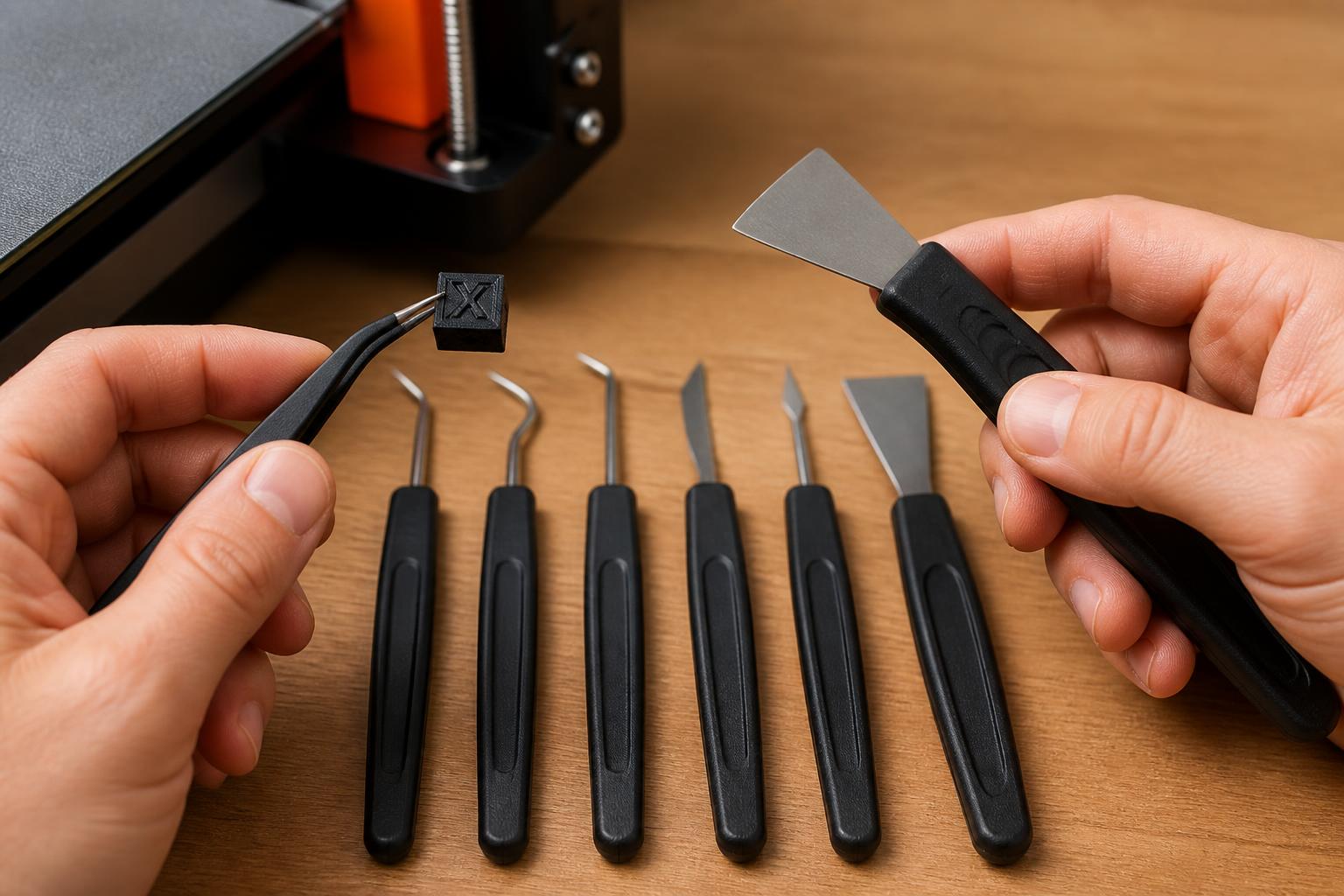
Key decision criterion that changes the recommendation: If you print primarily functional parts (brackets, enclosures, large prototypes) and need a big build area without spending $1,000+, the SV08 Max wins. If you print mostly small-to-medium decorative models or want the fastest out-of-box experience, the Kobra X beats the Bambu Lab A1 on value per dollar – but you’ll trade some reliability and software polish.
Best-fit picks by use case
Best for beginners on a tight budget – Anycubic Kobra X
- Why it wins: Full auto bed leveling, a silent stepper driver, and a direct-drive extruder that handles flexible filaments. Print quality is very good at 0.2 mm layer height, with acceptable stringing on PLA.
- Verification step: To confirm Z‑offset is correct, run the auto‑level from the menu, then manually lower the nozzle to a sheet of printer paper. Adjust the Z‑offset so the paper drags lightly – you should feel resistance but still be able to pull the paper. Save that offset value.
- Where it fails: The inductive probe can fail to trigger on some glass coatings (especially dark‑colored builds), causing the nozzle to crash into the bed on the first layer. If that happens, you’ll hear a grinding sound and may gouge the PEI sheet. Immediate fix: restart the print, raise Z by 0.1 mm, and manually re‑level. Long‑term solution: upgrade to a 3‑point spring steel bed with a smooth PEI coating.
- Concrete setting example: For PLA, start with nozzle 210°C, bed 60°C, first layer 0.28 mm, speed 70 mm/s. For PETG, raise bed to 75°C, slow outer perimeter to 40 mm/s, and set retraction to 5 mm at 45 mm/s to reduce blobs.
Best for large-format projects – Sovol SV08 Max
- Why it wins: A 350 mm cube glass build volume for $400 is unmatched. The dual Z‑axis leadscrews and rigid metal frame keep ringing acceptable at 80 mm/s. It can print nylon (bed 100°C) and ABS with an enclosure (not included).
- Verification step: After auto‑leveling, print a single‑layer calibration square that covers all four corners and the center. Examine each section for consistent squish – if a corner has visible gaps between lines, adjust the Z‑offset by 0.02 mm and re‑test. Repeat until all five patches show even, fused lines.
- Where it fails: The glass bed is fragile. If you clean it with cold water while it’s still hot (above 50°C), it can shatter – always let the bed cool to room temperature before cleaning. Also, the BLTouch clone can drift ±0.05 mm after 10–15 prints, so re‑run the auto‑level and re‑check Z‑offset every few prints. A drifting offset causes first‑layer adhesion loss mid‑print, ruining large parts after hours of printing.
- Concrete setting example: For large PLA parts, nozzle 215°C, bed 65°C, 0.24 mm layer height, 50 mm/s outer perimeter, 80 mm/s infill. Expect 40‑hour prints to complete without warping if you use a 6‑mm brim and keep the room draft‑free.
Best value speed – Bambu Lab A1 (if you can tolerate the ecosystem)
- Why it wins: 200 mm/s real‑world print speed with good quality. The load‑cell auto‑leveling is nearly flawless. The Bambu Studio slicer and cloud profiles significantly reduce setup guesswork.
- Where it fails: The proprietary hotend and AMS Lite force you into Bambu filament spools for full compatibility – third‑party spools may not fit the AMS or may require adapter rings. At $320 it’s $120 more than the Kobra X, and the extra speed helps most on tall, thin parts; for squat, wide models both printers run similar speeds because cooling limits kick in.
- Verification step: Check the AMS compatibility by measuring your filament spool width and inner diameter. Bambu’s official spec is 56–68 mm outer diameter, 30 mm inner diameter, and 20 mm width. If your spool is wider, you can print a spacer, but the lid may not close fully.
Trade-offs to know
Anycubic Kobra X vs Bambu Lab A1 – the real difference
The Kobra X looks nearly identical to the A1 in form factor, but it’s lighter and $120 cheaper. However, the A1’s load‑cell bed leveling is more reliable – the Kobra X’s inductive probe can fail to trigger on some glass coatings, leading to a nozzle crash on the first layer. If that happens, you may need to replace the PEI sheet ($15–$20) if it gets gouged. If you’re willing to re‑level occasionally and buy a $12 spring‑steel bed, the Kobra X saves real money. If you want “print and forget” reliability, pay the premium for the A1.
Large-format pitfalls with the SV08 Max
A 350 mm build plate amplifies every small flaw. Bed temperature can drift 5–8°C from center to edges – preheat for 15 minutes and use a thermal chamber (even a cardboard box) for ABS. The glass plate can shatter if you clean it with cold water while hot; always let it cool to room temperature. And the open‑frame design means drafts ruin large prints – a simple cardboard enclosure cuts warping by 90%. If you skip the enclosure, expect corners to lift on any part longer than 150 mm, even with PLA.
The hidden cost: filament and maintenance
Affordable printers save cash upfront but often run hotends that clog faster with abrasive filaments (glow‑in‑the‑dark, carbon fiber). Budget $20–$30 for a spare nozzle set (brass) and a steel nozzle for abrasives. The Kobra X’s PTFE tube degrades above 250°C, so avoid high‑temp PETG printing repeatedly. The SV08 Max’s all‑metal hotend handles 260°C comfortably, but the BLTouch clone is a wear item – expect to replace it every 6–12 months (~$8).
Related questions
Is the Bambu Lab A1 worth the extra $120 over the Anycubic Kobra X?
Yes, if you plan to print frequently and want minimal setup and maintenance. The A1’s load‑cell leveling and cloud profiles reduce failures. No, if you’re on a strict budget or don’t mind tweaking Z‑offset and retraction settings – the Kobra X delivers 85% of the print quality for 60% of the price.
Can the Sovol SV08 Max print ABS or nylon reliably?
It can, but only with an enclosure. Without one, ABS warps badly on prints larger than 150 mm. Nylon requires a drybox for filament and bed temperatures of 100–110°C – the SV08 Max reaches 100°C reliably but may struggle to hold 110°C in a cold room. Plan for a simple acrylic enclosure and a filament drier.
Which affordable printer is most beginner-friendly in 2025?
The Bambu Lab A1, thanks to its auto‑leveling, auto‑calibration, and touchscreen. The Anycubic Kobra X is a close second if you follow a 10‑minute setup video. The Sovol SV08 Max is for users who have already assembled an Ender 3 or similar.
These three printers cover the affordable segment well, but your final choice depends on what you plan to make. For small decorative prints and a low entry price, the Kobra X is the best value. For large functional parts, the SV08 Max gives you the most build volume for the money. The Bambu Lab A1 is the easiest to use and most reliable, if you can accept its ecosystem restrictions.
Explore This Topic
- Back to Best Printer by Budget
- Back to sc0007
Related guides in this cluster:
- Best affordable 3d printer: Top Picks & Guide
- Best budget 3d printer 2025: Top Picks & Guide
- Best budget 3d printer: Top Picks & Guide

Ryan has been operating FDM 3D printers since 2017. He runs a 12-machine print farm. His daily drivers include a Bambu Lab X1 Carbon, Prusa MK4s, and Creality Ender-3 V3s that have logged over 15000 print hours. He started 3D Printer Nerd to provide structured troubleshooting guides with diagnostic order, material-specific parameters, and clear stop points.