Best 3D Printing Service: Choose the Right One for Your Part
The best 3D printing site for your part isn’t the one with the most ads or the broadest material list. It’s the one that actually has the technology, tolerance, and turnaround you need for your specific geometry. For most prototypes and functional parts, Xometry’s instant quoting and wide manufacturing network is the safe answer. But if you need a specific exotic material or really low per-unit cost at volume, a specialized service like Craftcloud or a transparent marketplace like JLCPCB will offer better pricing and faster lead times. The counter‑intuitive truth: many top sites charge a high markup for exactly the same prints you can get cheaper on a less‑flashy platform that simply matches you to the same real factories.
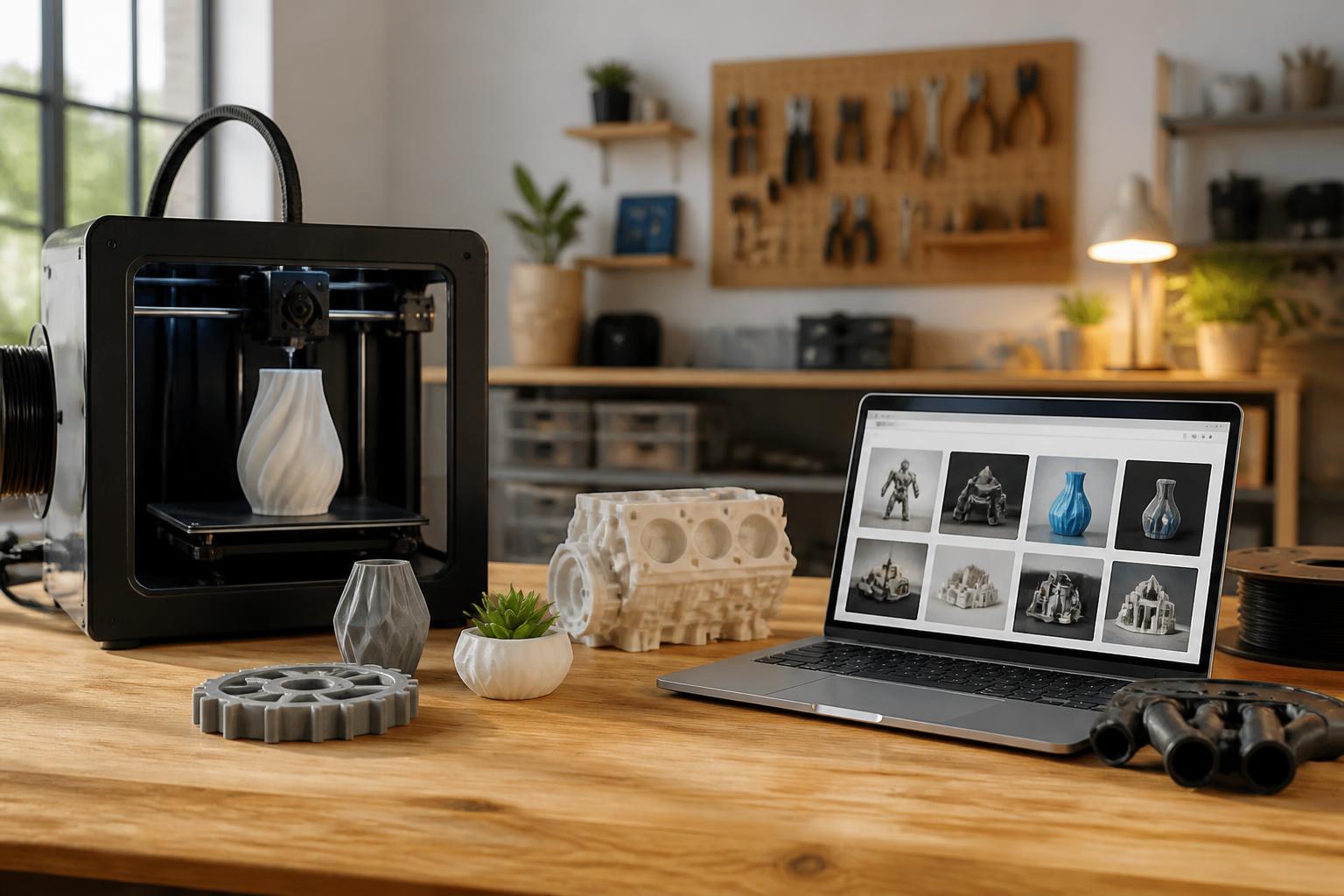
Quick answer
The best 3D printing site depends on what you’re making:
- For one‑off functional prototypes – Xometry (CNC, injection molding, and additive) because it gives you instant pricing and real tolerance specs (±0.005 in for many processes).
- For low‑volume production (100–500 units) – JLCPCB or Craftcloud for the best price per part on FDM, SLS, or resin.
- For large format parts (> 12 in) – Craftcloud’s large‑format partners or BigRep’s network (yes, the machine maker also runs a print bureau).
- For exotic materials (PEEK, PEKK, Ultem, carbon fiber) – Xometry or Protolabs, because they validate materials and hotend temps (over 400 °C nozzle) and have documented experience with high‑shrinkage filaments.
- For resin with fine detail – Shapeways still leads on multi‑material resins and ceramics, but for standard tough resin at half the price, JLCPCB is often faster and just as reliable.
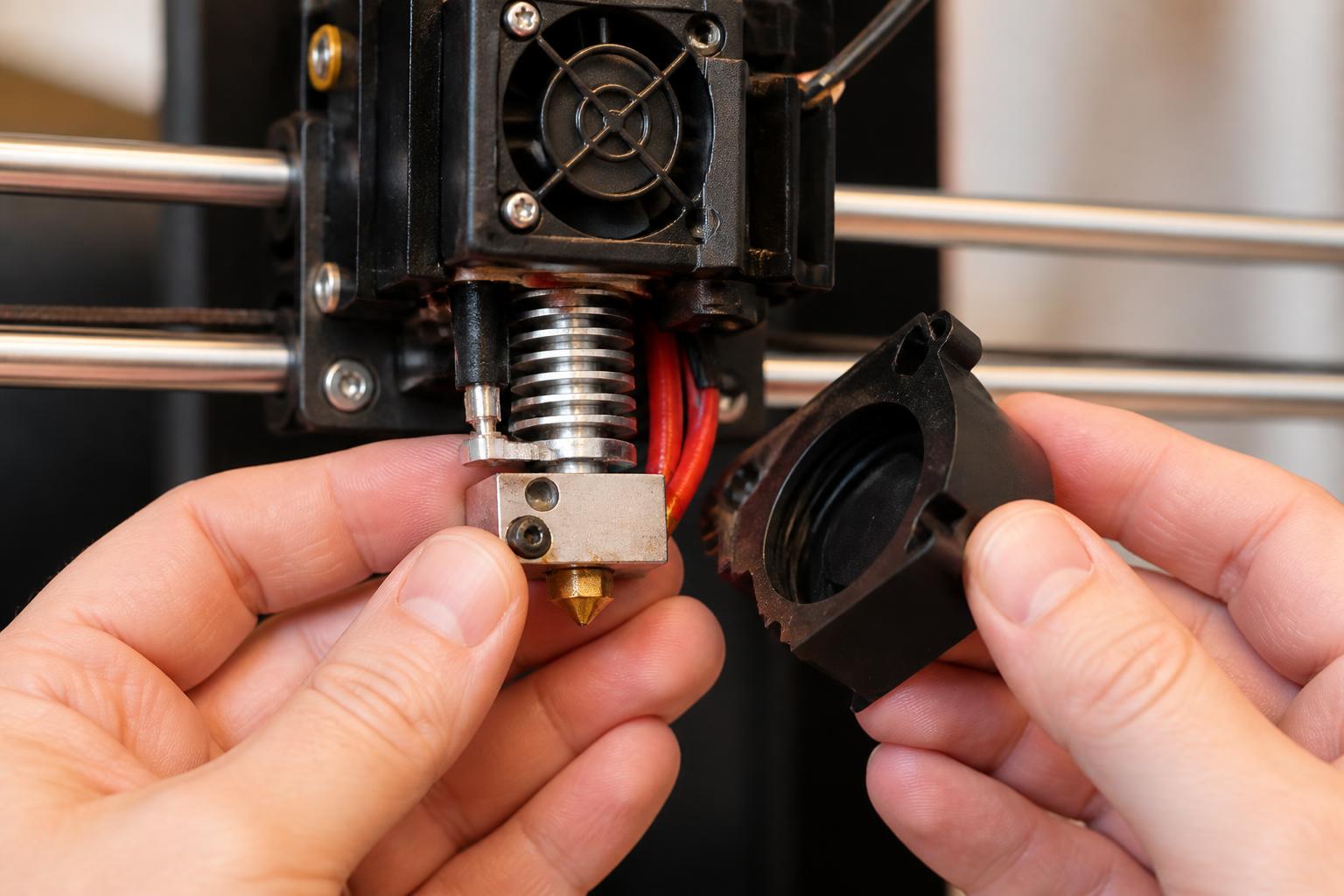
If you need quick decision: use Xometry as your baseline quote. Then run the same STL through JLCPCB or Craftcloud to check if they can beat Xometry’s price by 30% or more — they often do for simple geometries.
Comparison framework
When you evaluate a 3D printing site, you shouldn’t compare just material lists. The table below covers the factors that actually affect your cost and part quality.
| Factor | Why it matters | How to check |
|---|---|---|
| Tolerance | A site that guarantees ±0.005 in is useless if your geometry has snap‑fits that need ±0.002 in. | Look for explicit tolerance statements (e.g., “±0.003 in for SLA”). If not posted, assume ±0.010 in. |
| Layer height | Determines surface finish. Resin at 0.05 mm vs FDM at 0.2 mm. | The site should list minimum layer height per material. |
| Minimum wall thickness | Thin walls collapse or don’t print. Many sites silently reject designs under 0.8 mm. | Check design guides before uploading. If a site doesn’t publish a guide, upload a test block with a 0.6 mm wall—if the quote fails or the part arrives broken, you know the limit. |
|
| Post‑processing | Some sites include sanding/vapor smoothing, others charge extra. | Look for “standard finish” vs “polished” pricing. |
| Lead time | “Standard” usually means 5–7 business days; express is 1–2 days at 2x cost. | Always confirm the clock starts after file review, not after payment. |
| File review | Some sites auto‑reject for minor errors; others provide free DFM feedback. | Xometry and Craftcloud offer free design‑for‑manufacturing notes; Shapeways often charges a review fee. |
| Material breadth | More is not always better; focus on the 3–4 materials you actually need. | For PEEK or Ultem, only Xometry, Protolabs, and a few specialty shops handle them reliably. |
When to skip the comparison: If your part is a simple cube and you just want the cheapest possible print, go directly to JLCPCB or Craftcloud and avoid the big‑name sites. The quote will be 40–60% lower for the same material and tolerance.
Best‑fit picks by use case
Functional prototypes with demanding tolerances
- Pick: Xometry or Protolabs.
- Why: Both offer CNC‑grade tolerances on their additive processes (±0.005 in for most). Xometry’s instant quoting lets you compare FDM, SLS, and MJF side by side. Protolabs is stronger when you need injection‑molding‑like surface finish straight off the printer.
- Trade‑off: You pay a premium (often 30–50% over a low‑cost marketplace). For a single prototype that has to fit into an assembly, that premium is usually worth it.
- Verification step: Order a simple test block (1 × 1 × 0.5 in) with a 0.5 in hole from Xometry in your target material. When it arrives, measure the hole with calipers. If it’s off by more than 0.010 in, escalate to their support—they’ll often reprint for free if the tolerance was quoted.
Large‑format parts (over 12 inches in any dimension)
- Pick: Craftcloud (its large‑format partners) or BigRep’s print bureau.
- Why: Most consumer‑facing sites max out at 12 × 12 × 12 in. Craftcloud has vetted partners with gantry printers up to 36 × 24 × 24 in. BigRep ships from its own fleet of ONE.5 machines (1‑cubic‑meter build volume) and offers dual‑extrusion for dissolvable supports.
- Trade‑off: Craftcloud can be inconsistent with shipping times because it brokers through multiple factories. BigRep is slower (7–14 days) but you get a single point of contact.
- Verification step: Before uploading a full-size part, check the site’s design guide for overhang limits on large prints. For BigRep, they recommend a minimum wall thickness of 2 mm for parts over 20 in. If your design has thin walls, reinforce them or request a DFM review.
High‑volume production (100–1000 units)
- Pick: JLCPCB or Craftcloud.
- Why: JLCPCB has the lowest per‑unit cost for FDM (PLA at ~$0.35 per cubic inch) and resin (standard tough at ~$0.50). Their automated quoting gets faster as quantity scales. Craftcloud lets you pick from multiple Asian factories, often beating JLCPCB on large orders.
- Trade‑off: Communication can be slow if there’s a problem. For mission‑critical parts, order a small sample batch first to test tolerances and surface finish.
- Mismatch to watch: Don’t assume the cheapest quote includes adequate quality control. A user who uploaded a part with a 0.6 mm wall thickness to JLCPCB got a quote that didn’t flag the thin wall, and the resulting parts had collapsed features. The site’s design guide states a minimum of 0.8 mm for that material, but the auto‑checker missed it. Always manually compare your geometry against the published minimums.
Exotic and high‑temperature materials (PEEK, Ultem, PEKK, carbon fiber filled)
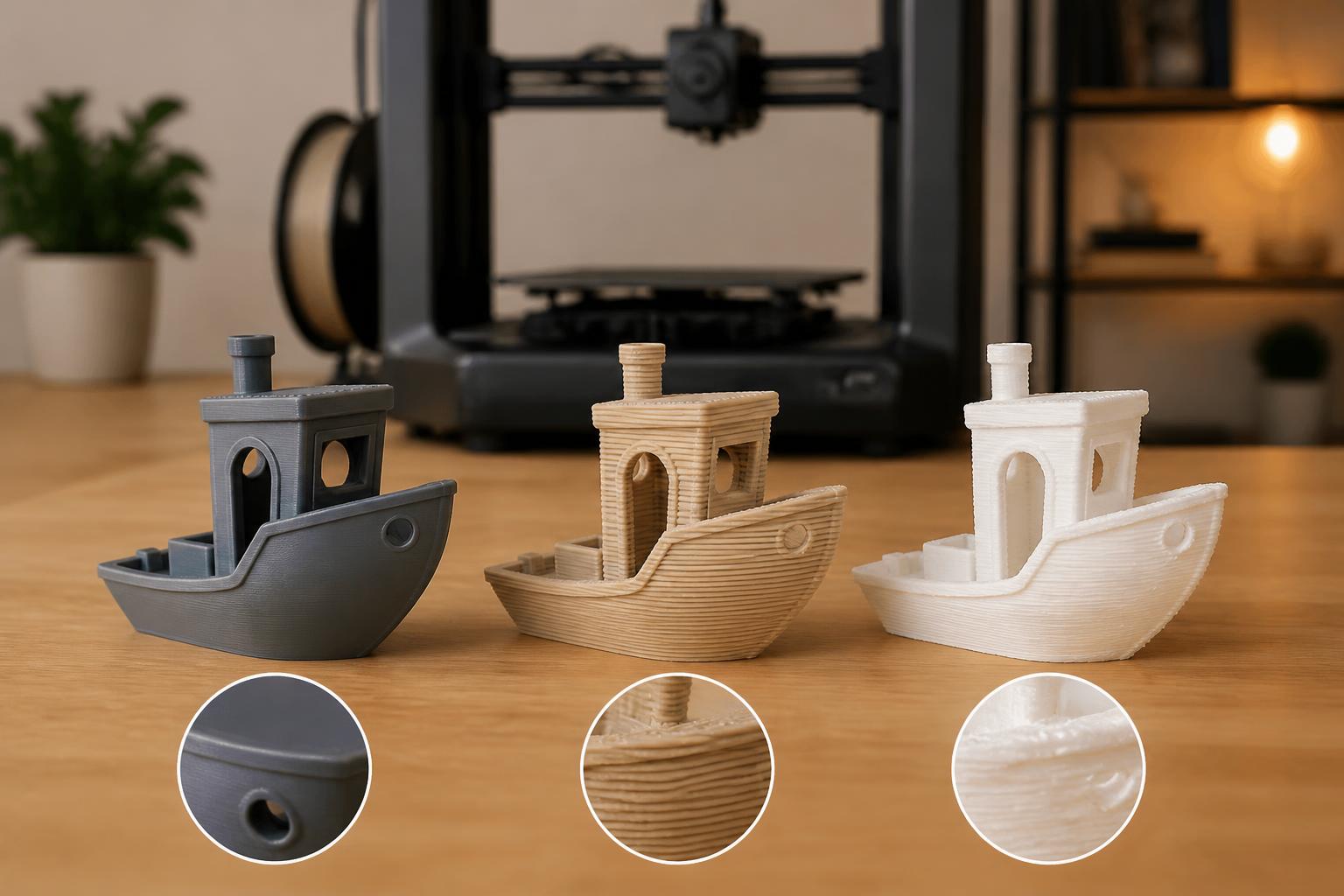
- Pick: Xometry or Protolabs. For very high‑temp (above 300 °C nozzle), BigRep’s ONE.5 with a hotend rated to 350 °C can handle PEEK‑based blends.
- Why: These materials require controlled bed temperatures (120–150 °C), enclosed chambers, and nozzle temperatures above 380 °C. Most budget sites don’t offer them. Xometry and Protolabs have validated print profiles and provide material certifications.
- Trade‑off: You’ll pay $150–$400 per cubic inch for PEEK. Lead times are longer (10–15 business days) because the material must be dried and the build chamber conditioned.
- Verification step: Before committing, send a small coupon (a 0.5 × 0.5 × 0.25 in dogbone) for tensile testing. Compare the results to the material datasheet. If the site can’t provide a test coupon or certification, consider a different supplier.
Trade‑offs to know
Every 3D printing site has a hidden weakness. Here are the ones that most generic articles skip:
- Shapeways is great for consumer‑facing orders and multi‑material resin, but its file‑review process is opaque. You can pay for a review and still get a rejection. For complex geometries, you’re better off running a manual DFM check elsewhere first.
- Xometry instant quotes look cheap for simple parts, but hidden costs (minimum order quantities, setup fees for multi‑part assemblies) often add 20–30% to the final invoice. Always request a final invoice before approving the quote.
- JLCPCB is incredibly cheap for standard materials, but their quality control on resin prints varies batch to batch. If you need consistent color or transparency, order a sample batch of five parts minimum.
- Craftcloud has the widest network of real factories, but the platform is a marketplace, not a single service. If you order from three different partners, you get three different invoice methods and shipping timelines. For one‑off prototypes, the extra coordination is rarely worth it.
When to walk away: If a site can’t tell you its tolerance range in writing for your chosen material, or if it charges extra just to review your file, move to the next option. The best sites treat design feedback as a free step, not a revenue line.
Related questions
Should I use a local 3D printing service instead of a national site?
Yes, if your part is large (over 24 in) or has fragile overhangs that could be damaged in shipping. Local shops can also do in‑person fit checks. For most small‑to‑medium prints, national sites offer better pricing because they consolidate orders.
How do I know if a site’s reported tolerances are real?
Order a test geometry: a simple block (1 × 1 × 0.5 in) with a 0.5 in hole. Measure the hole diameter with calipers. If it’s off by more than 0.010 in from nominal, the site’s process control is loose. Repeat the test with a second order to confirm.
What’s the most reliable 3D printing site for beginners?
Xometry. The interface is clean, the quoting is fast, and the design guide is thorough. You can upload a flawed STL and still get actionable feedback without paying a cent. Once you understand your own preferences, branch out to cheaper alternatives.
Can I trust user reviews on these sites?
Not really. Most review systems are filtered or gated (only “verified buyers” can post, and the site picks which reviews show). Instead, search for your exact material and geometry on forums like r/3DPrinting or the manufacturer’s community board. That’s where you’ll find honest failure stories.
No single site is best for every job. The smartest approach is to get at least three quotes — one from a big aggregator (Xometry), one from a parts marketplace (Craftcloud), and one from a specialty shop (BigRep for large, Protolabs for high‑temp). Compare the pricing, tolerance guarantees, and estimated lead times side by side. Your project will dictate the winner.
Explore This Topic
- Back to Best 3D Printers
- Back to sc0007
Related guides in this cluster:
- Best 3d printer site: Top Picks & Guide
- 3d print best: Top Picks & Guide
- Best 3d printer multicolor: Top Picks & Guide

Ryan has been operating FDM 3D printers since 2017. He runs a 12-machine print farm. His daily drivers include a Bambu Lab X1 Carbon, Prusa MK4s, and Creality Ender-3 V3s that have logged over 15000 print hours. He started 3D Printer Nerd to provide structured troubleshooting guides with diagnostic order, material-specific parameters, and clear stop points.