Best 3D Printing Picks by Use Case: Printer, Filament, and Settings Guide
The best 3D printer for your needs depends on your budget, build size, and tolerance for setup work. Most beginners should buy a Bambu Lab A1 Mini for reliable plug-and‑play prints under $500. If you want to learn the craft on a tight budget, the Creality Ender 3 V3 SE is the best teacher—but expect a few failed prints before it’s dialed in. For industrial‑scale parts, the BigRep ONE.5 is the top pick, but it’s a completely different class of machine.
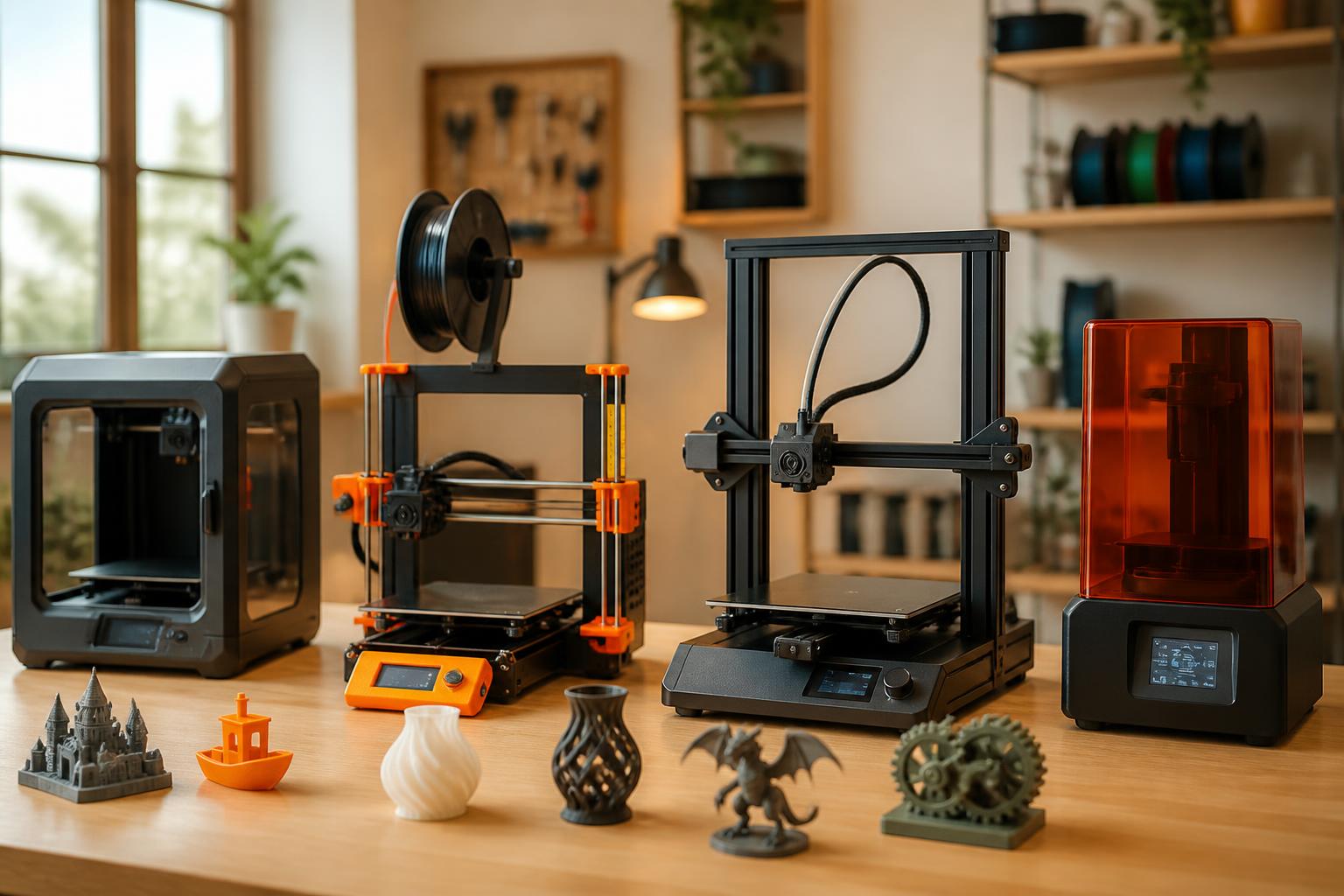
Quick answer
- Best for beginners (under $500): Bambu Lab A1 Mini – auto bed leveling, fully automatic Z‑offset, prints PLA/PETG reliably out of the box. Build volume: 180 × 180 × 180 mm.
- Best budget tinker’s choice ($200–$300): Creality Ender 3 V3 SE – good print quality after calibration, huge community support, but expect 30–60 minutes of setup.
- Best for engineering materials ($1,000–$1,500): Prusa MK4 – open filament system, load‑cell auto‑leveling, handles PLA/PETG/TPU with 99% first‑layer reliability.
- Best large‑format (industrial, ~$50,000+): BigRep ONE.5 – one‑cubic‑meter build volume, optional dual extrusion, used in aerospace and automotive for full‑scale prototypes and tooling.
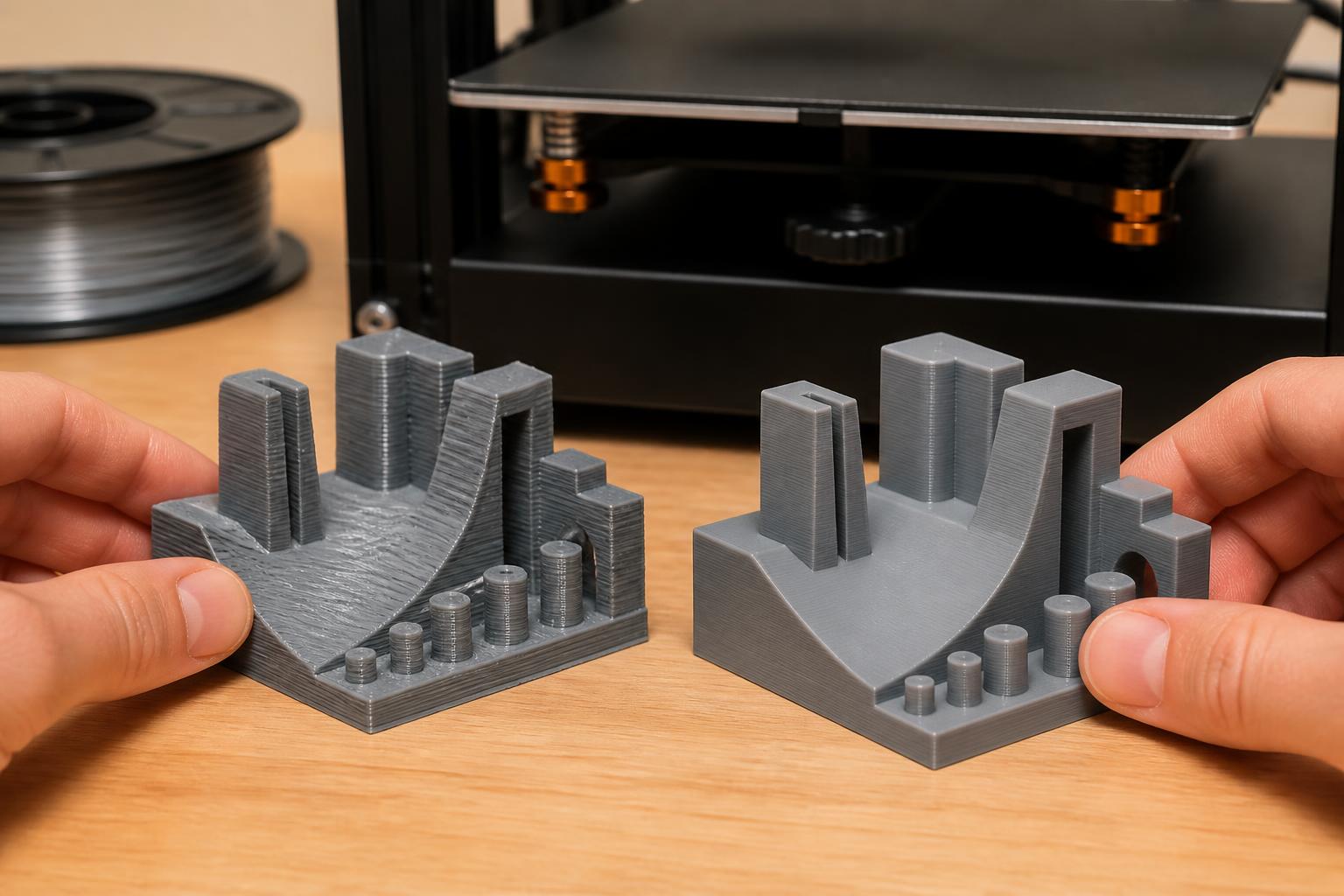
The single biggest mistake buyers make: assuming a cheap printer will print perfectly on day one. Almost all sub‑$500 machines need manual bed leveling, temperature tuning, and slicer adjustments. The Bambu Lab A1 Mini is the only sub‑$500 model that genuinely delivers plug‑and‑play results.
Comparison framework
When comparing printers, focus on these four factors. The table shows the trade‑offs at a glance.
| Printer | Build Volume (mm) | Auto Bed Leveling | Open Filament? | Typical First‑Layer Success Out of Box |
|---|---|---|---|---|
| Bambu Lab A1 Mini | 180 × 180 × 180 | Yes (full automatic, no Z‑offset) | No (proprietary AMS) | ~95% |
| Creality Ender 3 V3 SE | 220 × 220 × 250 | Yes (CR Touch) but Z‑offset manual | Yes | ~70% (requires Z‑offset tune) |
| Prusa MK4 | 250 × 210 × 210 | Yes (load cell, no manual Z‑offset) | Yes | ~99% |
| BigRep ONE.5 | 1000 × 1000 × 1000 | No (manual for large bed) | Yes (open material standard) | N/A – requires professional setup |
Key distinctions:
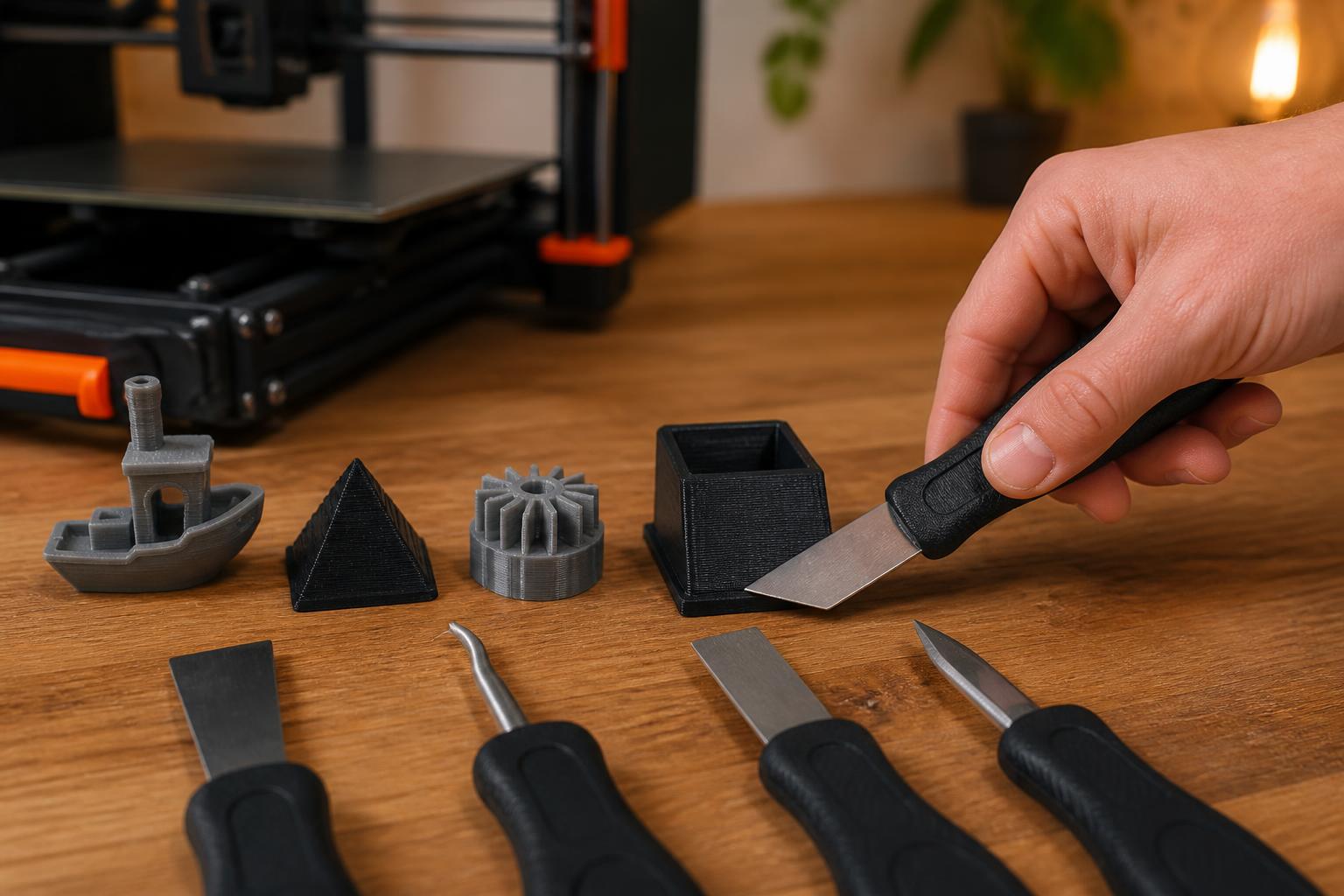
- Auto bed leveling is not the same as “no calibration.” Many printers with a sensor still require you to set the Z‑offset manually. Bambu and Prusa automate that step completely; with the Ender 3 V3 SE you must run a “live Z” adjustment.
- Open filament means you can use any brand (eSun, Overture, Polymaker). Closed systems (Bambu’s AMS) offer color‑change convenience but lock you into $30–$40 spools. Over a year, open filament can save $100–$200.
- Build volume is the biggest cost driver. Doubling each dimension roughly multiplies the price by 4× or more due to the rigid frame and heated bed requirements.
Best‑fit picks by use case
Beginners and casual hobbyists – Bambu Lab A1 Mini
The A1 Mini prints PLA at 190–220°C hotend, 50–60°C bed, with a 0.4 mm nozzle. Layer heights from 0.12 mm to 0.28 mm produce clean surfaces with no stringing or ringing. Automatic flow calibration and vibration compensation mean you can hit “print” on the included preloaded models and get a usable part in 30 minutes.
Applicability boundary: This machine uses a closed filament system (AMS Lite). If you want to use cheap third‑party PLA spools, you need a $15 adapter or you’re stuck with Bambu’s $30–$40 spools. The 180 mm cubed build volume also limits you to small parts—no full‑size helmet or large bracket.
Practical implication: If you choose the A1 Mini, you save hours of setup and troubleshooting. The trade‑off is higher per‑spool cost and a hard size limit. If you need larger prints later, step up to the Bambu Lab P1P ($599) or Prusa MK4.
Verification step: Before buying, check the manufacturer’s support page for official slicer profiles (Bambu Studio). If profiles aren’t listed, the printer likely lacks proper integration. The A1 Mini has full profiles.
Budget tinkerers – Creality Ender 3 V3 SE
At around $250, this is the most popular entry point. It uses a Bowden extruder and 0.4 mm nozzle, prints PLA and PETG well after calibration. Expect 30–60 minutes of Z‑offset tuning and first‑layer tests.
Operator flow (steps to get a good first layer):
1. Pre‑check: Make sure the bed is clean (isopropyl alcohol, no fingerprints). Ensure the CR Touch sensor is plugged in and not loose.
2. Home the printer and run auto bed leveling.
3. Measure Z‑offset: Print a single‑layer square in the center. Observe the extrusion: if it looks like separate beads, stop the print, decrease Z‑offset by 0.05 mm, restart. If the nozzle scrapes the bed or leaves a paper‑thin translucent layer, increase Z‑offset by 0.02 mm.
4. Success check: After 2–3 attempts, the first layer should be a solid, smooth sheet with no gaps and no ridges. If you can’t get a uniform layer after 15 minutes, the bed may be warped—return the printer.
Common failure mode: New users skip the “live Z” adjustment and end up with the nozzle too high. The print separates from the bed within the first 2 mm. Early detection: If the first layer looks like a row of separate beads instead of a solid sheet, stop and lower the nozzle by 0.05 mm increments.
Practical implication: The Ender 3 V3 SE will teach you the basics of bed leveling, extruder calibration, and slicer tuning. Plan for 2–3 failed prints before you get a solid result. If you’d rather not deal with that, the Bambu A1 Mini is a safer choice.
Reliable workhorse – Prusa MK4
The MK4 prints PLA at 200–230°C hotend, 55–60°C bed, using the Nextruder with load‑cell auto‑leveling. It handles PETG (230–250°C, bed 70–80°C) and flexible TPU without mods. Layer heights down to 0.05 mm deliver detailed miniatures.
Why it’s different: The load cell automatically sets Z‑offset by touching the nozzle to the bed. No manual tuning. The open filament system works with any brand. Prusa provides free slicer profiles (PrusaSlicer) for every material.
Trade‑off: $1,099 puts it well above most hobbyist budgets. But you get 99% first‑layer reliability, quiet operation, and five years of firmware updates. For a workshop that needs consistent production, it’s worth the premium.
Verification step: Confirm the printer has a load cell by looking up the Nextruder specifications on Prusa’s site. If the description says “load‑cell leveling,” it’s genuine. Knockoffs often skip this feature.
Large‑format production – BigRep ONE.5
The ONE.5 accepts standard 1.75 mm filament (PLA, PETG, ASA, PC, nylon) with a build volume of 1000 mm³. Hotend temps up to 320°C, bed up to 100°C, nozzle sizes 0.6–1.2 mm. Layer height typically 0.2–0.6 mm for speed.
Applicability boundary: This is an industrial machine, not a desktop unit. It requires a dedicated floor area, compressed air for cooling, and professional training. The cost (~$50,000) places it firmly in aerospace, automotive, and tooling applications. It’s not for hobbyists.
Practical implication: If your company needs full‑size prototypes, jigs, or fixtures, the ONE.5 is the best large‑format pick for 2026. The print quality and reliability justify the investment. But if your parts fit within 300 mm, a desktop printer at one‑tenth the cost will do the job.
Verification step: Check the manufacturer’s recommended materials list. The ONE.5 supports open material standards, but you still need to verify that your specific filament type is on the approved list (e.g., BASF Ultrafuse, Covestro).
Trade‑offs to know
The biggest failure mode: buying a “cheap dual‑extruder” or “large‑volume” printer from a no‑name brand.
These machines often advertise massive build volumes (e.g., 300 × 300 × 400 mm) for under $400, but they ship with a poorly designed frame, underpowered heated bed, and no community support. Users spend weeks fighting warped beds, inconsistent extrusion, and heat creep.
How to detect this early:
- If a printer doesn’t list the specific hotend brand (e.g., E3D V6, Creality Spider) or the controller board type (e.g., 32‑bit with silent steppers), that’s a red flag.
- Read reviews for phrases like “first layer was impossible” or “bed leveling screws stripped after a week.”
- Check if the manufacturer offers official slicer profiles (PrusaSlicer or Cura). No profiles means poor integration – you’ll spend hours creating your own.
Closed vs. open filament systems:
Bambu’s AMS makes switching colors effortless, but you pay $30–$40 per spool of their PLA. With an open system (Prusa, Creality), you can buy $15–$20 spools of eSun or Overture that print just as well. The closed system saves time; the open system saves money long‑term. If you print more than 10 spools a year, the open system pays for itself.
Print quality vs. speed:
Fast printers (like Bambu X1 Carbon, 300 mm/s+) often introduce ringing or ghosting at high speeds unless they have active vibration compensation. For detailed models with sharp corners, a slower machine (Prusa MK4 at 60–80 mm/s) may produce cleaner results. If your main prints are functional parts, speed matters less; if you print miniatures, slow down.
Related questions
Q: Is a resin 3D printer better than FDM for beginners?
A: Resin printers (SLA) produce much finer detail but require messy post‑processing (washing, curing, handling toxic liquid resin). For most beginners, FDM is safer, cheaper, and easier to get started with. Stick with FDM unless you specifically need high‑resolution miniatures.
Q: Do I need an enclosure?
A: Only for materials that warp in drafts – ABS (needs 100°C bed and enclosed chamber), ASA, polycarbonate. PLA and PETG print fine open air. An enclosure also reduces noise and fumes, but it’s not required for the printers listed above except for the BigRep ONE.5 (which has its own enclosure).
Q: How long does a typical print take?
A: A 100 mm tall vase in PLA takes about 4–6 hours at 0.2 mm layer height. A detailed model at 0.12 mm can take 12–18 hours. Set expectations accordingly – large prints often run overnight.
Q: What is the most common part users need to replace?
A: The brass nozzle. A 0.4 mm nozzle wears after about 2–3 kg of filament (especially glow‑in‑the‑dark or carbon‑fiber blends). Keep a pack of 10 nozzles on hand (about $10). Also check the PTFE tube periodically for heat creep – replace it every 3–6 months.
For your first printer, pick the Bambu Lab A1 Mini unless you specifically need a larger build volume or want to learn calibration the hard way. If you’re buying for a workshop or production line, the BigRep ONE.5 delivers reliability and scale that no desktop printer can match. Whichever you choose, start by printing one of the preloaded models – they’re optimized for that exact machine and will help you verify everything is working before you tackle your own designs.
Explore This Topic
- Back to Best 3D Printers
- Back to sc0008
Related guides in this cluster:
- Best 3d print websites: Top Picks & Guide
- Best 3d printer multicolor: Top Picks & Guide
- Best beginner 3d prints: Top Picks & Guide

Ryan has been operating FDM 3D printers since 2017. He runs a 12-machine print farm. His daily drivers include a Bambu Lab X1 Carbon, Prusa MK4s, and Creality Ender-3 V3s that have logged over 15000 print hours. He started 3D Printer Nerd to provide structured troubleshooting guides with diagnostic order, material-specific parameters, and clear stop points.