Best Low-Cost 3D Printer with Direct-Drive: Sovol SV06 Deep Dive
The best low-cost 3D printer for most buyers right now is the Sovol SV06 (around $200) for its reliable direct-drive extruder and auto bed leveling, or the Creality Ender 3 V3 SE (~$220) if you want faster print speeds and a simpler setup. If you need a large build volume on a strict budget, the Sovol SV08 Max (≈$400) gives you a 300×300×400 mm printing area that few competitors can match at that price.
What this means for your purchase decision: If you’re on a $200–$250 budget and want a printer that works for PLA and flexible materials without upgrades, the Sovol SV06 is the safest choice. If you mainly print PLA and value speed over material flexibility, the Ender 3 V3 SE saves you setup time. The SV08 Max is only worth the extra cost if you know you’ll use the full 300×300×400 mm volume—otherwise the smaller printers will serve you better and fail less often.
low cost 3d printer” />: Top Picks & Guide
Quick answer
A low-cost 3D printer that works well out of the box doesn’t exist below $150—the quality trade-offs are too steep. Between $200 and $300, however, you can get reliable machines that print PLA, PETG, and even TPU. The three strongest picks are:
| Printer | Price (approx.) | Build volume (mm) | Key strength |
|---|---|---|---|
| Sovol SV06 | $200 | 220×220×250 | Direct-drive, auto bed leveling, great for flexibles |
| Creality Ender 3 V3 SE | $220 | 220×220×250 | Fast setup, sprite extruder, 500 mm/s print speed |
| Anycubic Kobra 2 Neo | $230 | 220×220×250 | 250 mm/s speed, easy leveling, stable frame |
| Sovol SV08 Max | $400 | 300×300×400 | Giant build volume for the price, CoreXY design |
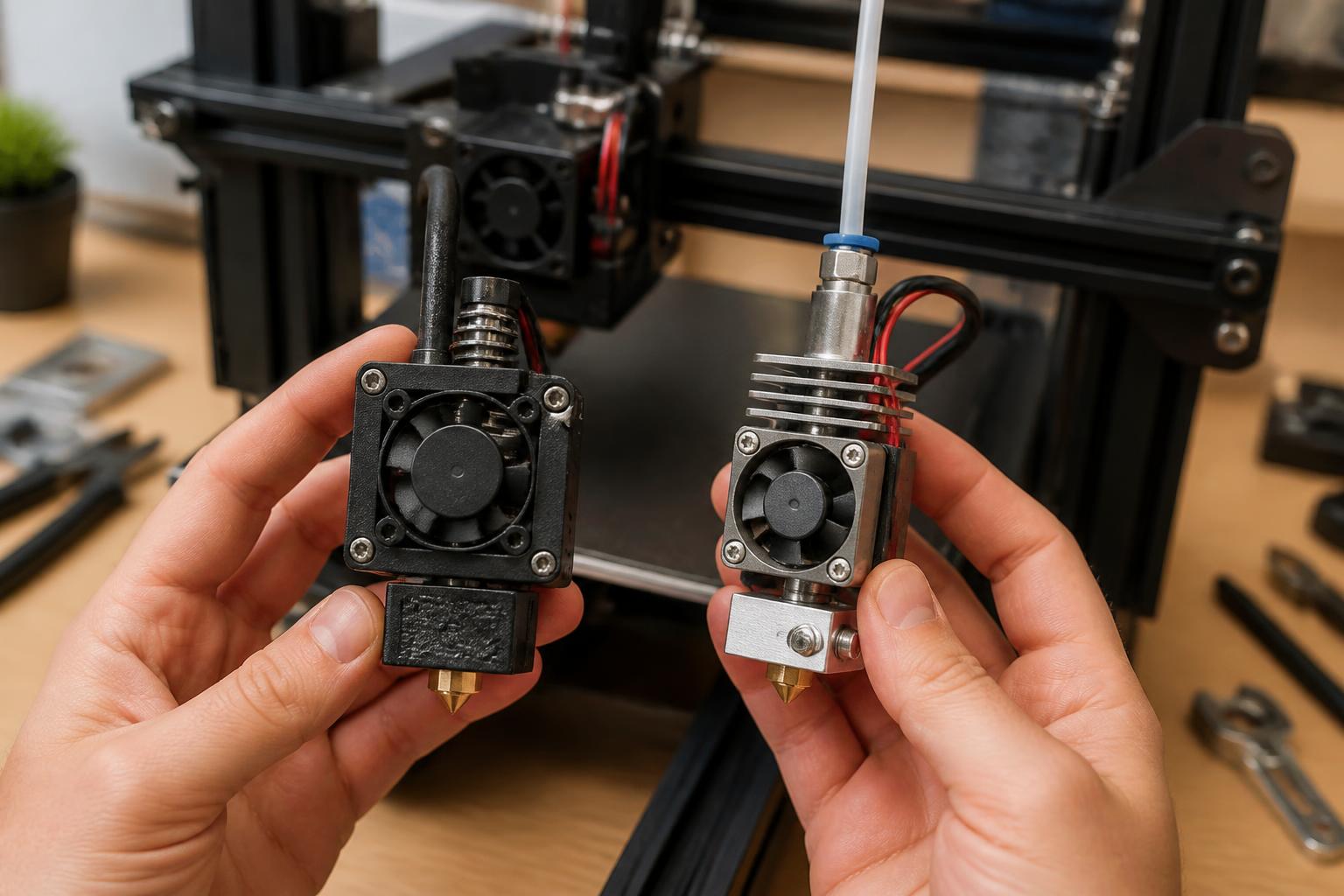
For most beginners and hobbyists, the Sovol SV06 is the safest bet because its direct-drive extruder handles tricky materials like TPU without modifications, and its automatic bed leveling (with a strain sensor) eliminates the most common first-print failure. If you only plan to print PLA and want the fastest possible speeds, go with the Ender 3 V3 SE.
Comparison framework
When comparing low-cost printers, focus on three factors that directly affect print quality and reliability:
- Extruder type: Direct-drive (short filament path) vs. Bowden (long PTFE tube). Direct-drive is better for flexible materials and retraction consistency. The Sovol SV06 and Ender 3 V3 SE both use direct-drive.
- Bed leveling: Manual (knobs) or automatic. Automatic compensates for small bed warps; without it, you’ll spend time leveling every few prints. The Ender 3 V3 SE uses a strain sensor auto-leveling; the Sovol SV06 uses a BLTouch-style probe. To verify which type your printer has, check if the nozzle touches the bed during a pre-print sequence—if it does, it’s strain-gauge based; if a probe on the side moves down, it’s a probe.
- Frame rigidity: V-slot aluminum extrusions are standard, but lighter frames (like the Ender 3 V3 SE’s Y-axis rail) can introduce ringing if not tuned. The Sovol SV06 has a heavier, well-braced gantry that reduces ghosting at moderate speeds (50–80 mm/s).
Print speed claims (300–500 mm/s) are marketing numbers; actual quality speeds for these printers are 60–100 mm/s for detailed prints. Layer height should be 0.1–0.2 mm for most models; 0.28 mm for draft prints.
Best-fit picks by use case
For beginners who want minimal tinkering
Creality Ender 3 V3 SE – It comes mostly assembled, with a sprite direct-drive extruder and auto bed leveling. You can print PLA at 80 mm/s after a 20-minute setup. The stock hotend supports a nozzle temperature up to 260°C, enough for PETG (230–245°C) and TPU (210–230°C). The only common issue is that the included PTFE tube can degrade over time at high temperatures; replace it with a Capricorn tube after ~500 hours of PETG printing.
For flexible materials and small-batch prototyping
Sovol SV06 – Direct-drive gives you immediate control over retraction (1–2 mm at 25–40 mm/s) for TPU. The PEI-coated spring steel bed provides strong adhesion for PLA (bed 60°C, first layer nozzle 210°C) and easy removal. The downside: the bed takes about 6 minutes to heat from room temperature to 60°C. If you print overnight, use a skirt or brim (5–10 mm) to catch initial adhesion failures.
For large-format projects on a tight budget
Sovol SV08 Max – This CoreXY printer with a 300×300×400 mm build volume costs around $400, making it the cheapest way to print helmets, large props, or full-sheet assembly jigs. It uses dual Z-axis screws and a 24V heated bed that reaches 100°C, so ABS and ASA are possible (though an enclosure is recommended for those materials). The trade-off: assembly takes 2–3 hours, and the frame requires belt tensioning (belt frequency 110–120 Hz by feel or smartphone app) to avoid layer shifts.
For speed-focused PLA-only users
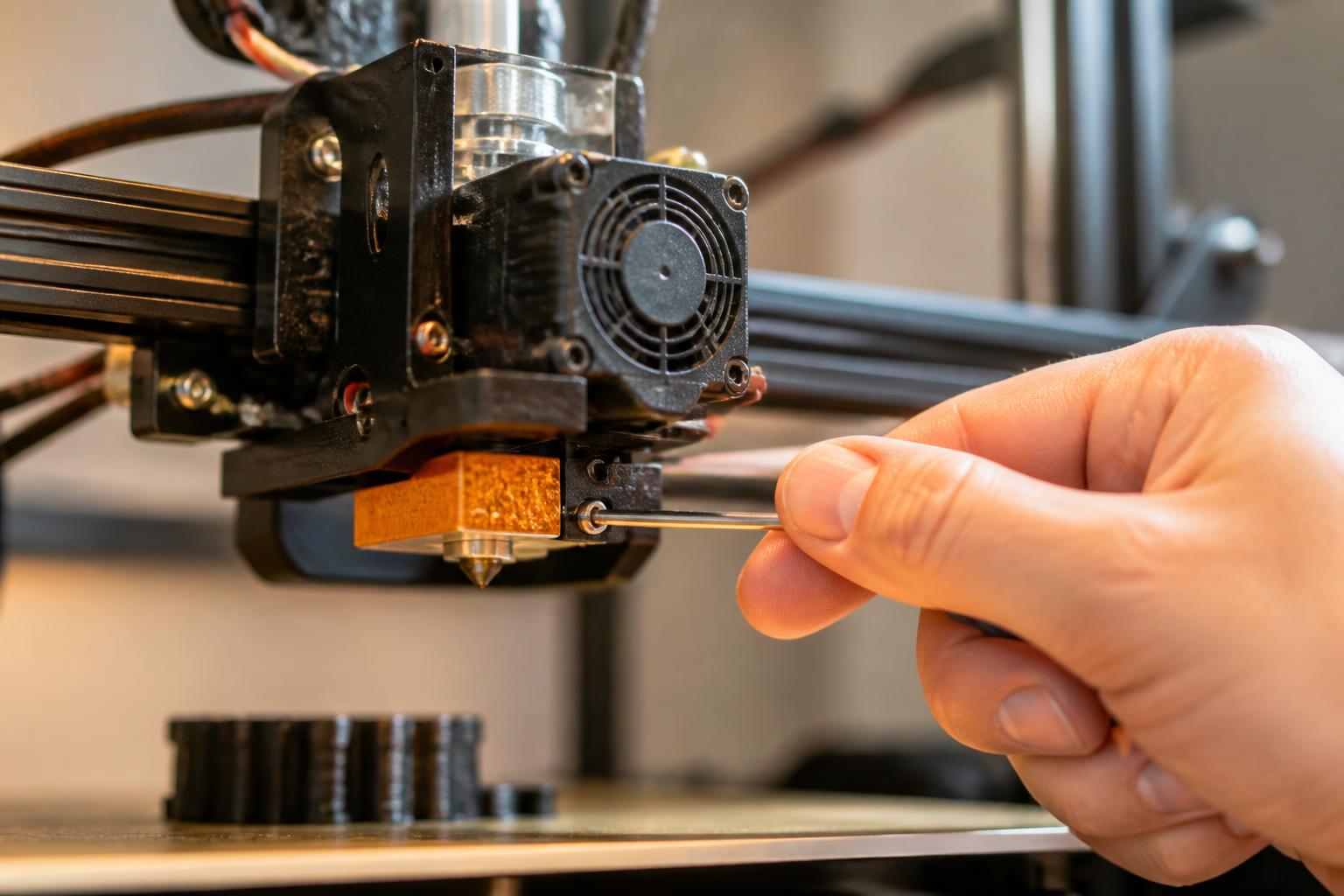
Anycubic Kobra 2 Neo – Rated at 250 mm/s, it achieves 100–120 mm/s for clean PLA prints. The strain-gauge auto-leveling is reliable, and the all-metal hotend handles temperatures up to 300°C (enough for polycarbonate if you upgrade the thermistor). The small stock cooling fan can cause stringing on overhangs; replace it with a 5015 blower fan from a generic upgrade kit ($10) to improve bridging at 45° overhangs.
Trade-offs to know
The most common failure mode: warping from uneven bed temperature
On every low-cost printer, the heated bed is a single PCB or silicone pad that heats from the center outward. The corners can be 5–10°C cooler than center on a 220×220 mm bed, especially after the first layer when the part fan turns on. This temperature gradient causes the outer edges of a large flat part (e.g., a 150×150 mm base) to cool faster than the center, leading to corner lifting and eventual detachment during the print.
How to detect it early. Watch the first three layers. If the corners of a brim or skirt are curling upward (visible from a side view within 2 minutes of starting), the bed temperature gradient is too high. Two fixes:
1. Increase bed temperature by 5°C (e.g., from 60°C to 65°C for PLA) and add a 6-layer brim with 5 mm width.
2. Preheat the bed for 7 full minutes before starting the print—this gives the whole surface time to stabilize.
If you frequently print wide models (≥ 150 mm wide), consider adding an insulation pad underneath the bed (silicone pad, $12) to reduce heat loss. Without this, even a well-leveled budget printer will fail on large flat parts.
Other trade-offs to weigh
- Noise level: All three sub-$250 printers use 12V or 24V fans that run between 40–50 dB. The Ender 3 V3 SE’s power supply fan is louder than the Sovol SV06’s. If noise matters, add a Noctua 40×20 mm fan mod ($15) after warranty.
- Filament runout: Only the Sovol SV08 Max includes a runout sensor out of the box. The others rely on your awareness or an aftermarket sensor ($8–12).
- Part cooling fan: The stock fan on the Kobra 2 Neo is adequate for PLA but underpowered for PETG (needs 40% fan speed max to avoid brittleness). Adjust fan speed in Cura or PrusaSlicer per material.
- Material limitations: The Ender 3 V3 SE’s stock PTFE-lined hotend can’t handle filaments requiring above 260°C (like polycarbonate). The Sovol SV06’s all-metal hotend can go to 300°C, but you’ll still need an enclosure for ABS to prevent warping. Attempting PLA+ at 220°C on a cheaper-brand $130 printer often results in clogs because the heat break threads are poorly machined—that’s a mismatch you can spot by checking whether the heat break is a single piece of metal (all-metal) or has a PTFE tube inside (PTFE-lined). If the tube is visible when you remove the nozzle, it’s PTFE-lined and limited to 260°C.
Related questions
What is the cheapest 3D printer that actually works well?
The Sovol SV06 at ~$200 is the lowest price point where you get direct-drive, auto bed leveling, and a PEI bed without needing immediate upgrades. Printers below $150 (e.g., some no-name kits) typically require manual leveling, a glass bed with glue stick, and frequent nozzle clogs.
Do I need to upgrade a budget printer to get good prints?
Not necessarily. The Ender 3 V3 SE and Sovol SV06 produce clean PLA prints out of the box at 0.2 mm layer height and 60 mm/s. Upgrades like a metal extruder, Capricorn PTFE tube, or a better part-cooling fan only become necessary if you print PETG, TPU, or at speeds above 100 mm/s.
Is a large-format budget printer worth the extra cost?
Only if you actually need a build volume larger than 220×220×250 mm. The Sovol SV08 Max adds $200 and requires careful assembly and tuning. If you print small items like minis or functional prototypes, the SV06 or Ender 3 V3 SE will save you money and frustration.
Can I use ABS on a budget printer without an enclosure?
ABS shrinks during cooling and warps badly on open-frame printers. You can try it with a draft shield in Cura (3–4 layers) and a 100°C bed, but the failure rate is high. These machines are best suited for PLA, PETG, or TPU filaments.
Explore This Topic
- Back to Best Printer by Budget
- Back to sc0007
Related guides in this cluster:
- Low cost 3d printer
- Best budget 3d printer: Top Picks & Guide
- Best inexpensive 3d printer: Top Picks & Guide

Ryan has been operating FDM 3D printers since 2017. He runs a 12-machine print farm. His daily drivers include a Bambu Lab X1 Carbon, Prusa MK4s, and Creality Ender-3 V3s that have logged over 15000 print hours. He started 3D Printer Nerd to provide structured troubleshooting guides with diagnostic order, material-specific parameters, and clear stop points.